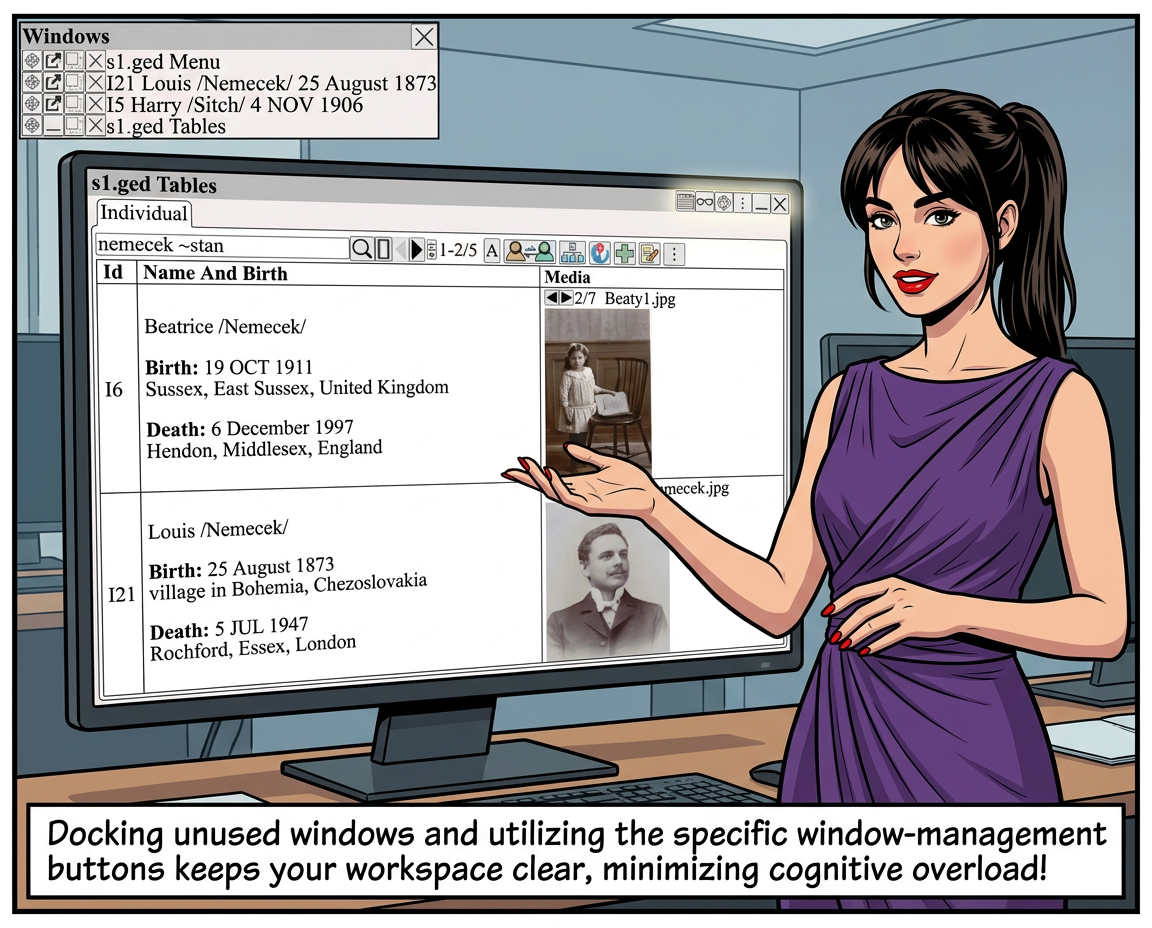
The window manager helps organize information in a clear and accessible way.
• Flexible Layouts and Navigation: Window managers allow users to organize, tile, or stack multiple windows, making it easier to view different genealogical records, charts, and media side by side. This flexibility benefits users who need to compare information or keep reference materials visible while working.
• Organizing Complex Information:
Genealogical research often involves handling large amounts of data, including family trees, timelines, documents, and images. A well-designed window manager enables users to arrange this information to suit their workflow, thereby reducing cognitive overload and facilitating easier focus on specific tasks.
Dock windows that are not being used.
Display the window manager using
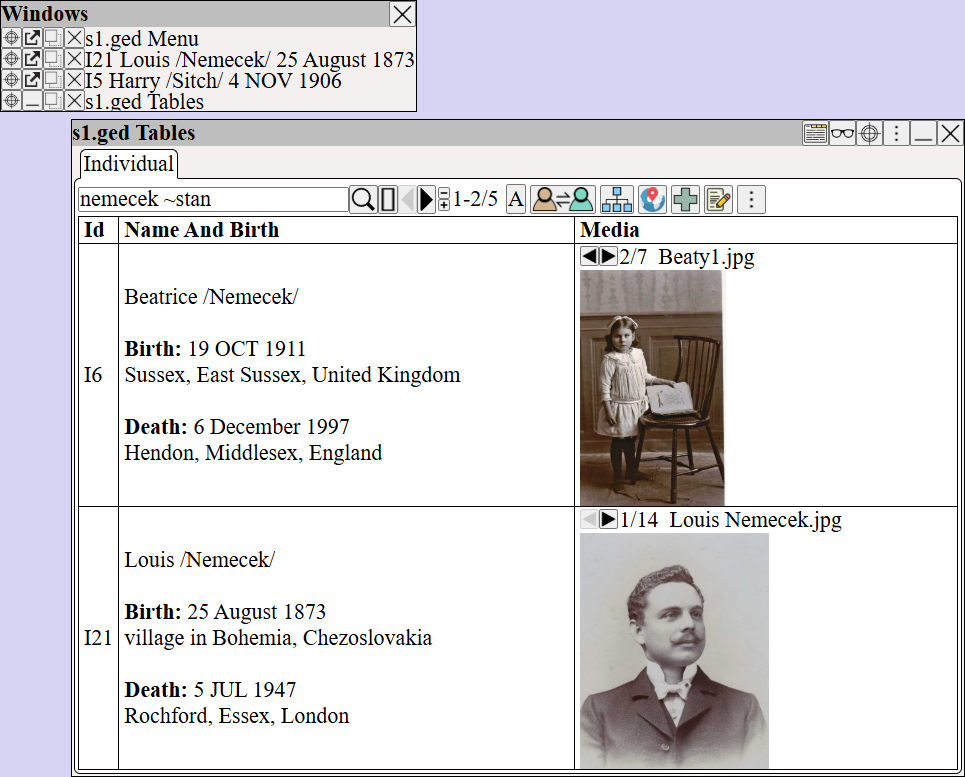
Each window at the top right has buttons to help manage windows.
( click to see the complete list)
| Move window to a different browser tab | |
| Focus window (fade other windows) | |
| End Focus window (unfade other windows) | |
| Focus window (dock other windows) | |
| End Focus window (undock other windows) | |
| Window tools | |
| Minimize window | |
| Close window | |
| Hide content | |
| Show content |