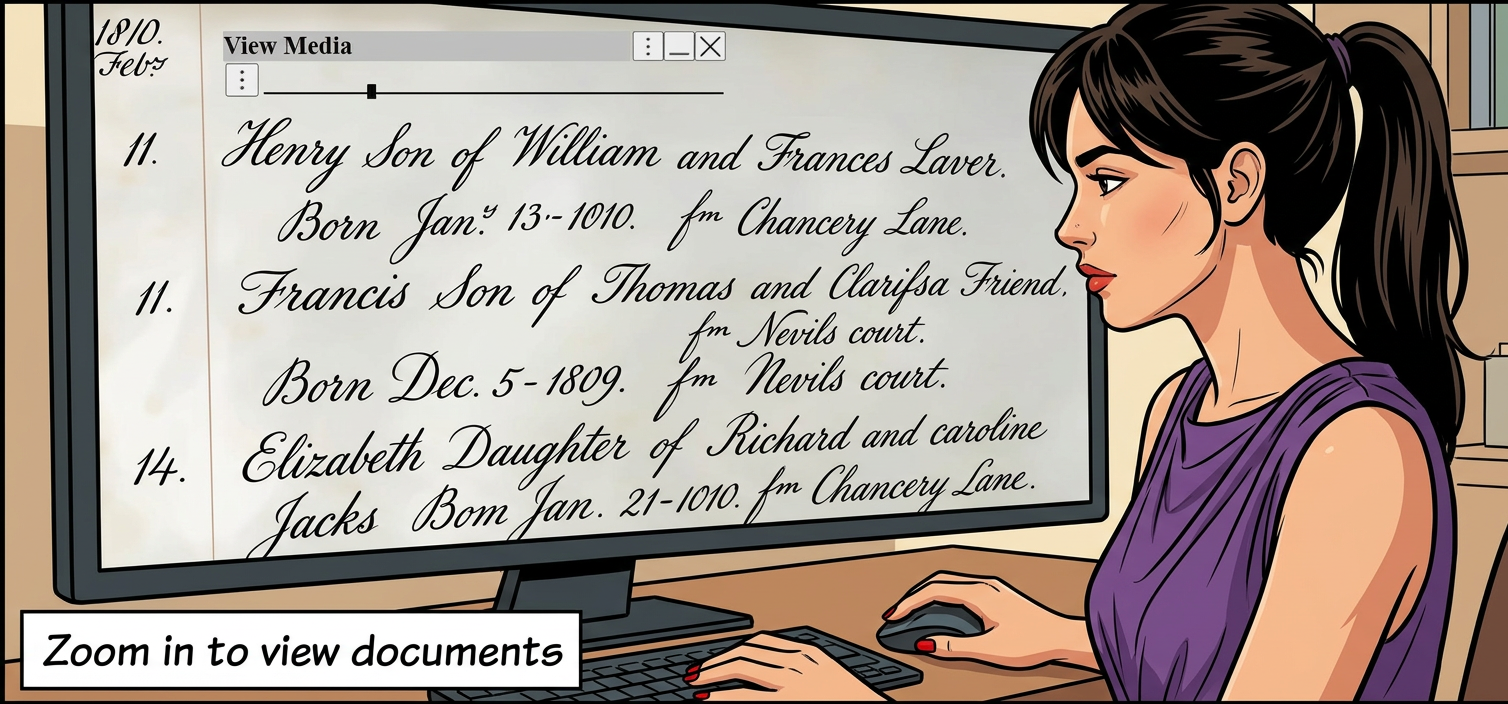
Zooming helps with Visual Accessibility in Genealogy.
Enhanced Readability
• Zooming in increases the size of text, images, and interface elements, making them easier to see for people with low vision.
• Augean stands out with its unique support for zooming in on all charts and text.
Meets Accessibility Standards
• Supporting zooming aligns with web accessibility guidelines (such as WCAG), ensuring that content remains usable and readable at up to 200% zoom or higher.
• When research often involves scrutinizing old records or complex family trees, being able to zoom in directly on digital content streamlines the process and enhances user confidence.
Zoom using
|
With Augean (which displays in Chrome or Edge), you can always get the size you need to avoid eye strain.
Augean is based on vector graphics, so there is no distortion on zoom.
Zoom in to view documents

Ensure you have a large enough monitor, or the display will appear cluttered.