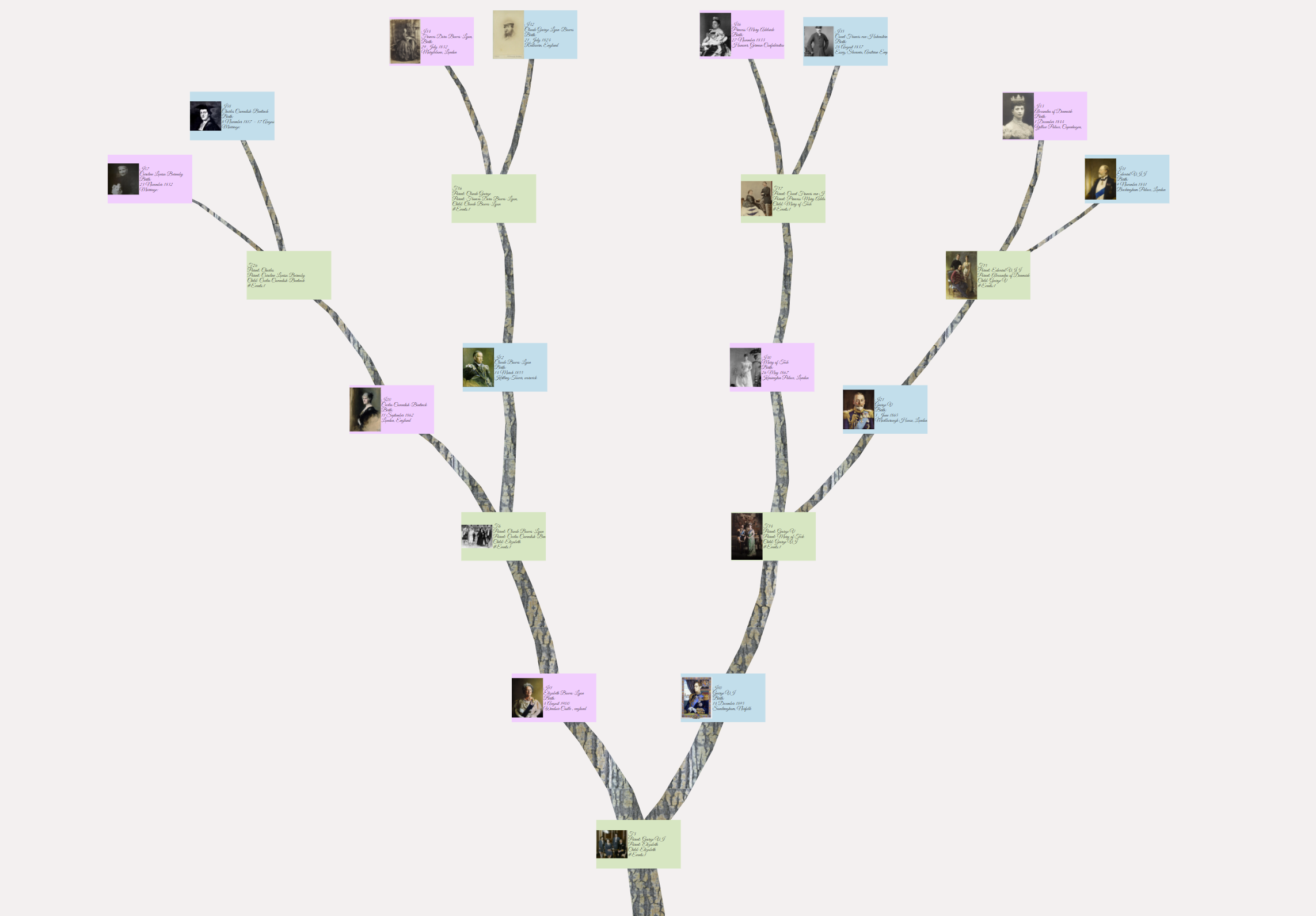
Chart navigation
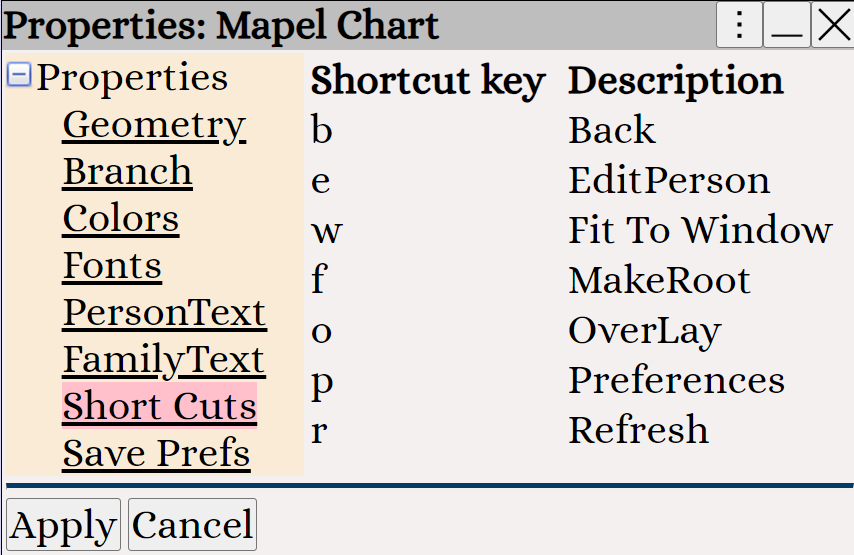
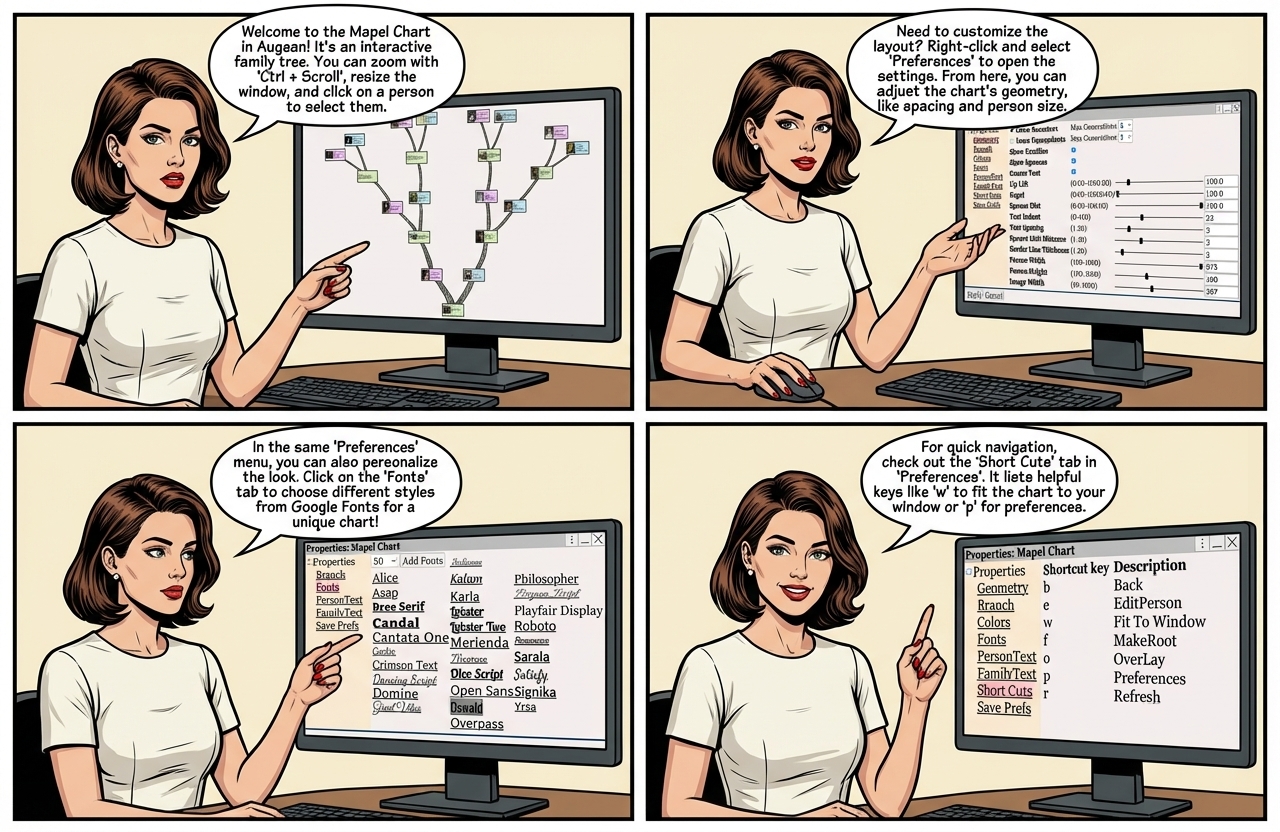
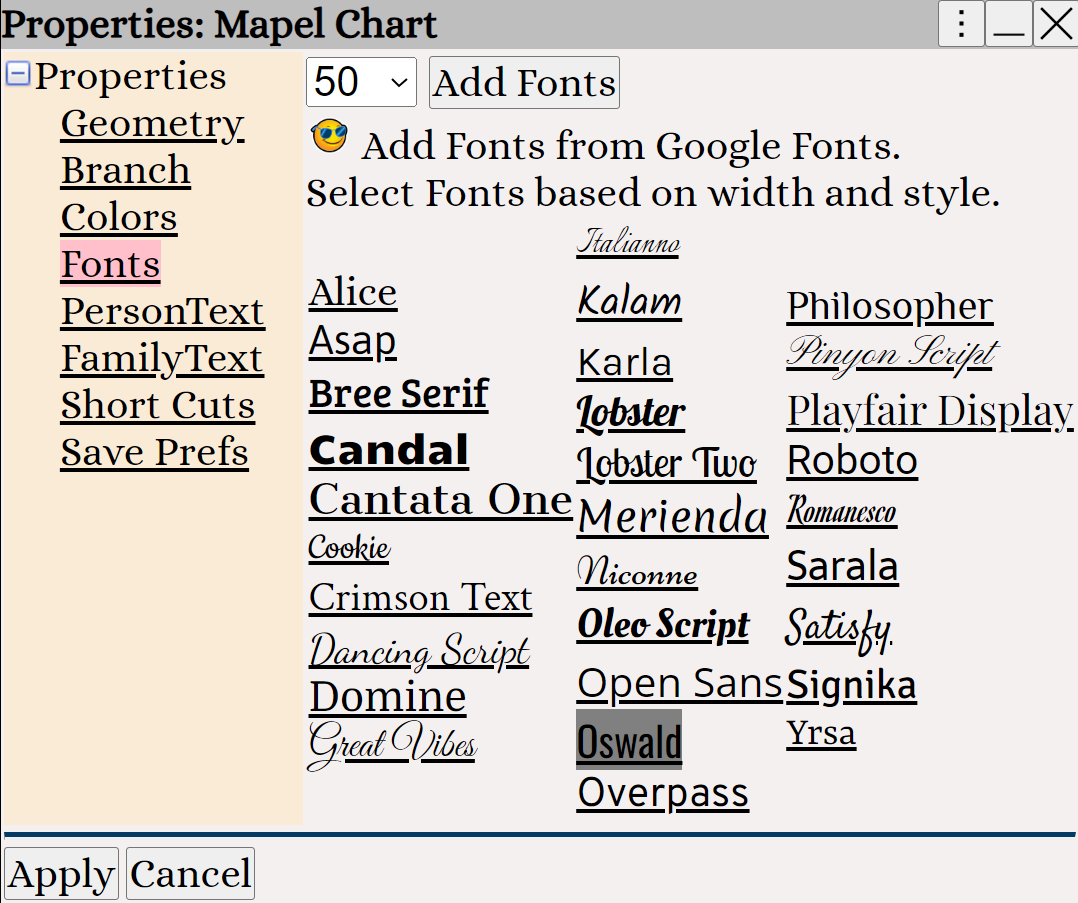
• p to view the chart properties - change fonts / geometry
• w to fit the chart to the window
• Ctrl key + mouse scroll wheel to zoom in / out
• Right Click to display the context menu
• Resize the chart window by placing your mouse on the edge/corner of the window
- until the resize cursor appears ↔ ↕
↔
↕
- then hold the left mouse button down and drag
• Click on a person to select. Double Click on a person to edit.
• The chart settings are viewed using Right Click ⟶ Preferences
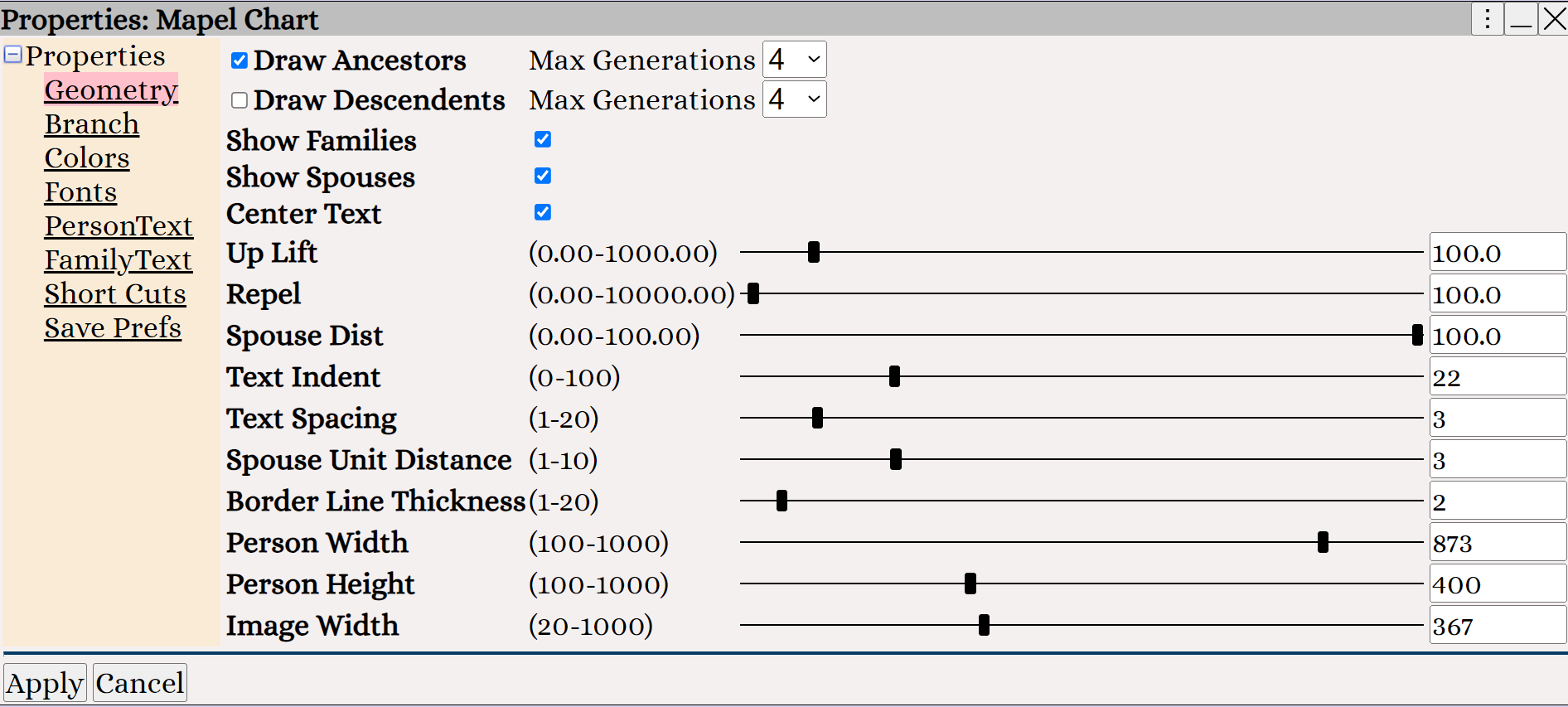
Right Click ⟶ Preferences to change the chart geometry.
Right Click ⟶ Preferences to change the chart font.
Right Click ⟶ Preferences to view the chart shortcuts.