FamilySearch Cache


View the FamilySearch Cache
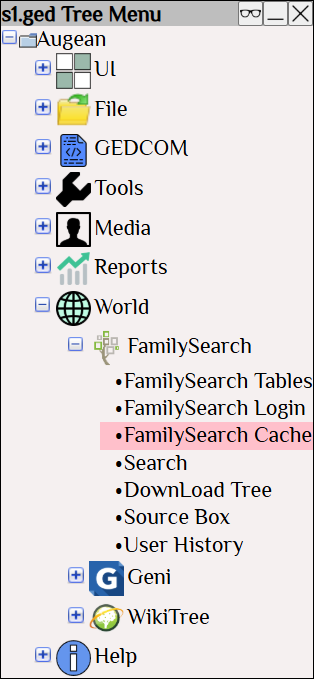
Screenshot of the Augean Tree Menu highlighting the FamilySearch Cache option. This menu allows genealogists using augean.com to access and manage locally stored FamilySearch records to keep their family tree data synchronization running smoothly.


The FamilySearch cache where information from FamilySearch is stored.

FamilySearch Cache window in augean.com displaying local storage details and record counts for persons, memories, and sources. Genealogists use this view to monitor downloaded data and clear the cache to improve family tree software performance.


Clear the cache (if it gets too large) to improve performance.
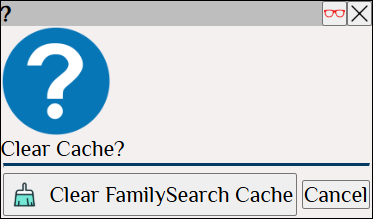
Clear Cache confirmation dialog box in augean.com. Deleting old cache files allows family historians to force a fresh synchronization of FamilySearch records and ensure accurate, up-to-date genealogy data in their local family tree.