Connect to FamilySearch


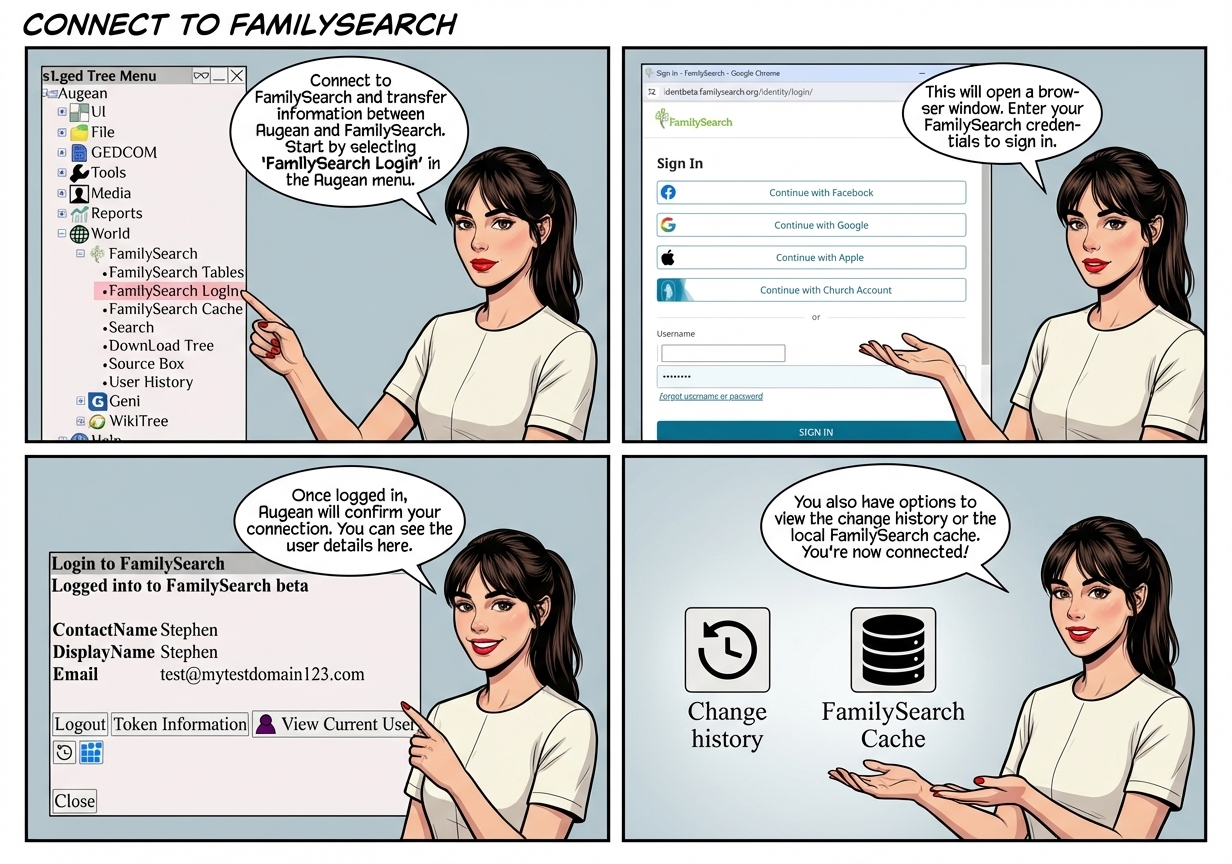
Connect to FamilySearch and transfer information between Augean and FamilySearch.


 ⟶  World  ⟶  FamilySearch  ⟶  FamilySearch Login 
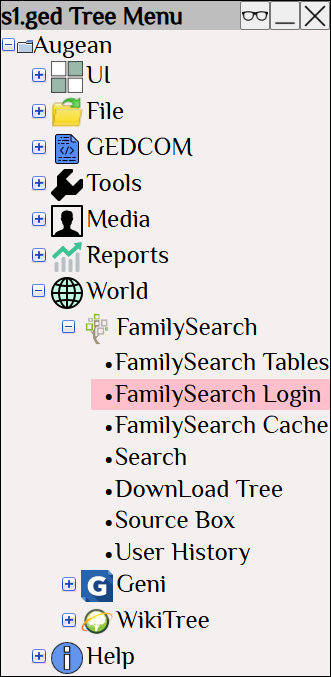
Augean software tree menu highlighting the FamilySearch Login option under the World menu. Navigating here allows genealogists to connect and sync their local family tree data with the global FamilySearch database.


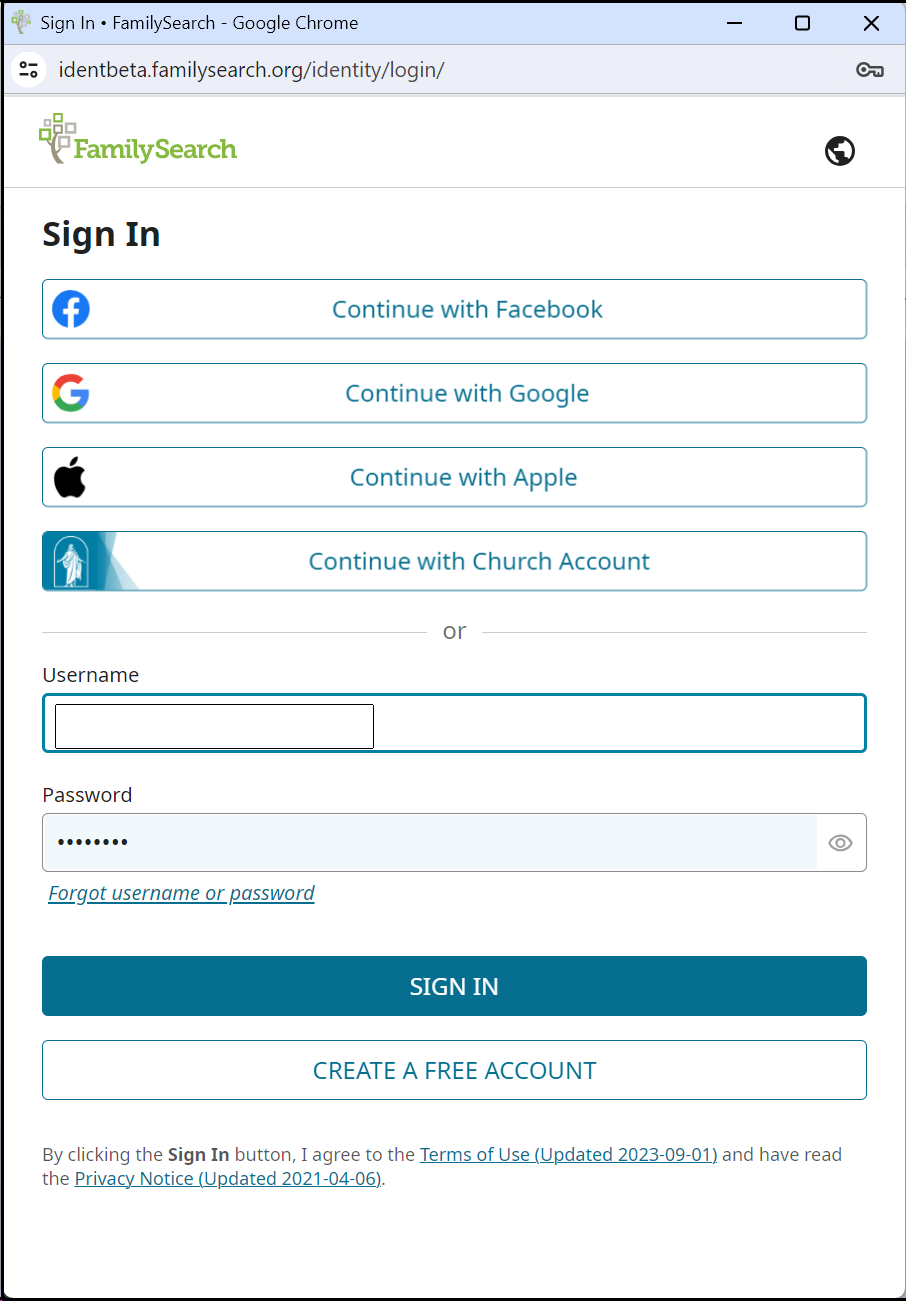
FamilySearch web authentication screen showing standard and third-party login options. Securely authenticating connects the Augean genealogy tool to your account for seamless family tree syncing and record transfers.


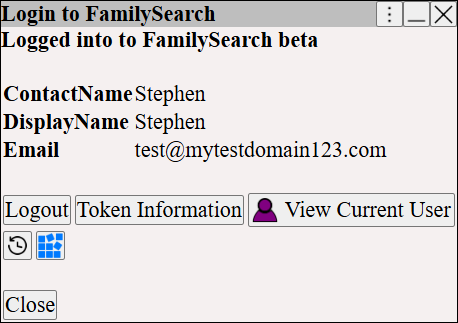
Augean successful login confirmation dialog for FamilySearch. It displays the active genealogist's account details and provides controls for managing tokens, change history, and the local cache to maintain accurate tree data.


 To view change history for the current user
 View the local FamilySearch cache