Add Notes to FamilySearch


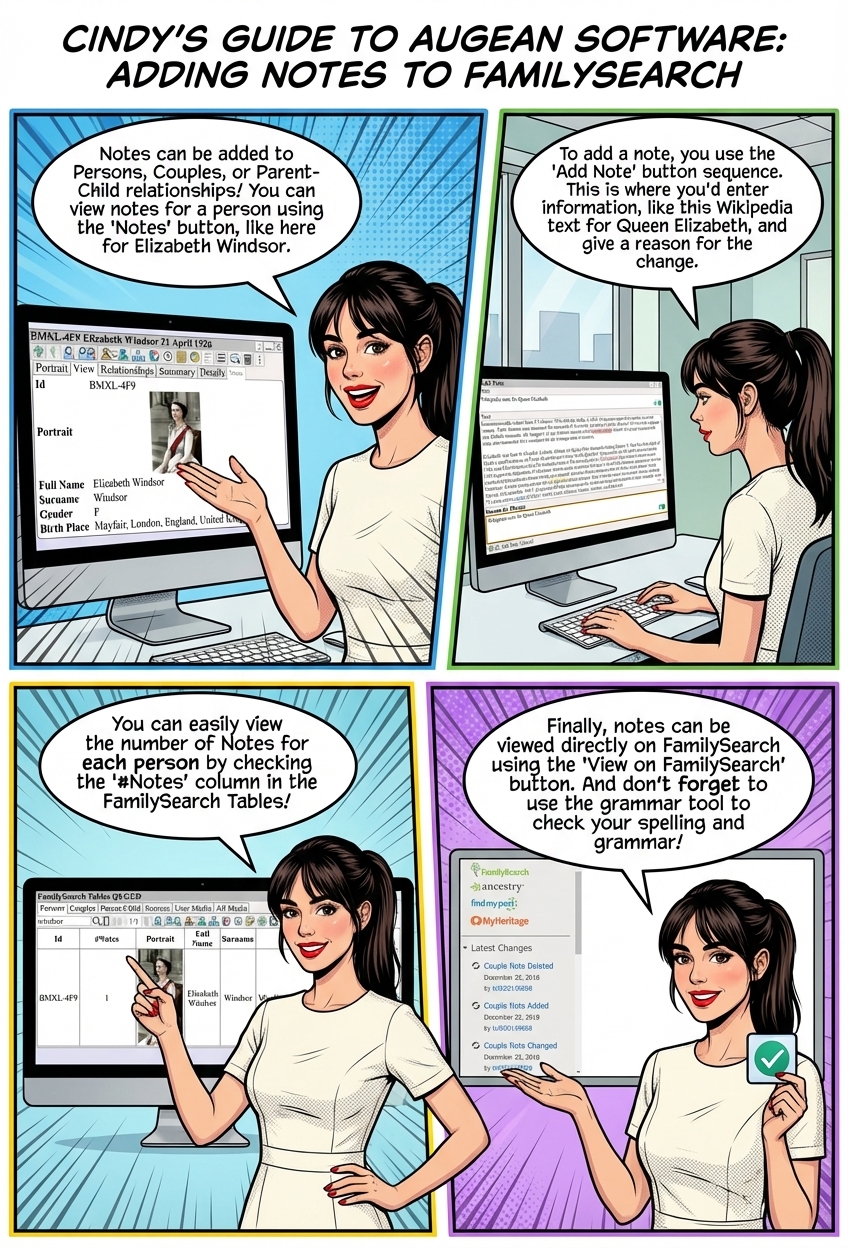
Notes can be added to Persons, Couples, or Parent-Child relationships.
View notes for a person using    (or select the  Notes  tab)
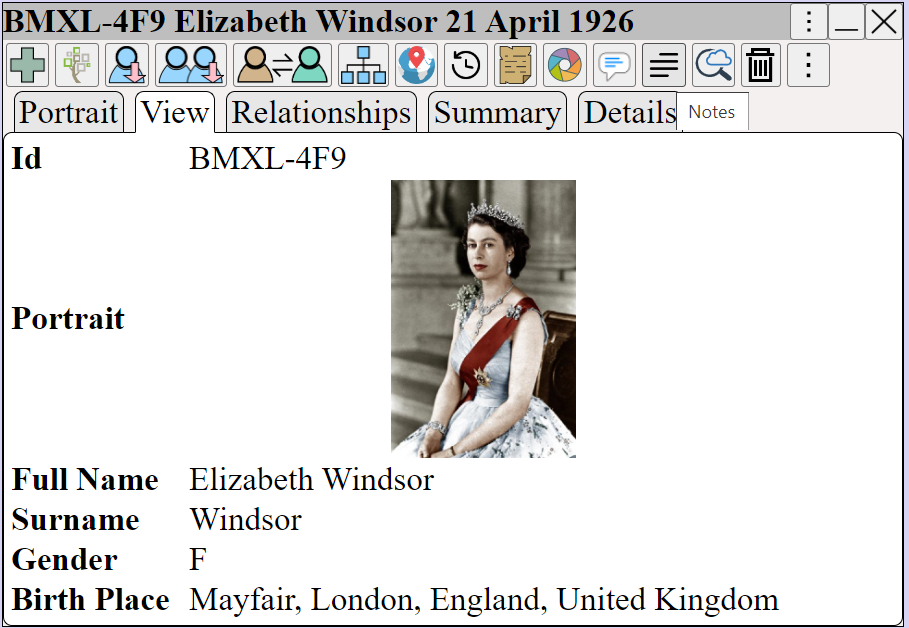
Augean.com FamilySearch profile window with the Notes tab selected, displaying a biographical sketch for an ancestor. Helps genealogists easily view and manage research summaries directly within their family tree.


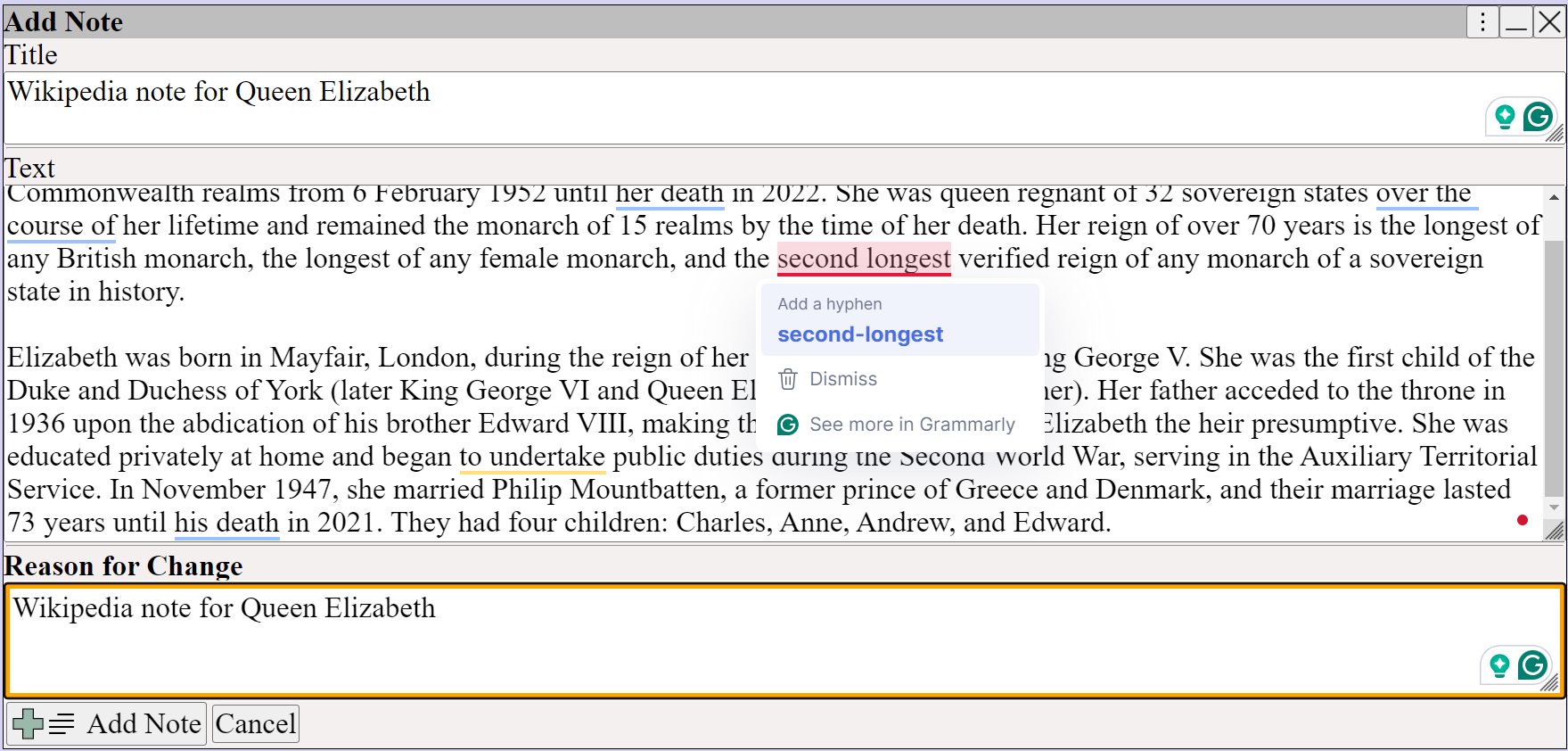
Add a note using  ⟶  ⟶ 

Add Note dialog in augean.com for FamilySearch profiles, featuring Title, Text, and Reason for Change fields. Shows Grammarly integration correcting a typo, helping genealogists maintain accurate and professional historical records.


Right Click  and add the  Notes  column to view the notes in the person table.
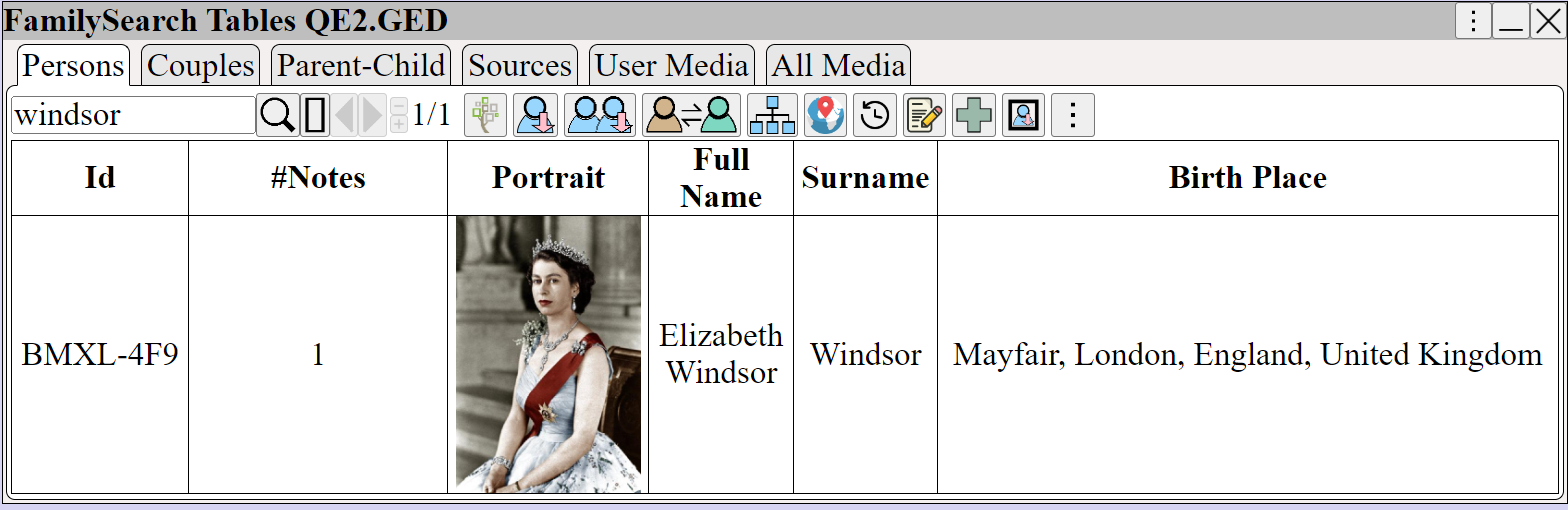
FamilySearch Tables view in augean.com demonstrating how to add a Notes column via the right-click menu. Shows ancestor portraits alongside detailed notes, allowing family historians to easily scan historical context across multiple profiles.


Notes can be viewed on FamilySearch using


 Use  Grammarly  to check the spelling and grammar.