views your Source Box or
⟶ World ⟶ FamilySearch ⟶ Source Box
If you don't see your source listed in the source box, refresh the list using
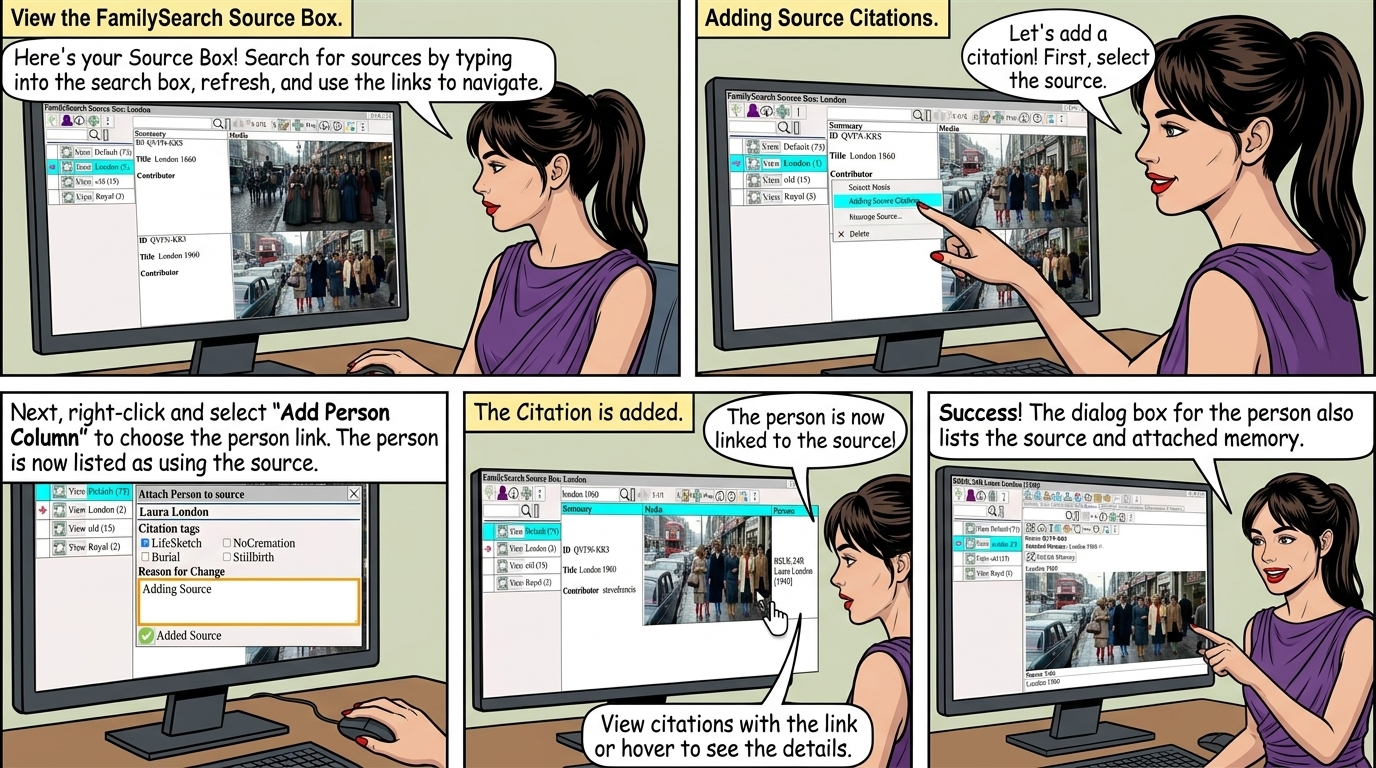
Search for sources by typing into the search box and clicking
to view the Source Box on FamilySearch.
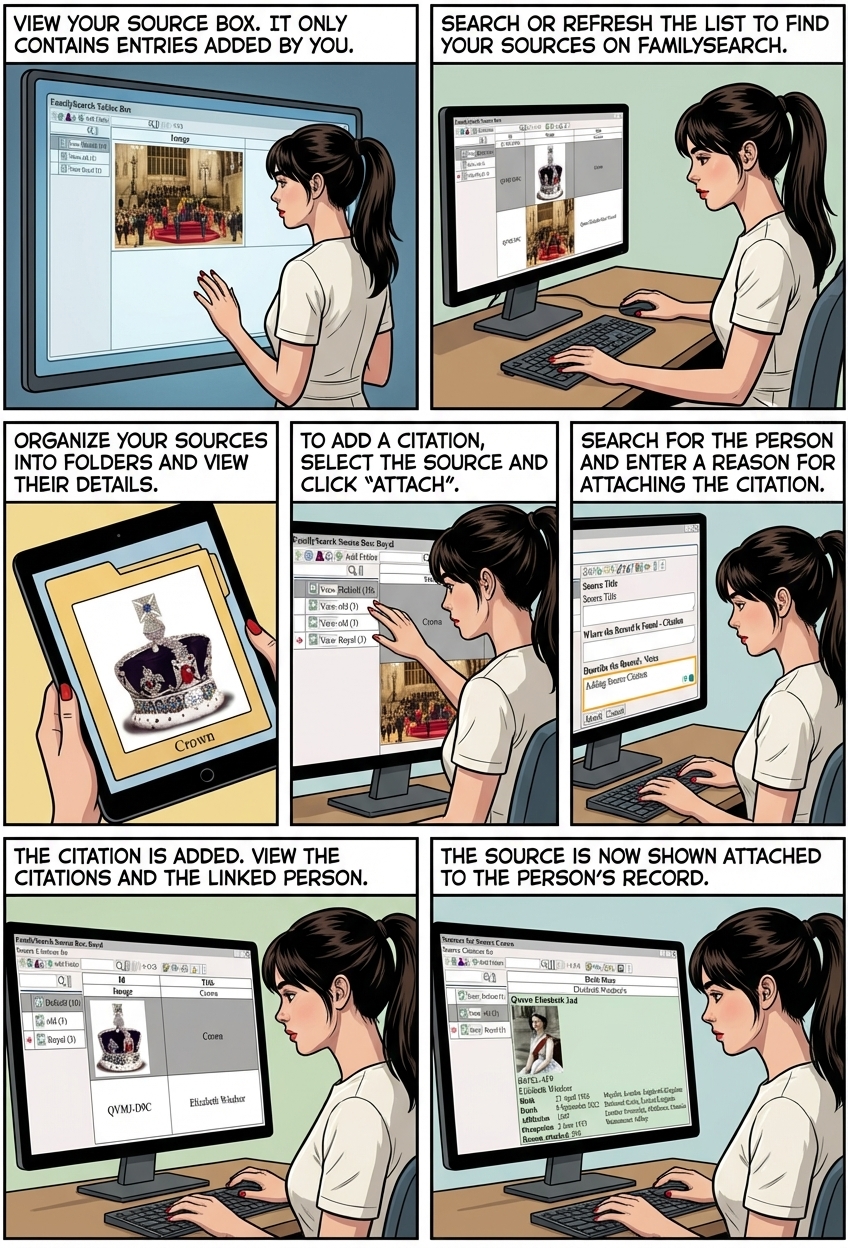
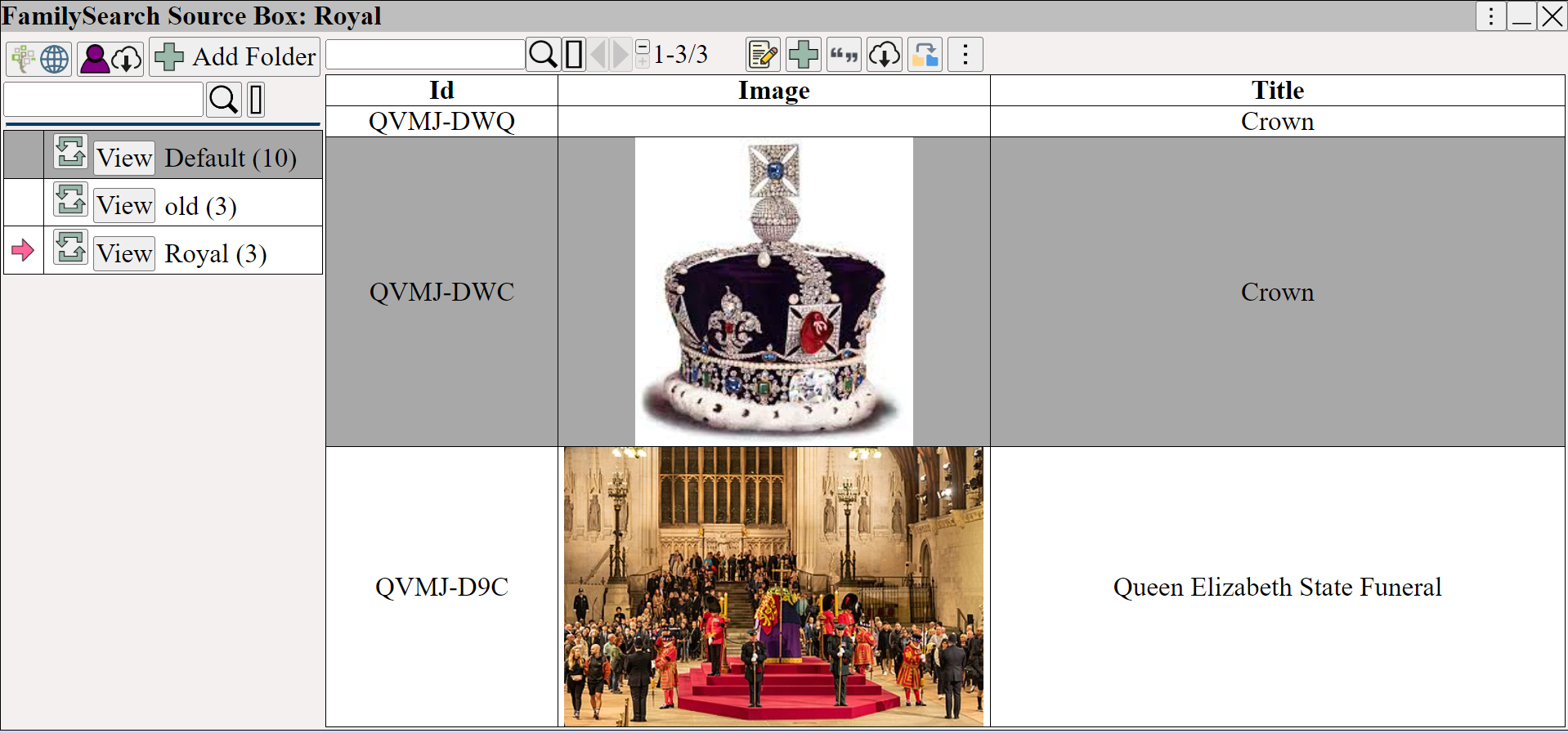
The Source Box represents only those entries added to your FamilySearch Source Box.
Not all sources are added to your Source Box.
The Source Box lets you view, edit, delete, and organize your sources into folders.
Adding Source Citations
Adding a citation
Select the source and click ⟶ ⟶
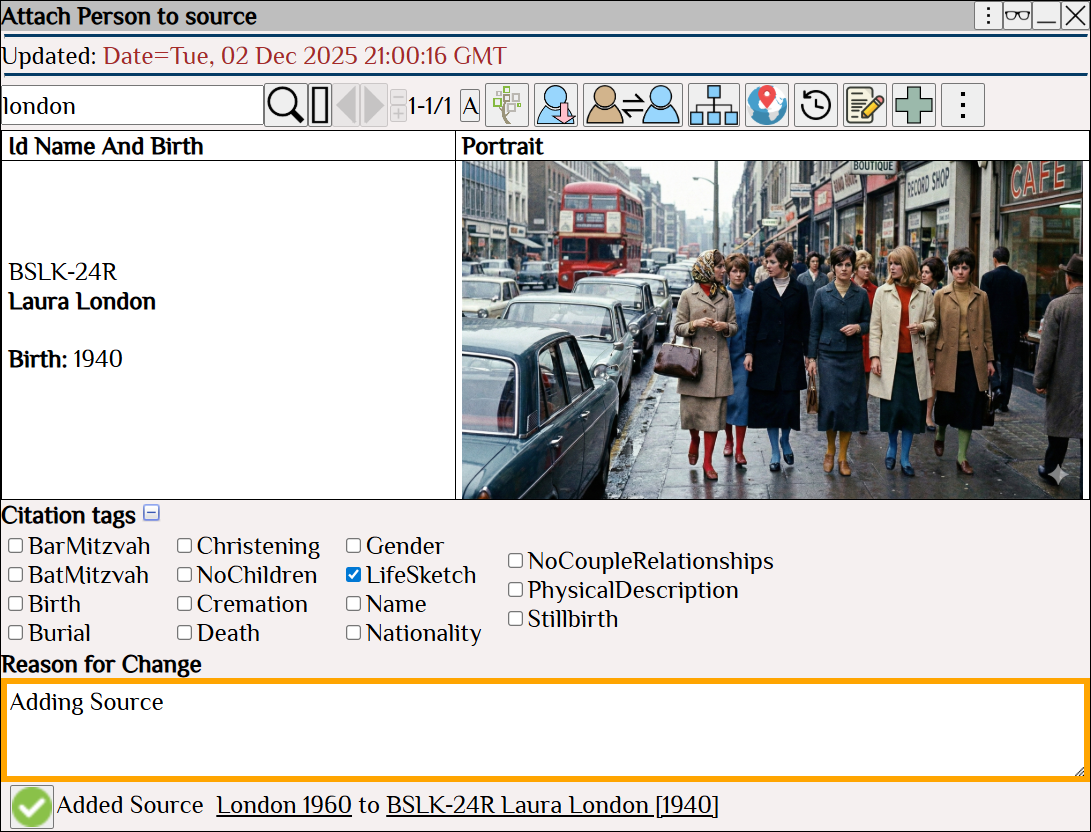
Right Click ⟶ Add Person Column.
The person is now listed as using the source.
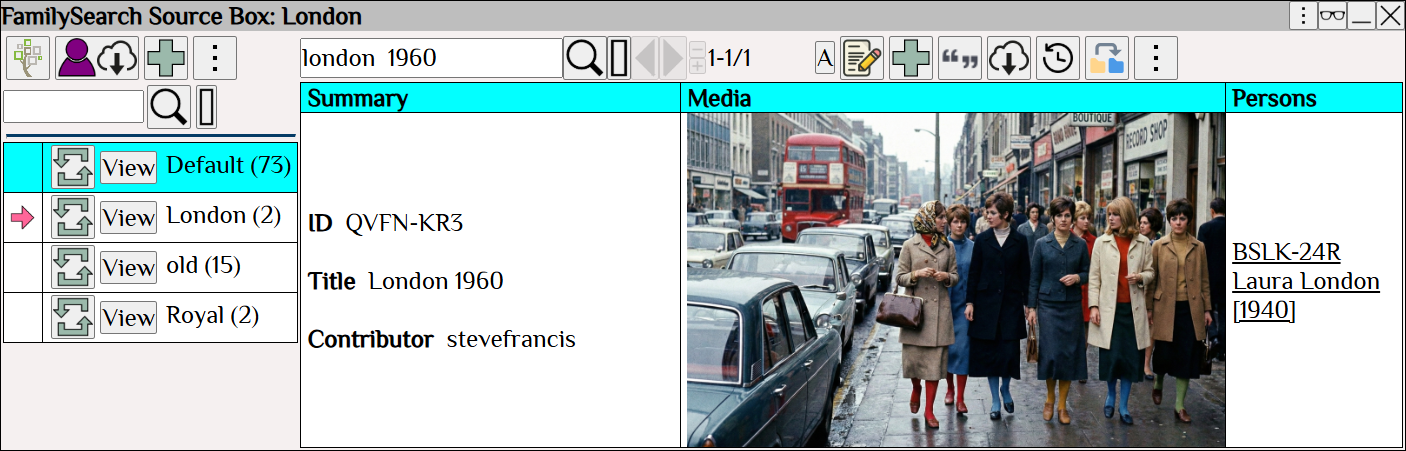
The Citation is added
View the list of citations for a source using
 Place the mouse over the link to see the person used in the citation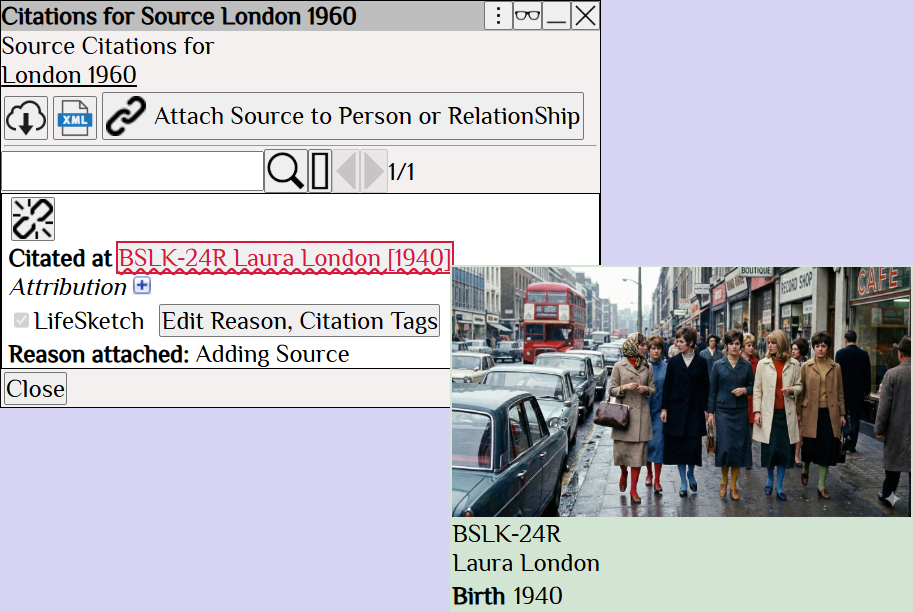
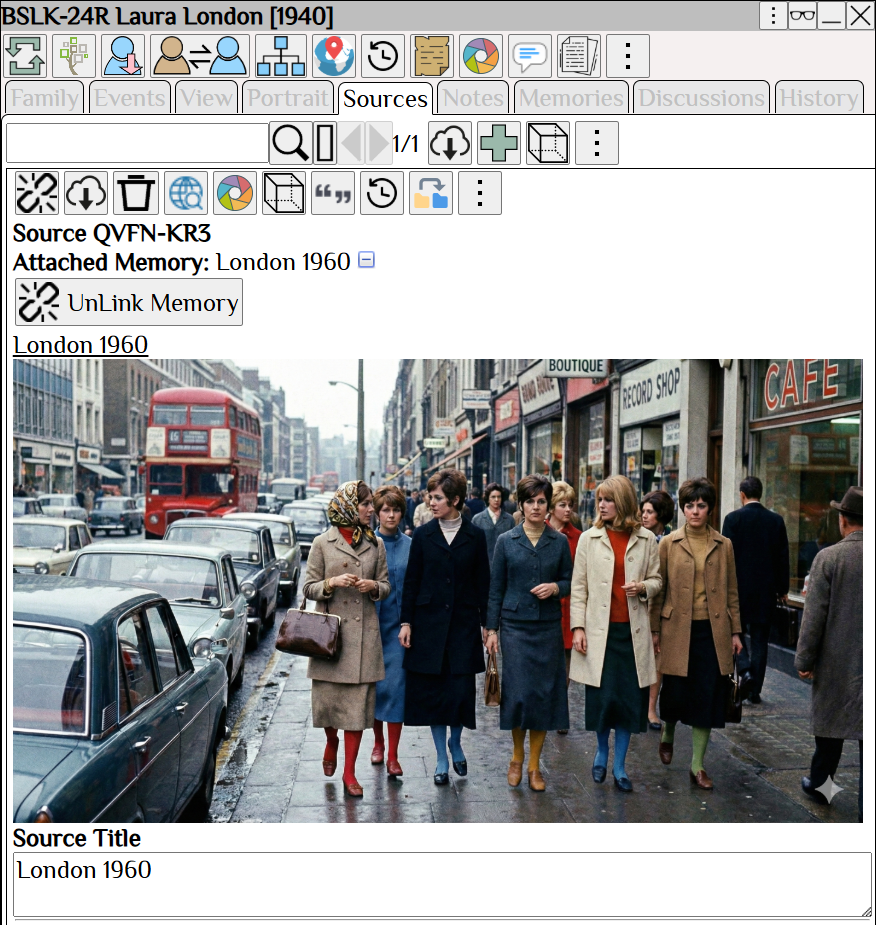
The dialog for the person, also lists the source.