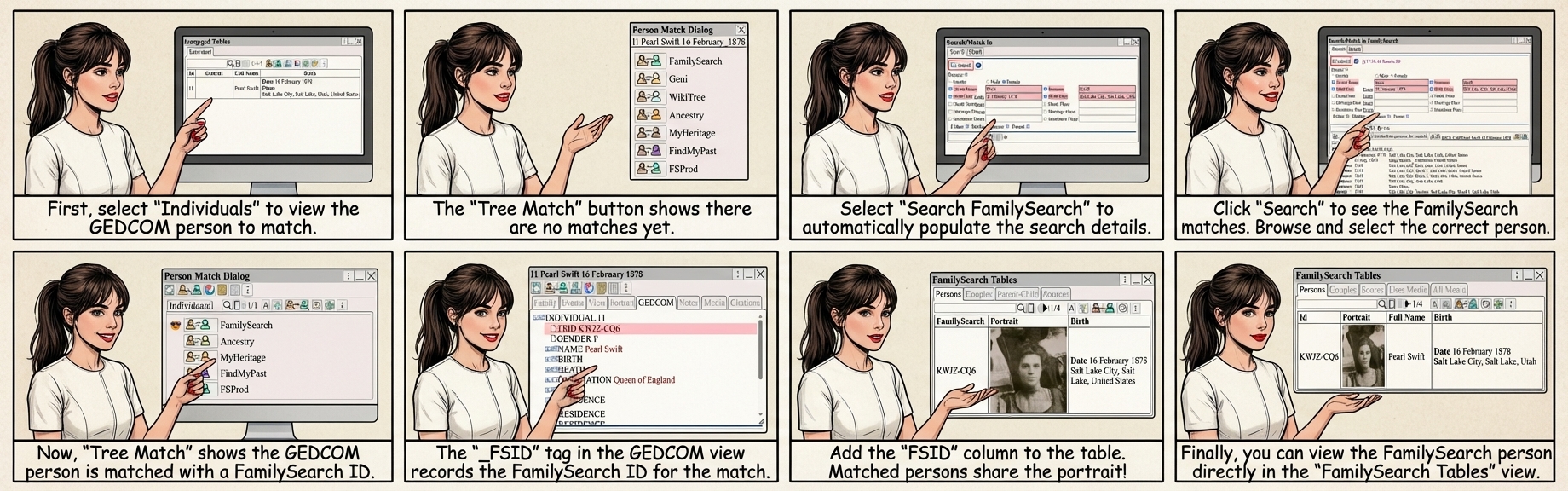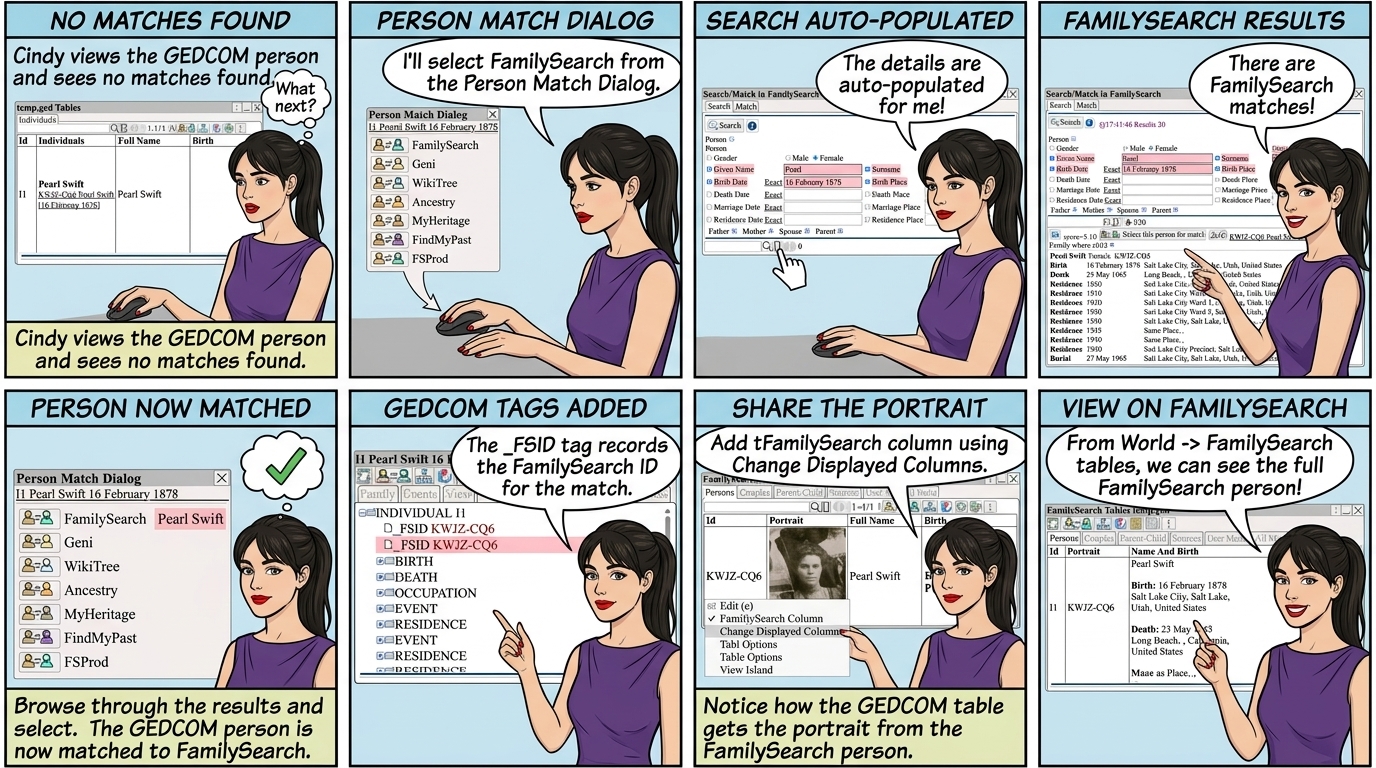
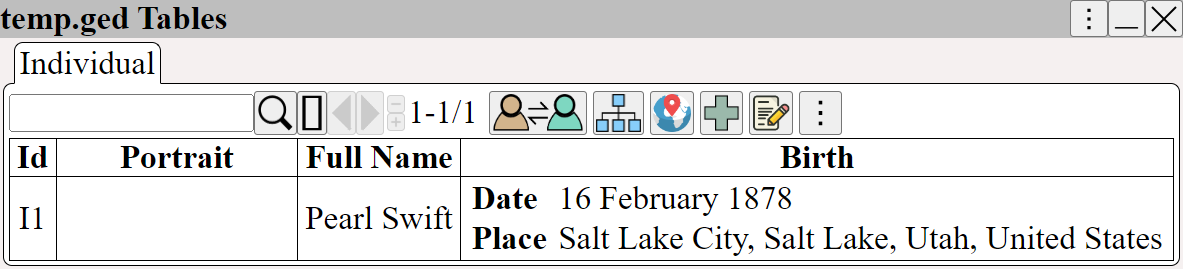
⟶ GEDCOM ⟶ Individuals to view the GEDCOM person to match.
shows that there are no matches.
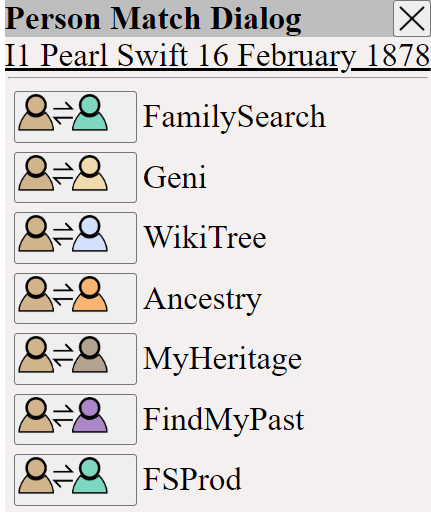
Select ⟶ The details are auto-populated - select them using
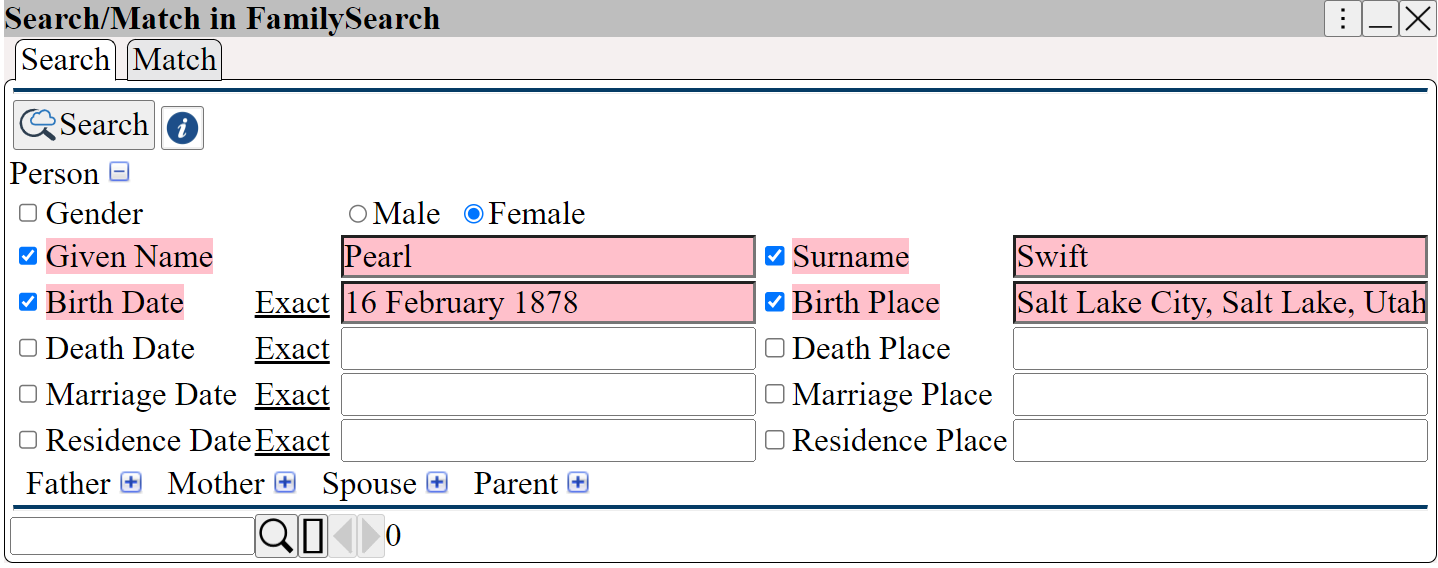
shows the FamilySearch matches
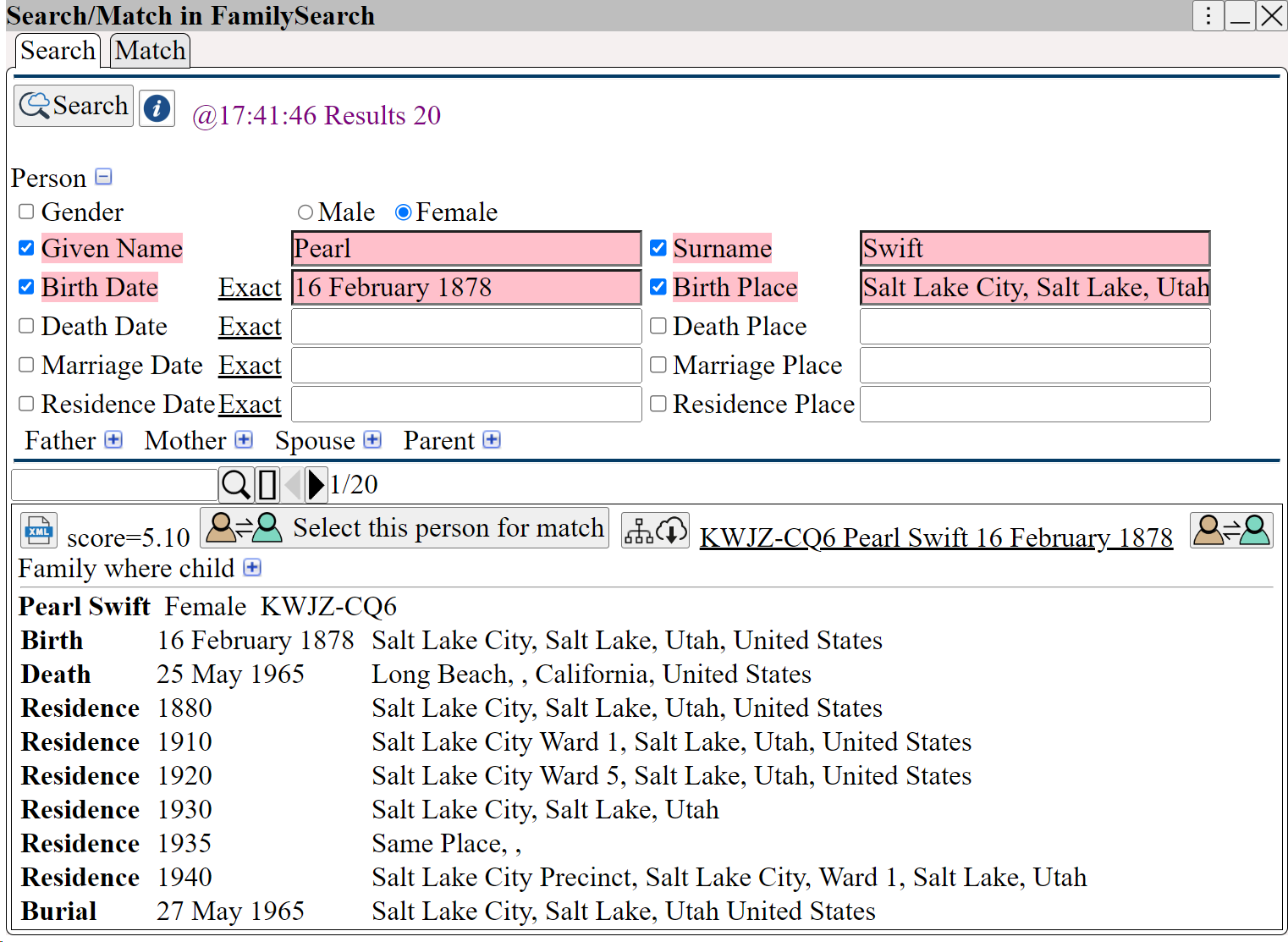
Browse through the results and select
shows the GEDCOM person is now matched to a FamilySearch person
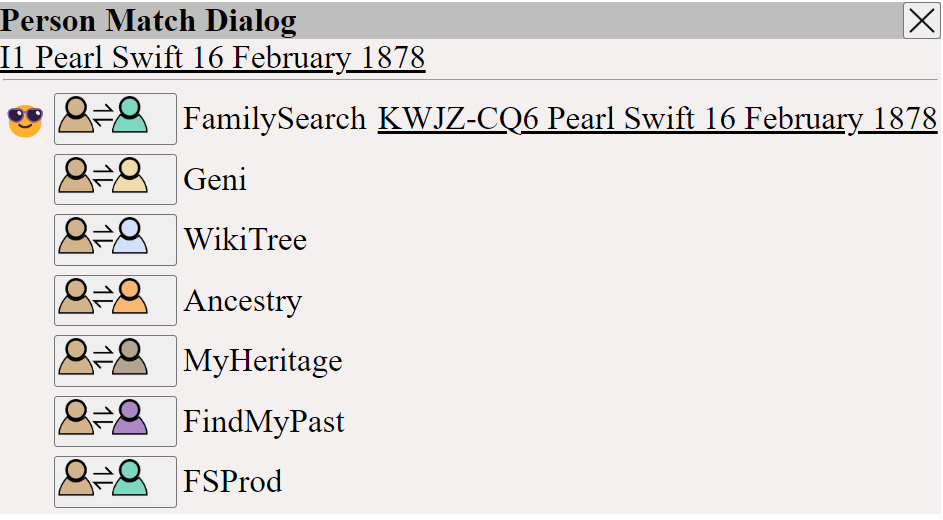
 Transfer additional facts using ⟶
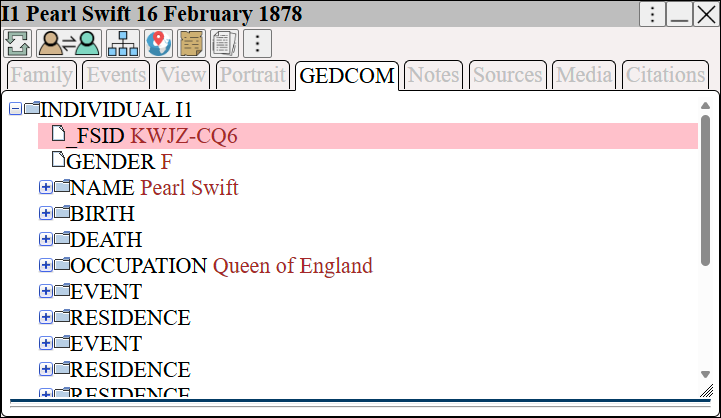
 The GEDCOM tag _FSID records the FamilySearch ID for the match
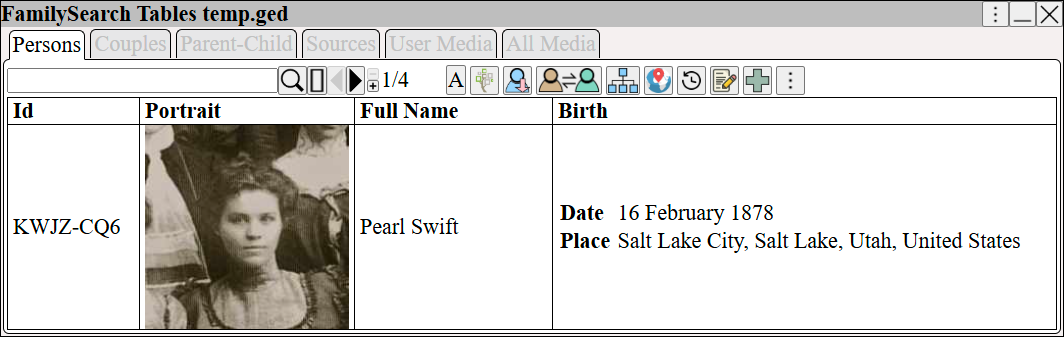
Right Click ⟶ Change Displayed Columns and add the FamilySearch column to the table to show the FamilySearch match
When there is a FamilySearch GEDCOM match, they share the portrait.
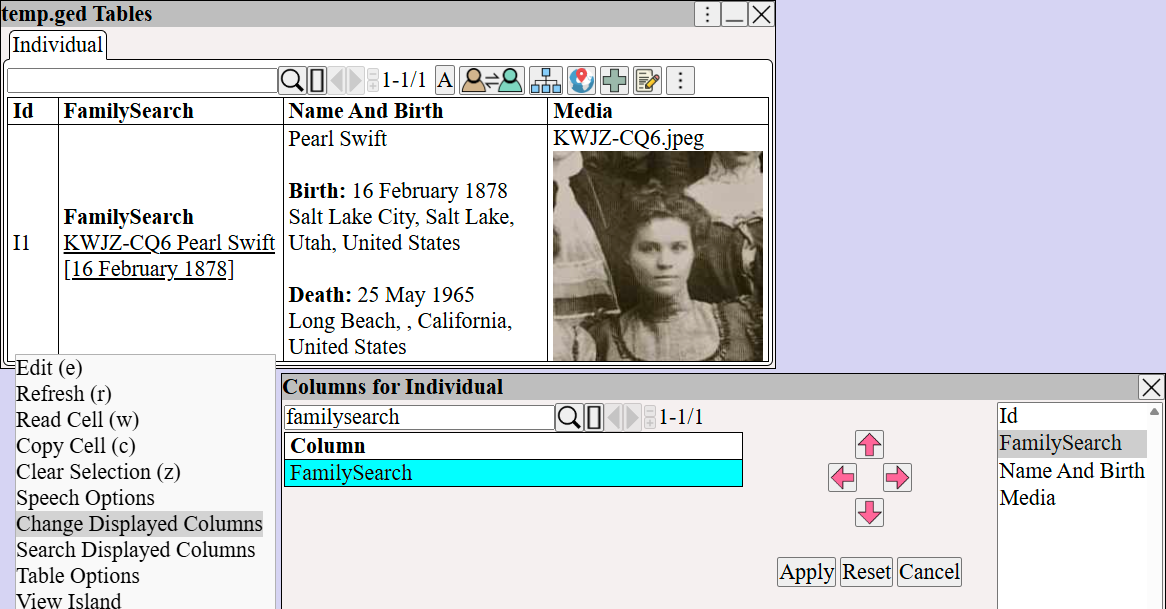 Notice how the GEDCOM table gets the portrait from the FamilySearch person.
From ⟶ World ⟶ FamilySearch ⟶ FamilySearch Tables we can see the FamilySearch person