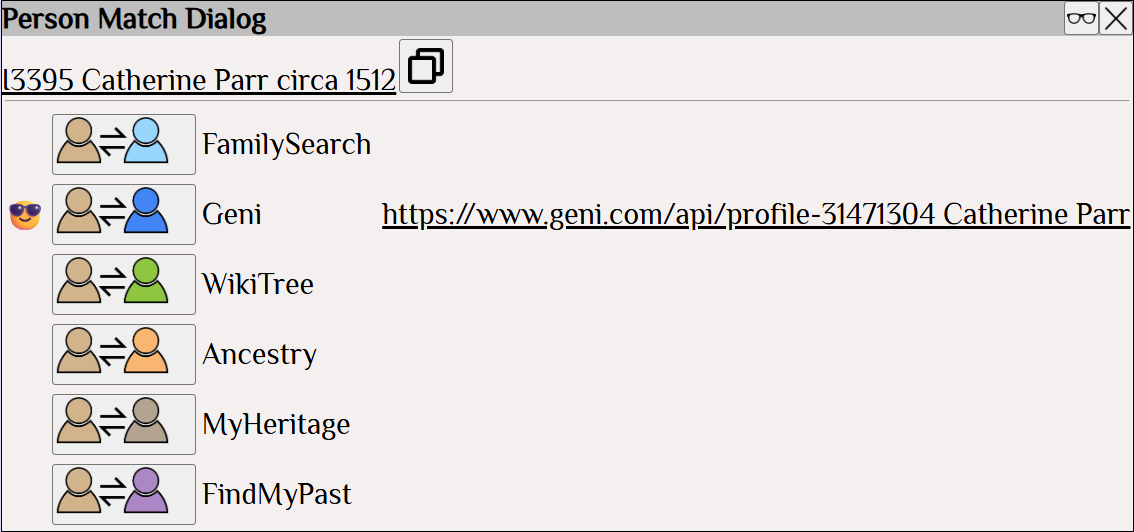
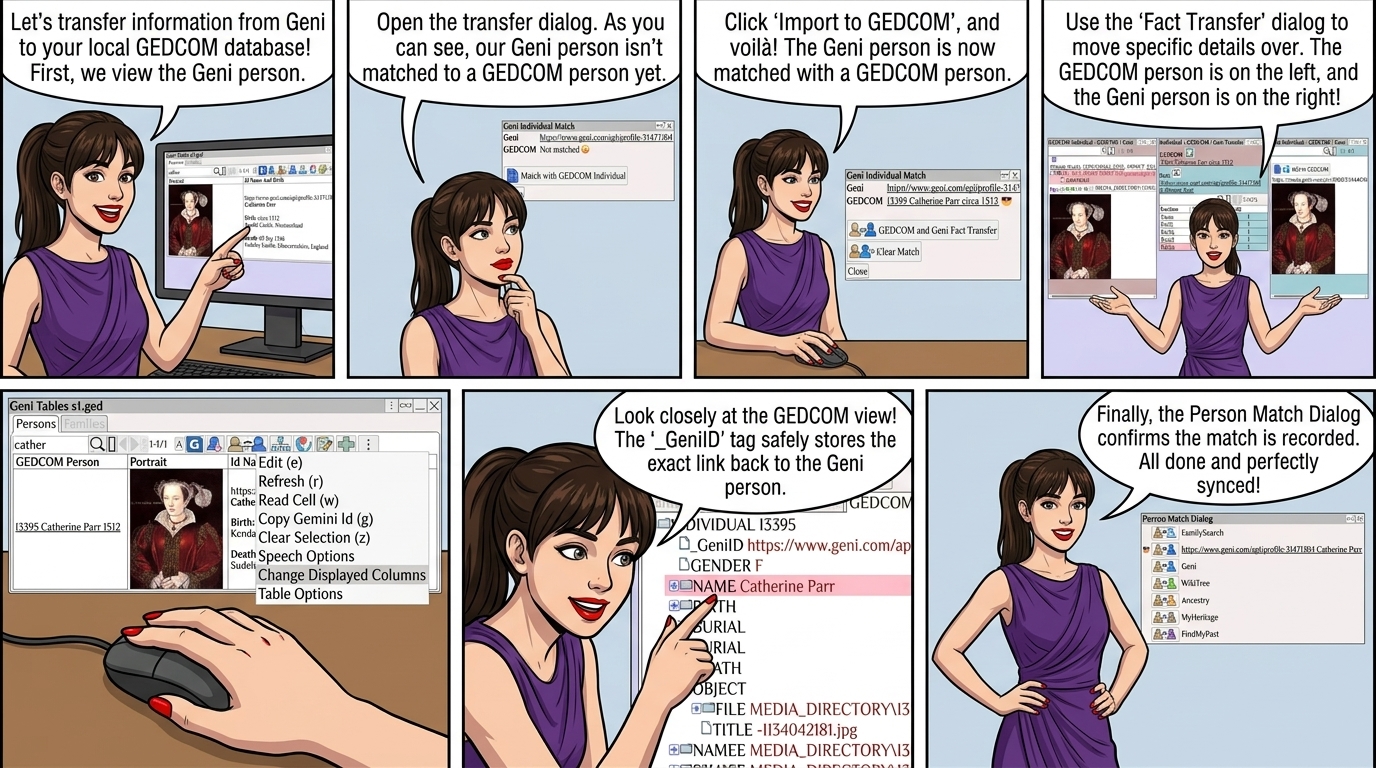
Transferring information from Geni to the local GEDCOM database.
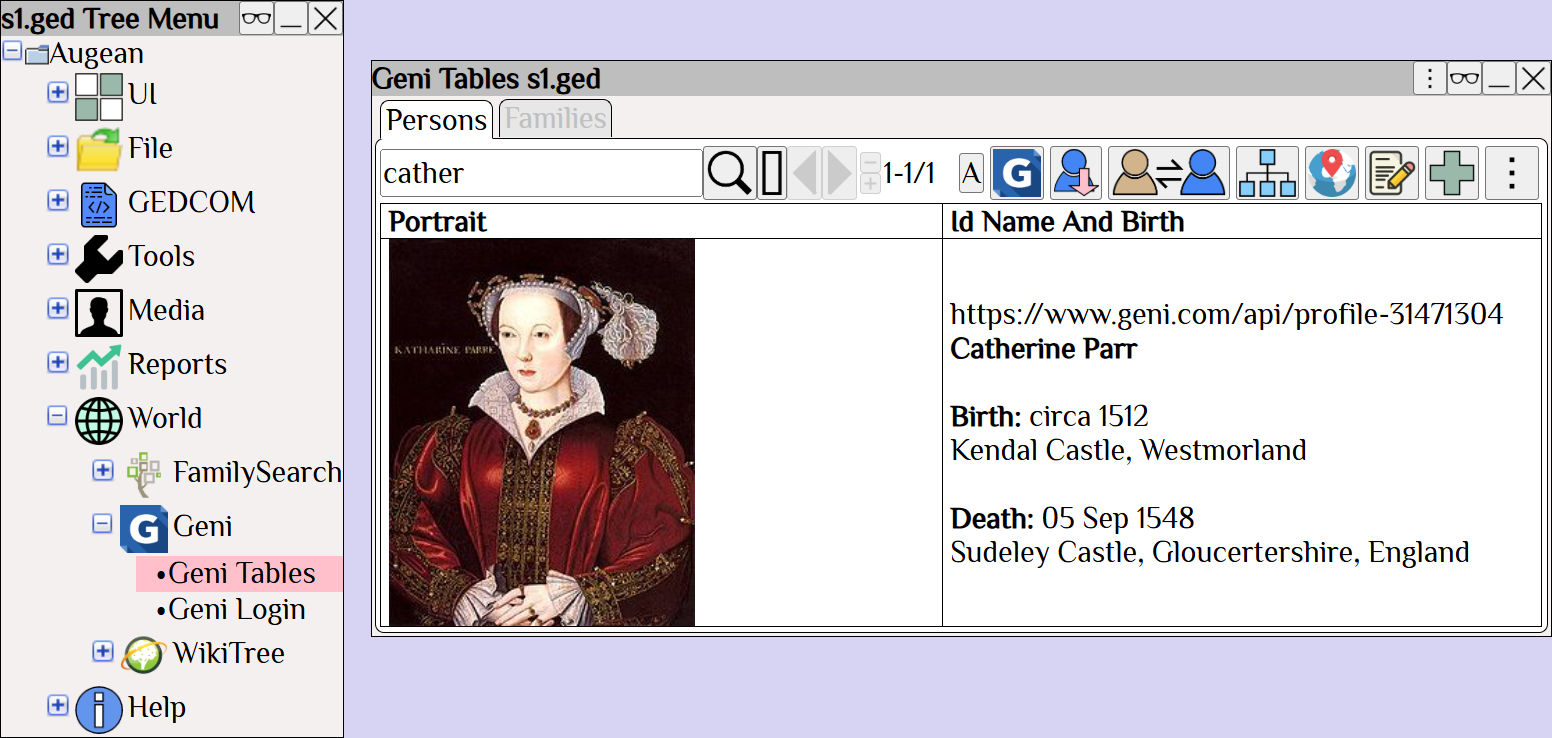
View the Geni Person
View the transfer dialog
The Geni person is not currently matched to a GEDCOM person.
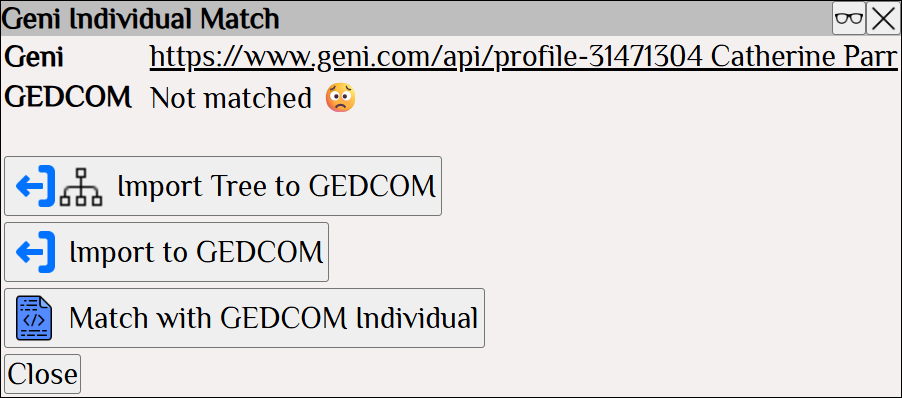
to import the Geni person to GEDCOM
The Geni person is now matched with a GEDCOM person.
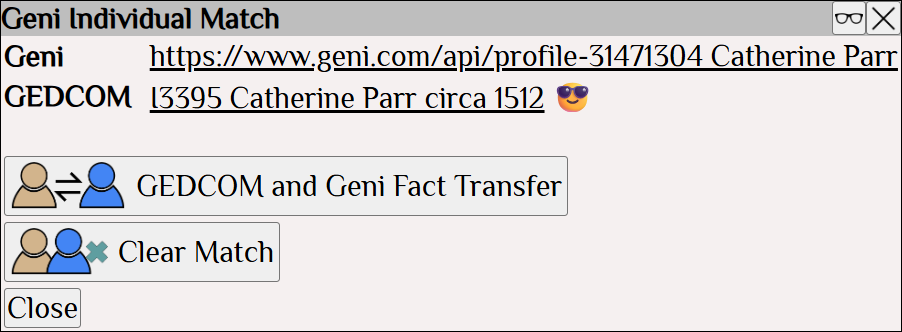
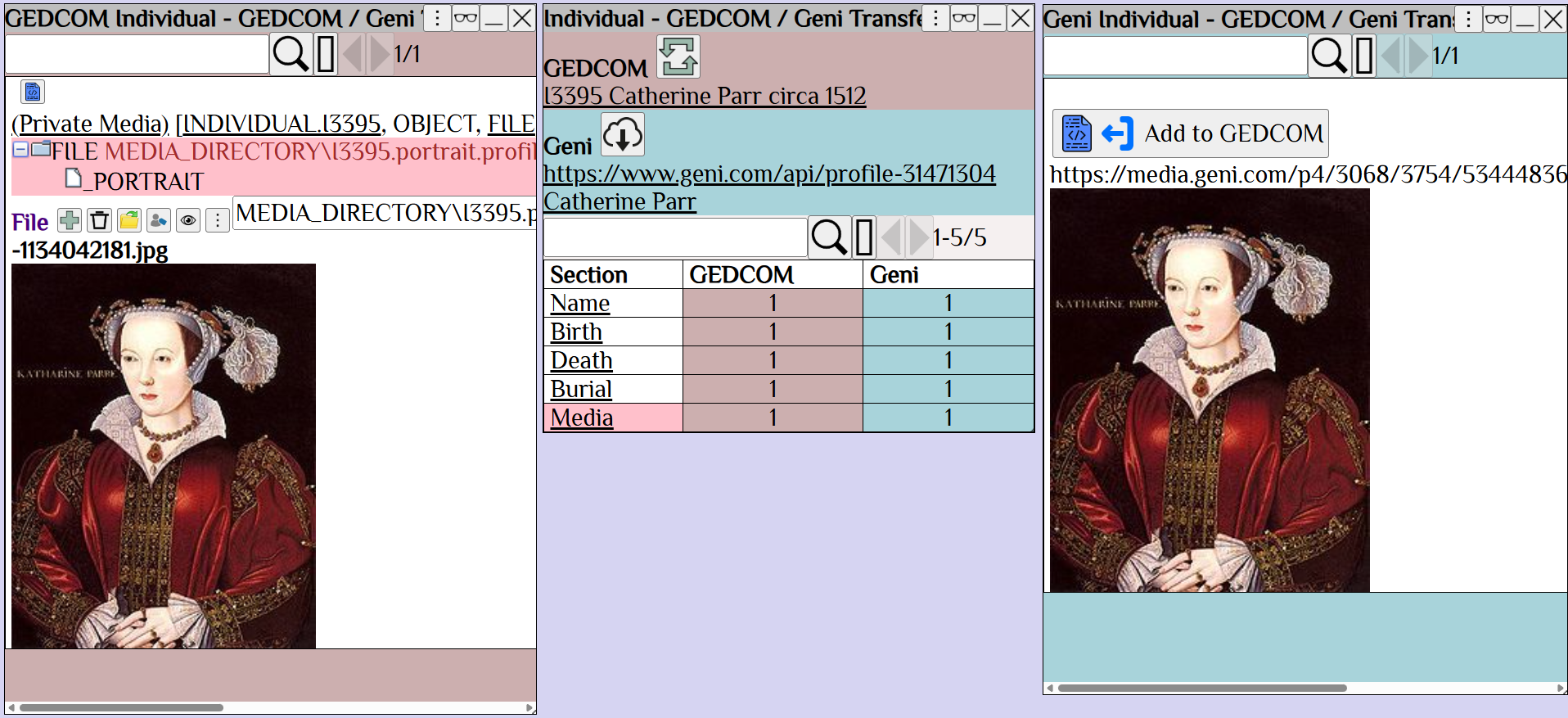
Use to view the fact transfer dialog, and transfer additional facts.
The GEDCOM person is on the left
The Geni person is on the right.
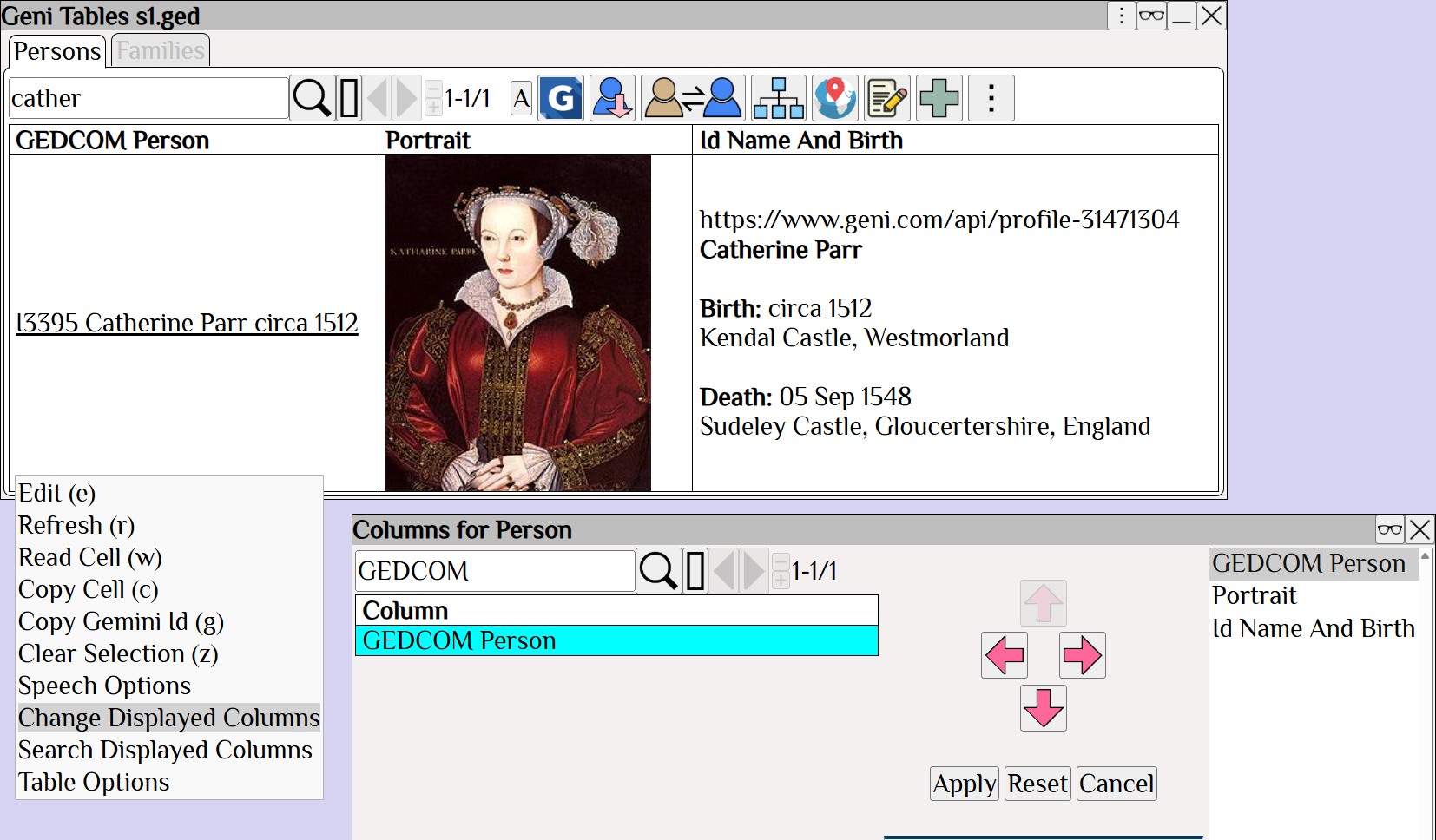
To view the GEDCOM person the Geni person is matched to,
Right Click ⟶ Change Displayed Columns to add the GEDCOM column to the Geni table.
The GEDCOM tag _GeniID shows the link to the Geni person.
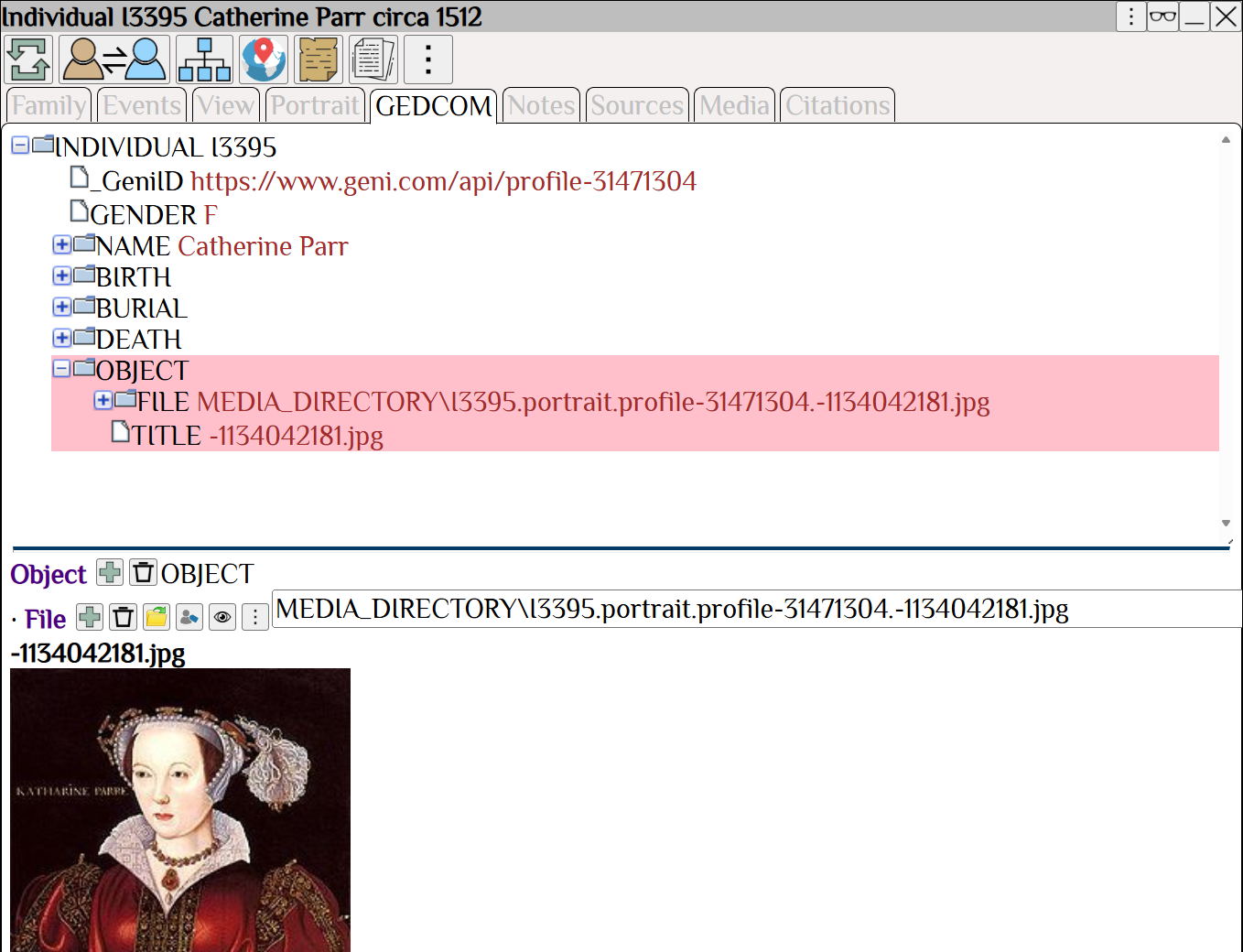
also shows the match has been recorded.