Latest version is Beta 10/02/2026 14.14pm
Augean requires Chrome or Microsoft Edge
| • The install script is easy to run - you can see exactly what is being installed. • Install scripts are available for (Mac, Windows, Linux, Chromebooks)⨯(Intel, Arm) • Everything, including the Microsofts 64 bit OpenJDK 21 Server is stored under the augean folder. • Augean wont interfere with other Java versions on the system. • Augean can be uninstalled just by deleting the augean folder |
Install is very similar to windows, so I included the windows video
Please watch this video first.
Copy then Paste the following commands to the command prompt to install Augean.
Step1 Create the directory
Step2 Install Augean
Choose one of the following
 Your computer is
 If the computer is Intel
If the computer is Arm
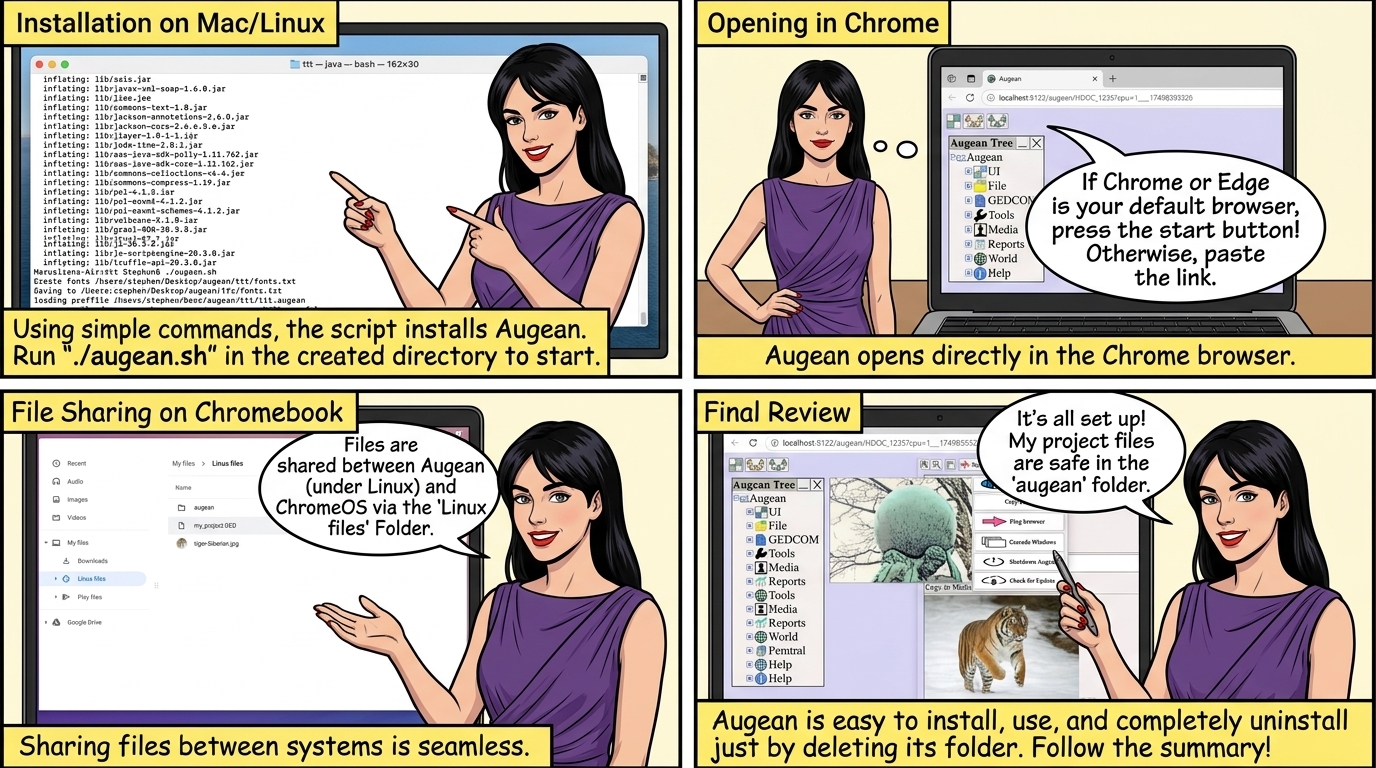
to start Augean run the command from the augean directory.

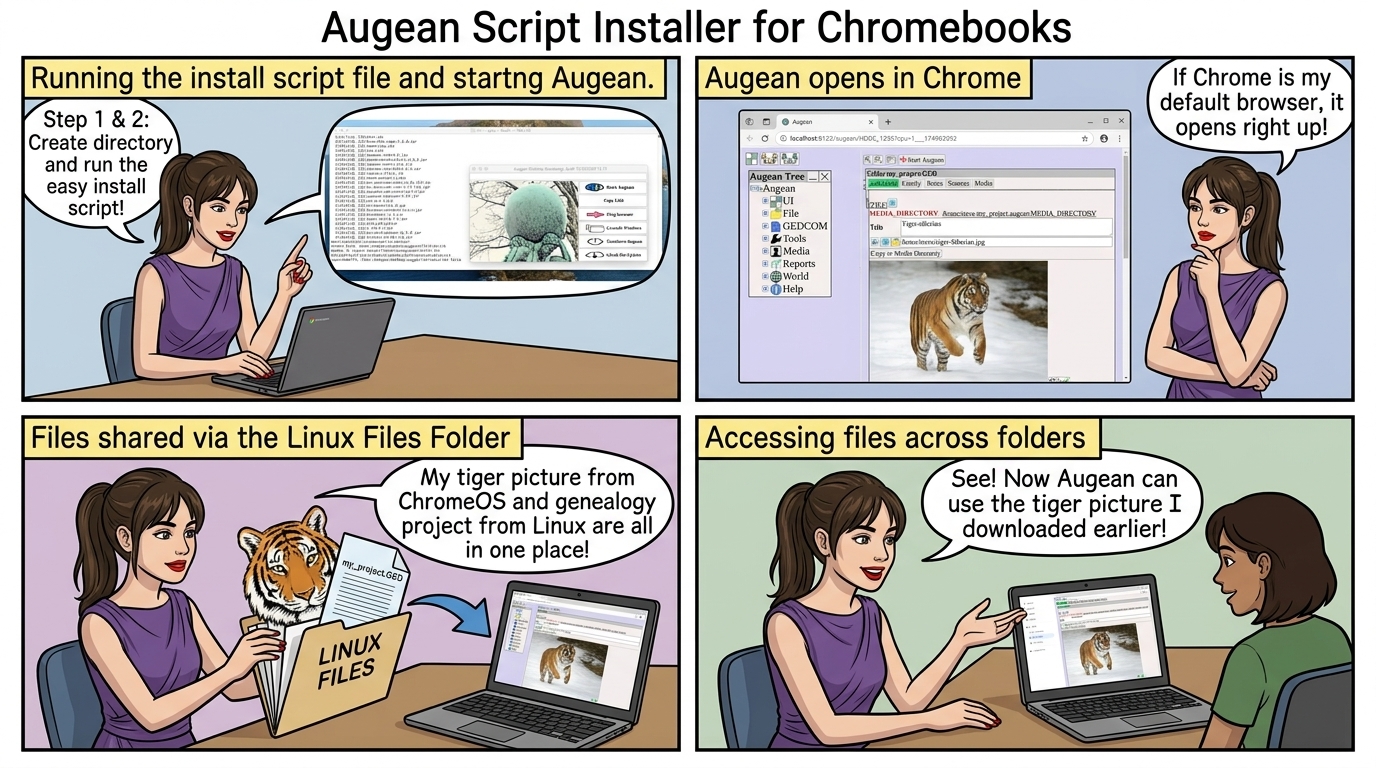
Running the install script file and starting Augean.
If Chrome of Edge are you default browser press
Otherwise press and paste the link into a Chrome browser.

Augean opens in Chrome
use Copy Link then paste into a web browser window to start Augean. 
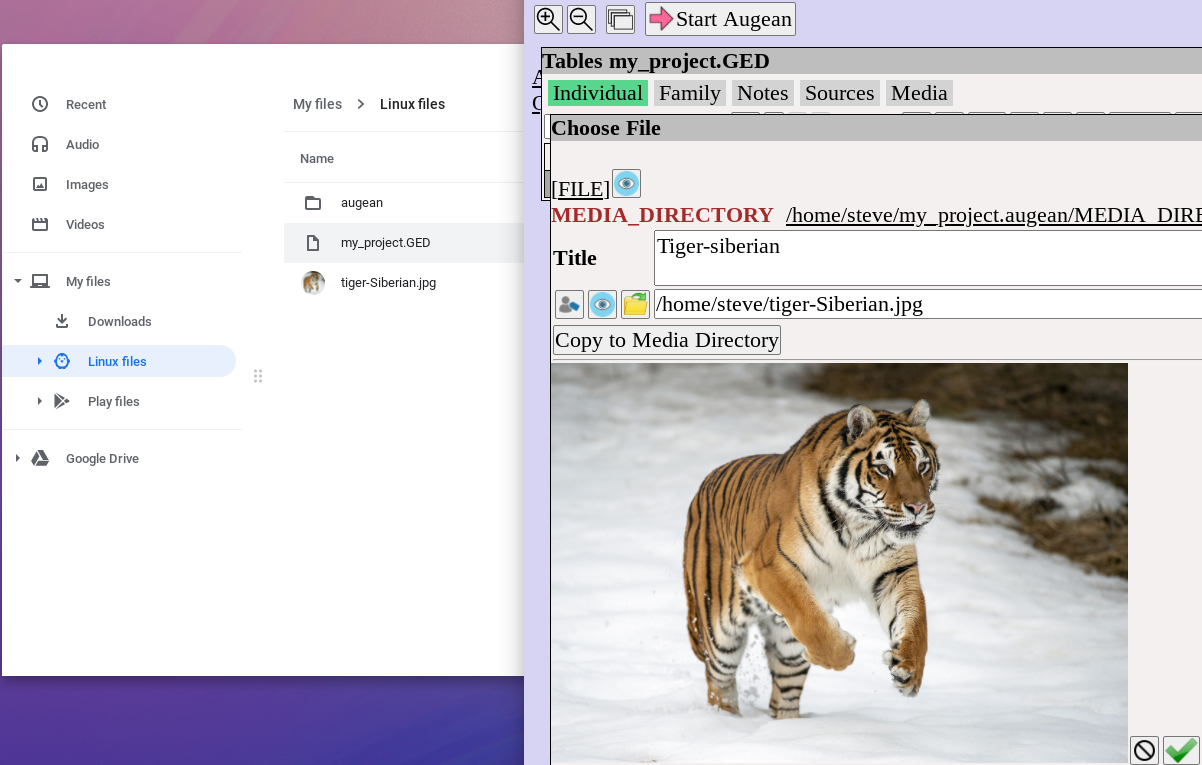
 Files between Augean (which runs under Linux) and ChromeOS are shared via the Linux Files Folder
Here we can see a picture of a tiger, which was downloaded in ChromeOS, and is now used by Augean.
Also, the project, my_project.GED , which was created in Augean under Linux, can be accessed by ChromeOS