Adding Media


Media may be private or shared
Shared media can be shared with other persons in the same GEDCOM file.
Private media can't be shared with other persons.
In this example we add a shared media (adding private media is similar)

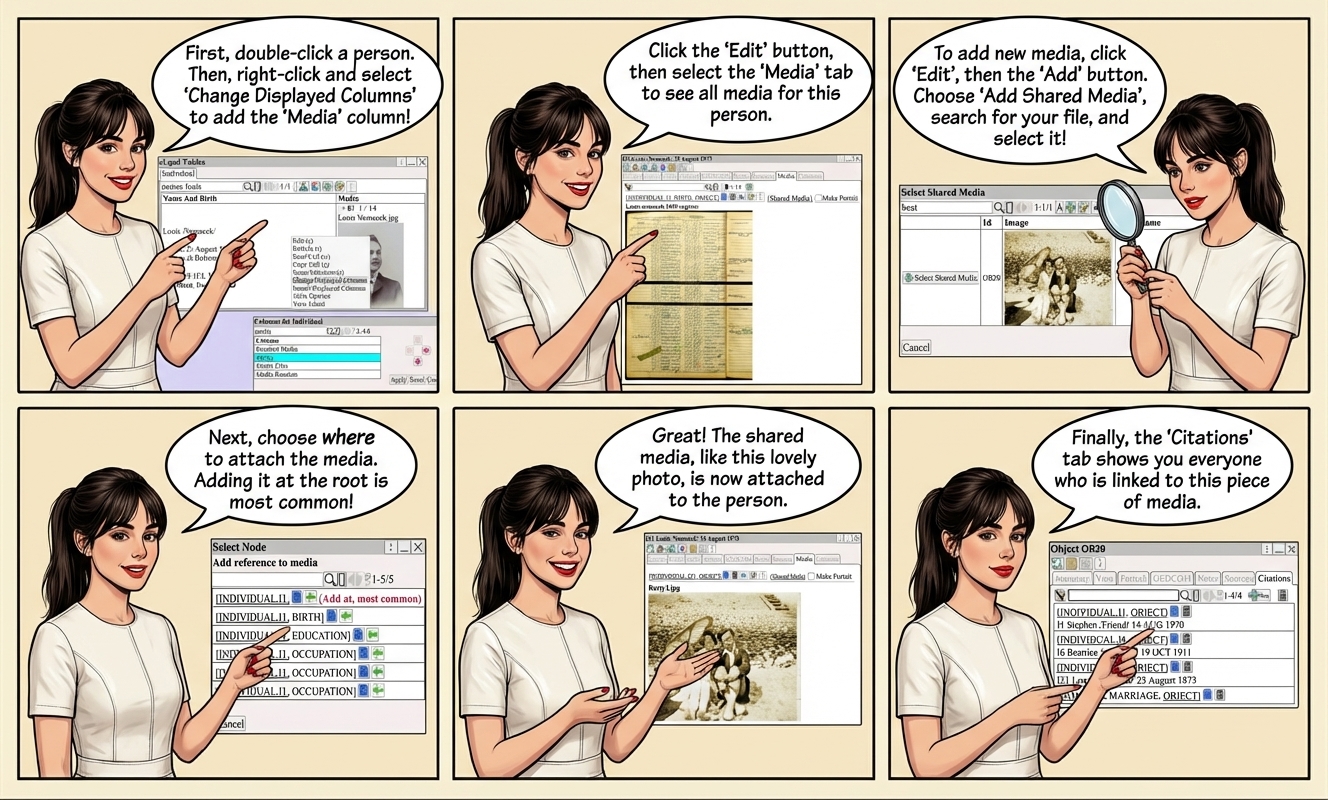
To attach a media citation to a person,  Double Click  on the person to edit

Right Click  ⟶  Change Displayed Columns  to add the  Media  column to the table.
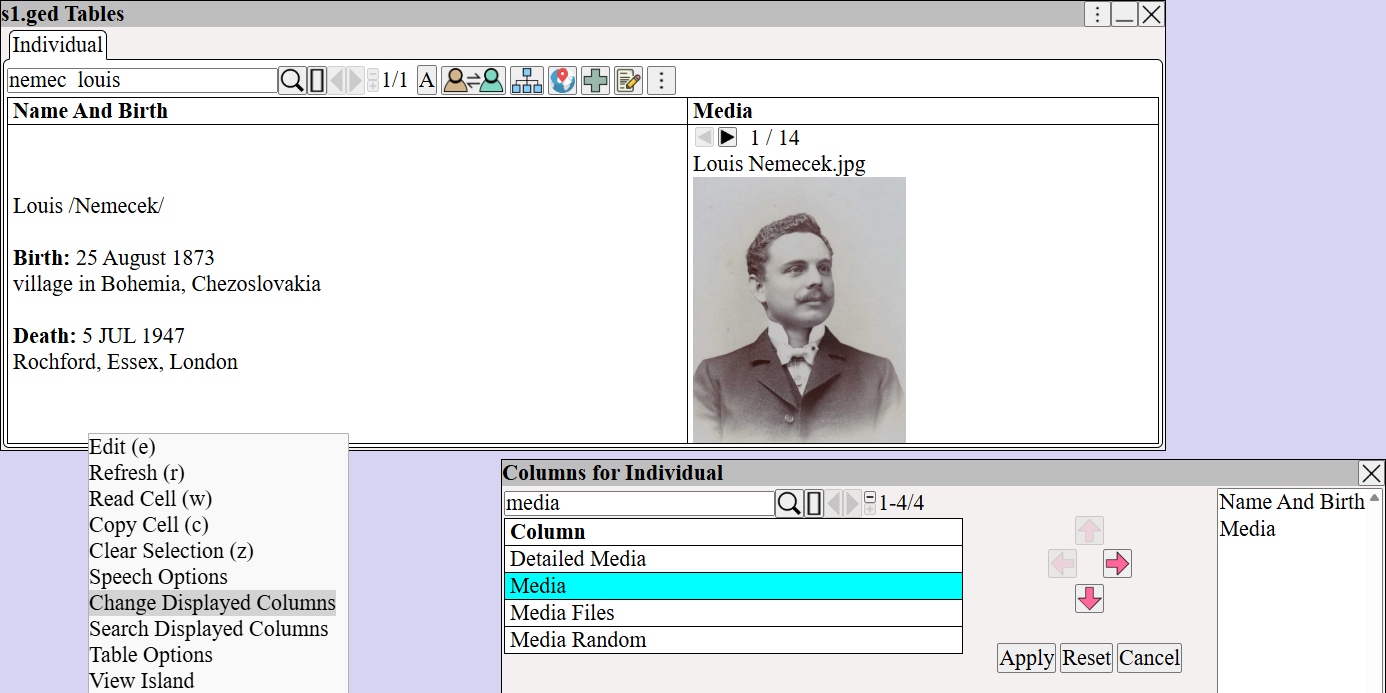
Adding the Media column to the Individual table view using the Change Displayed Columns menu in augean.com genealogy software.


and select  Media  to view the list of media for a person.
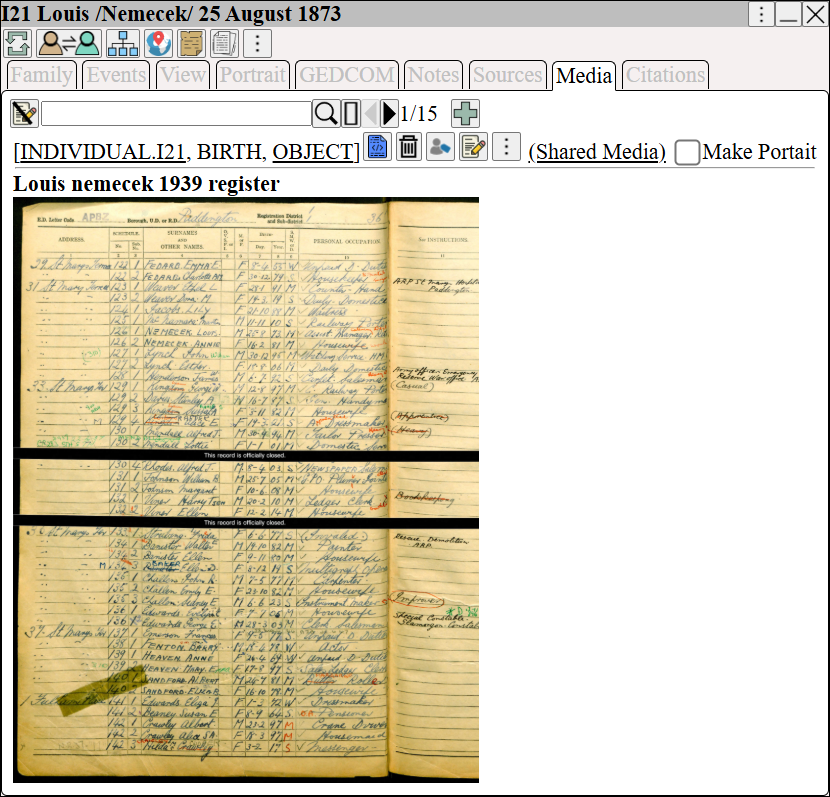
Viewing attached shared media, such as a census register, on the Media tab of an individual's profile in augean.com.


to edit the list of media
 ⟶ 

Search for the media and  
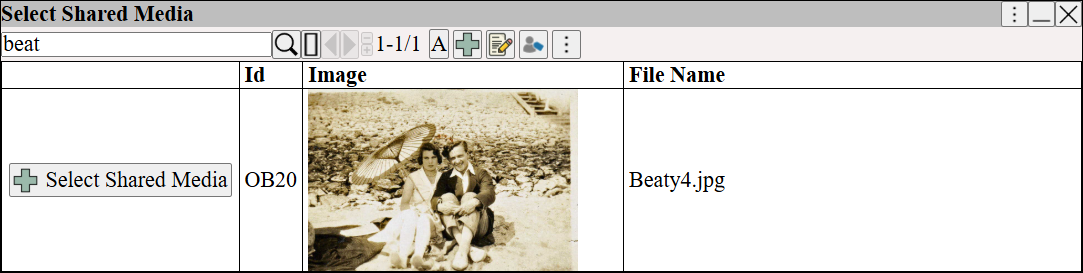
Using the Select Shared Media dialog in augean.com to search for and choose an existing photograph to attach to a GEDCOM profile.


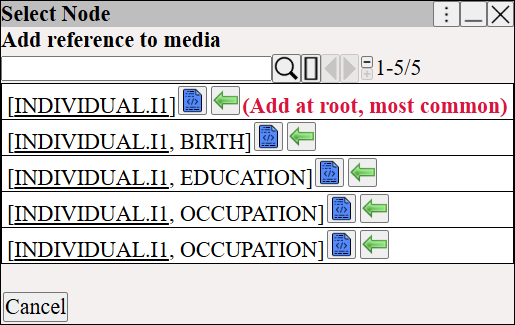
Choose where to attach the media.

The Select Node dialog in augean.com showing options to attach media to a person's root profile or specific life events like Birth.


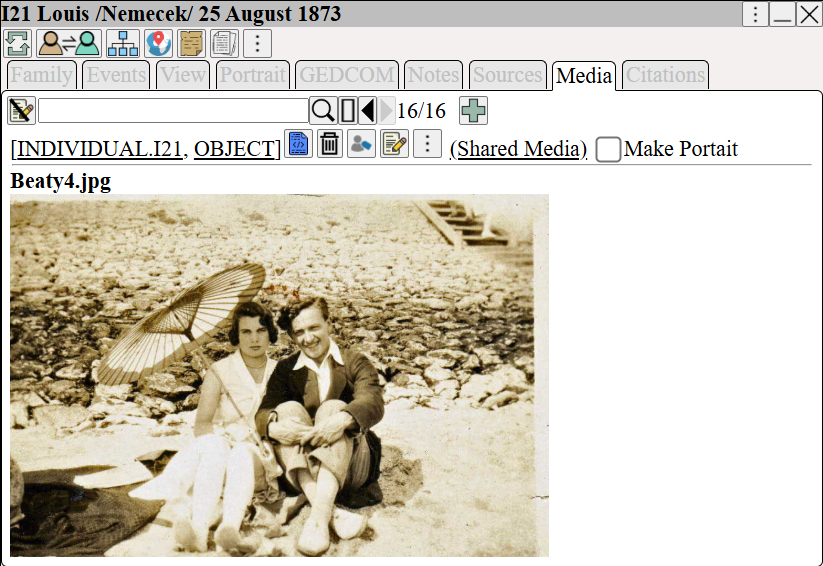
The shared media is now attached.

The individual Media tab in augean.com displaying a successfully attached shared media photograph to enhance family tree records.


The citations for the media show who is using the media.
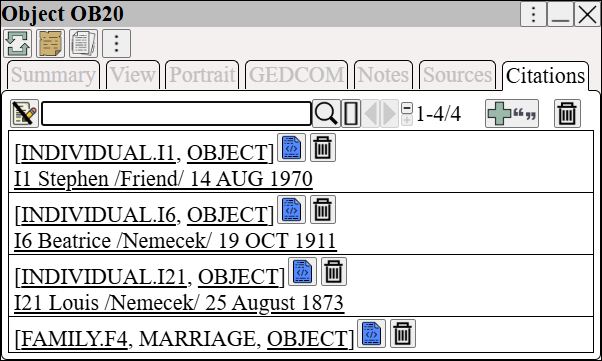
Object Citations view in augean.com tracking all individuals and family events linked to a specific shared media item for research consistency.