Tagging photos and documents is critical for analysis.
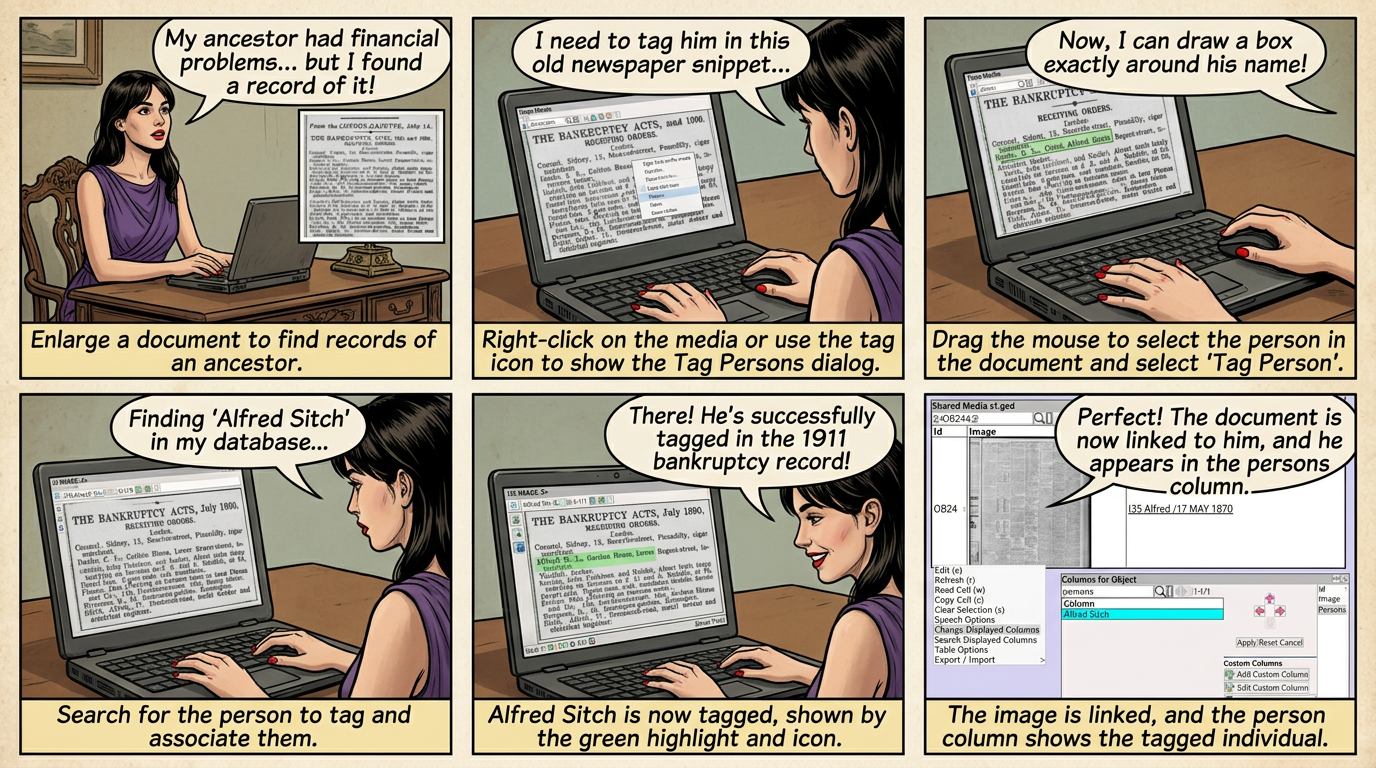
For example, my ancestor was experiencing some financial difficulties; I found a record of this in an old paper.
I can enlarge the newspaper and tag the exact place in the newspaper for this record.
The record is highlighted in yellow in the 3rd column of the newspaper (as shown below).
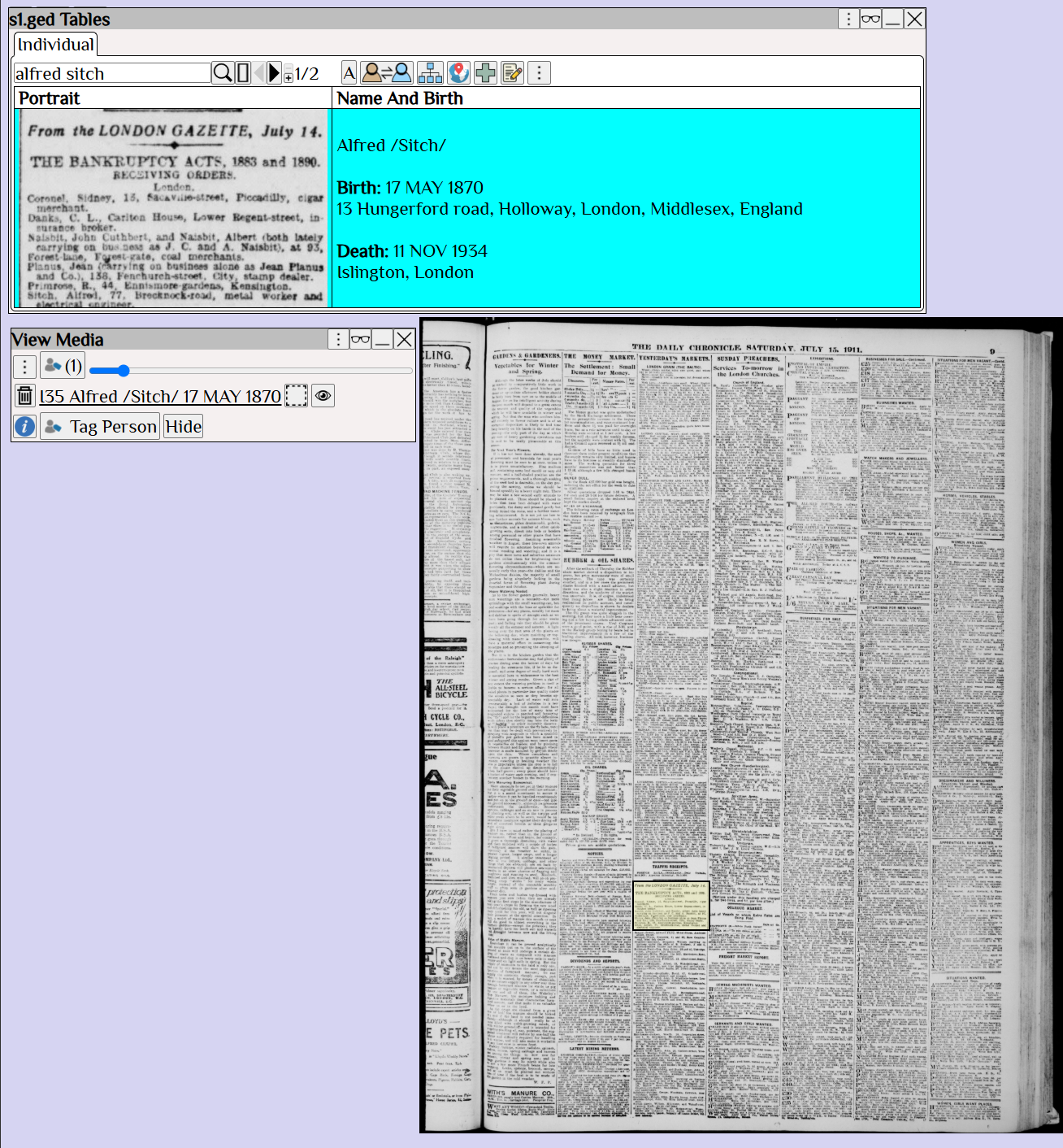
 The ability to zoom in on a document, and tag the exact location is essential for document analysis.
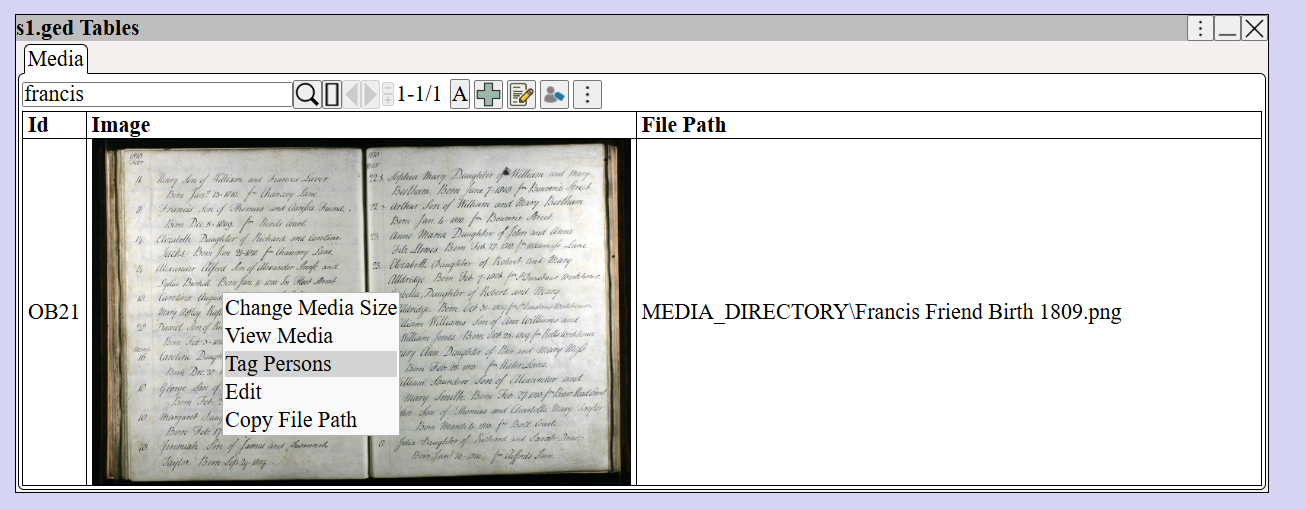
to show the Photo / Document Tag dialog.
Or Right Click ⟶ Tag Persons from any media.
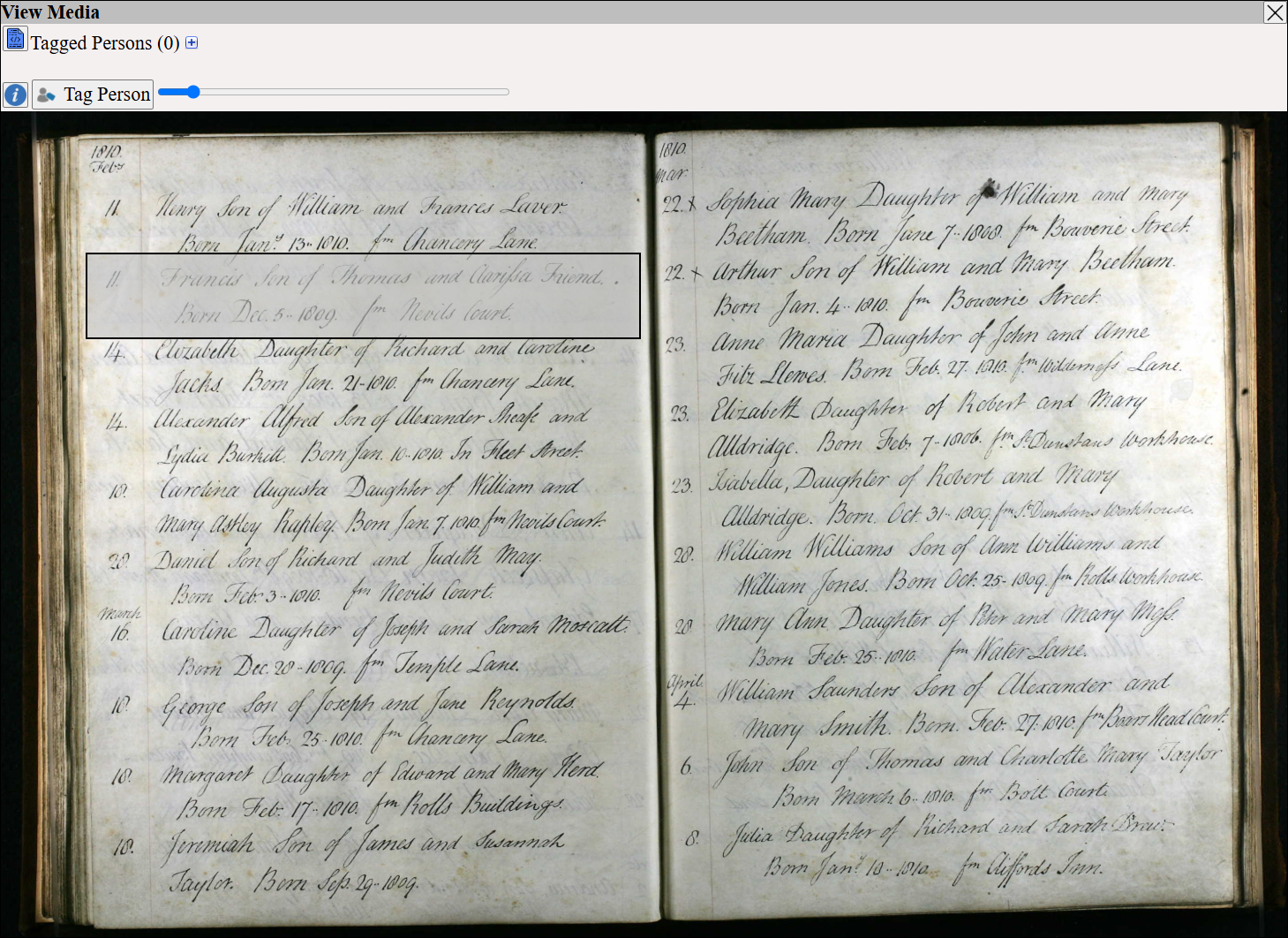
Drag the mouse to select the person in the document and select
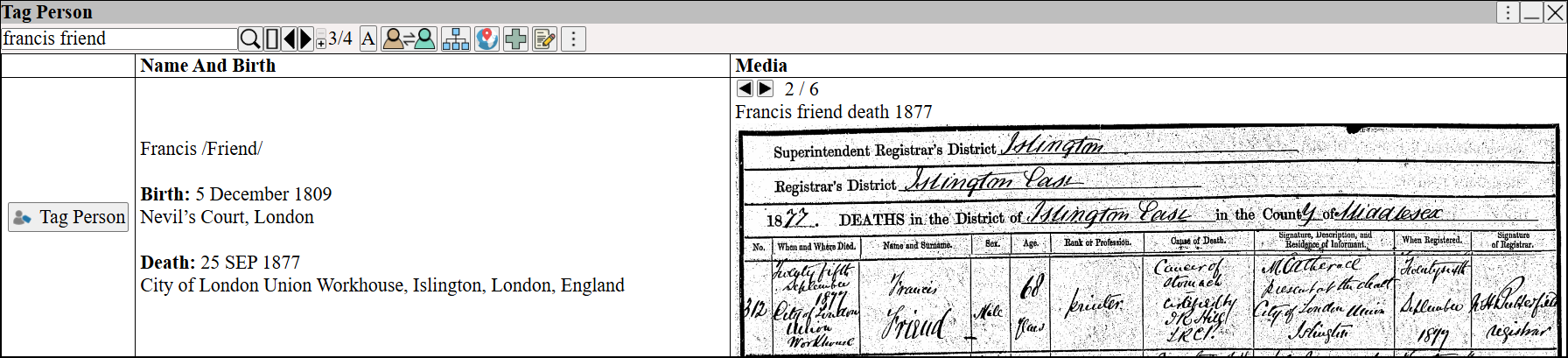
Search for the person to tag, then
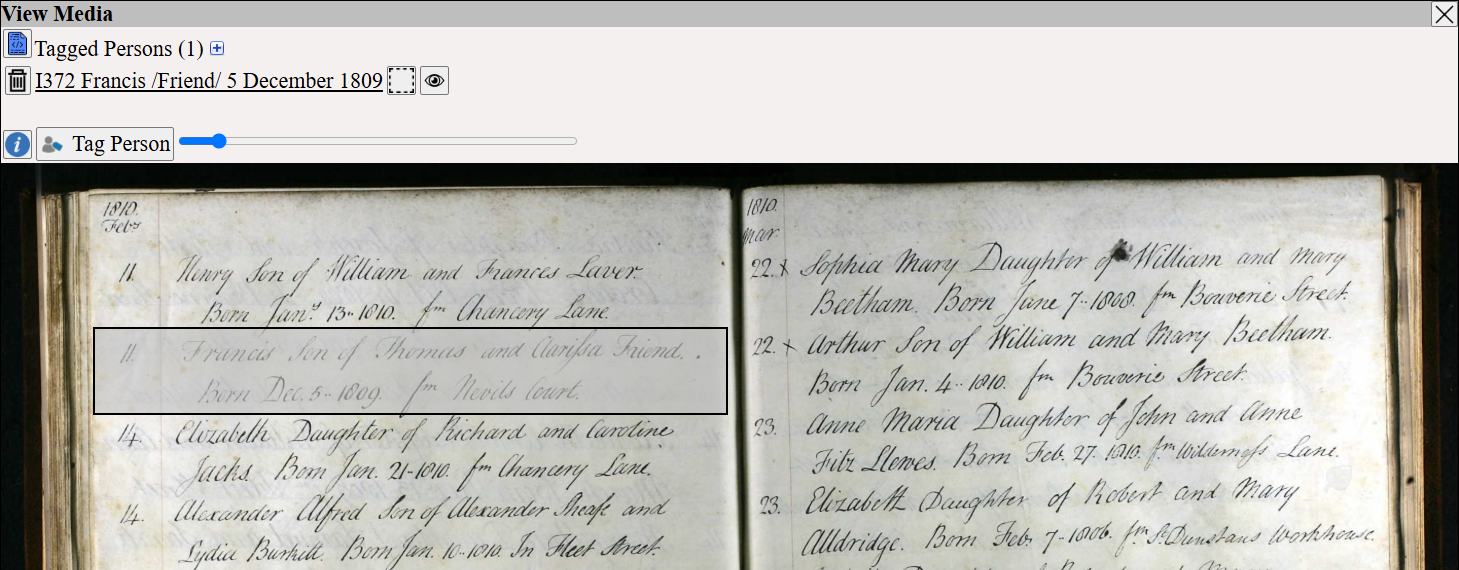
Alfred Sitch is now tagged in the document
shows the location of the person in the document
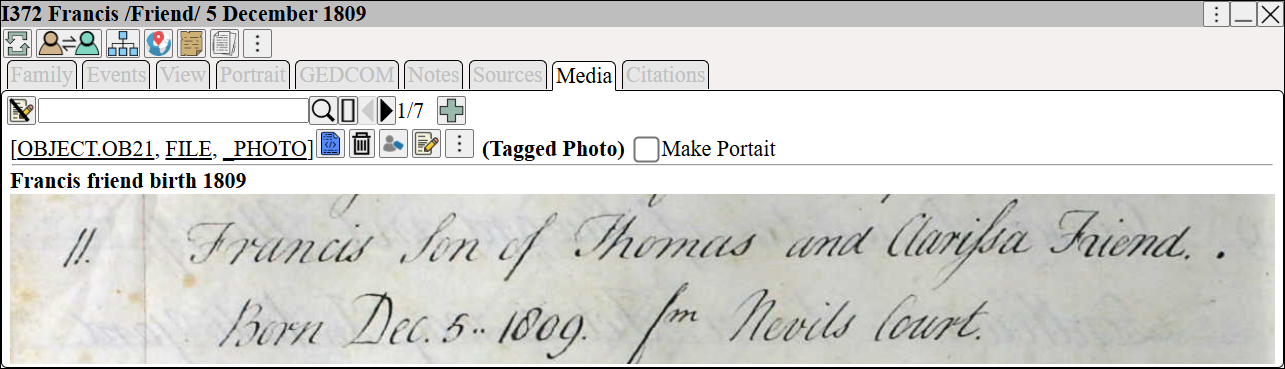
The tagged image is now listed in the media for Alfred Sitch
In the shared media table
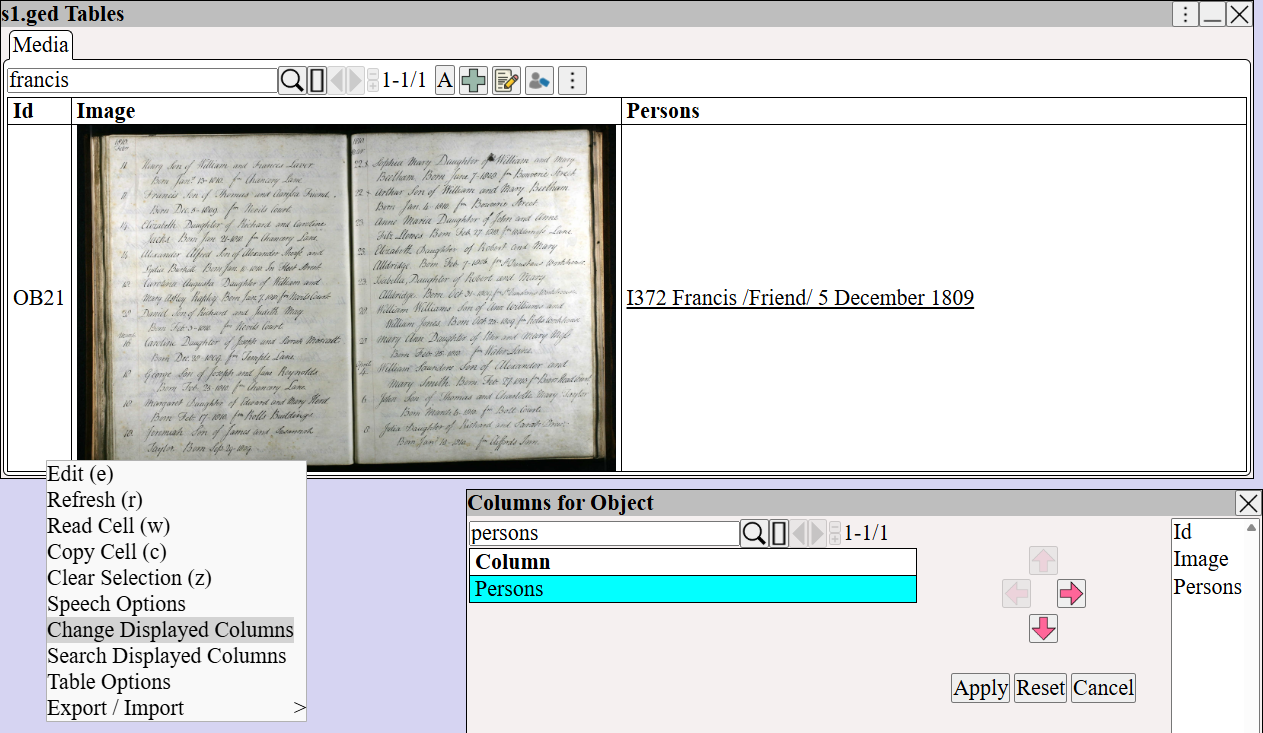
Right Click ⟶ Change Displayed Columns to add the Persons column
Alfred Sitch is listed under persons.