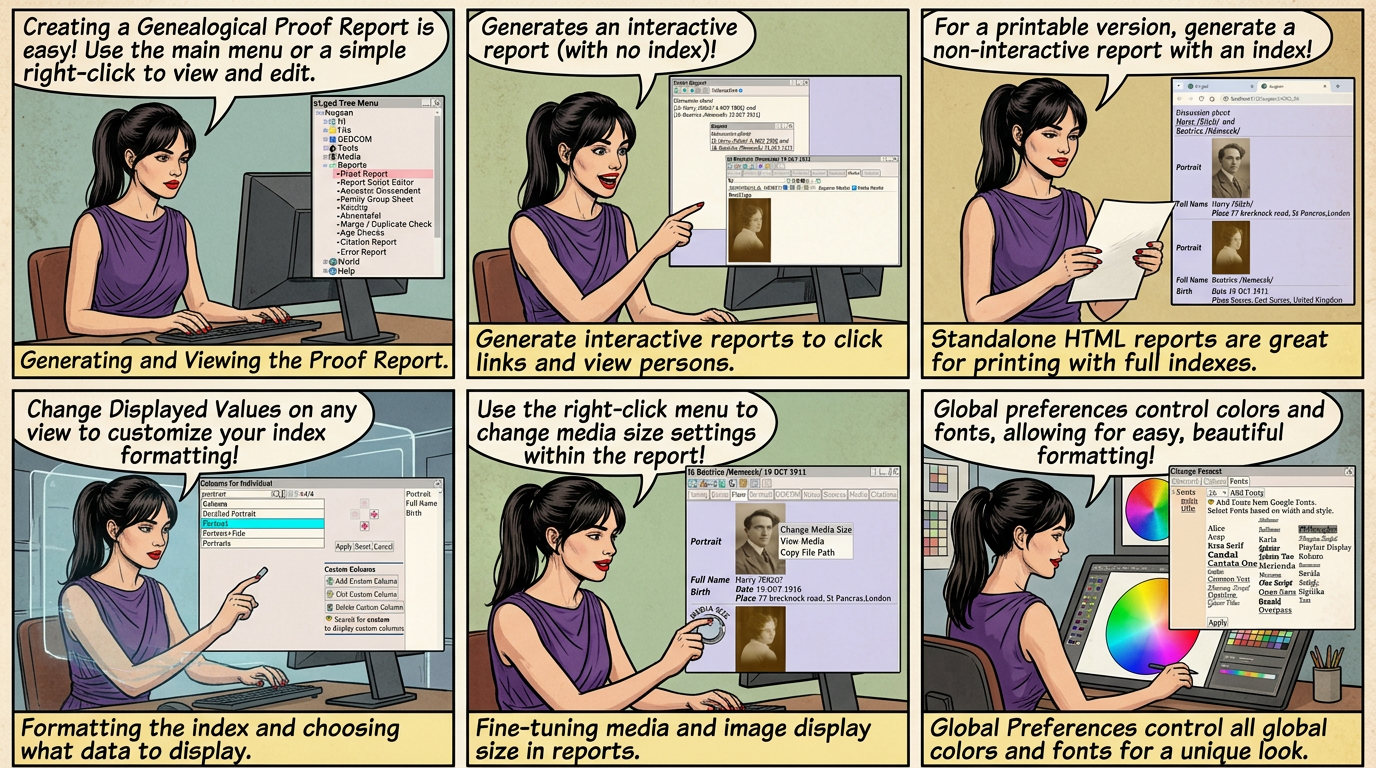
The proof report is helpful in writing Genealogical Proof Standards.
In the tutorial we create a short three line report to illustrate.
Proof reports can be generated using
⟶ Reports ⟶ Proof Report or
Right Click ⟶ Proof Report - View
Right Click ⟶ Proof Report - Edit from any text field
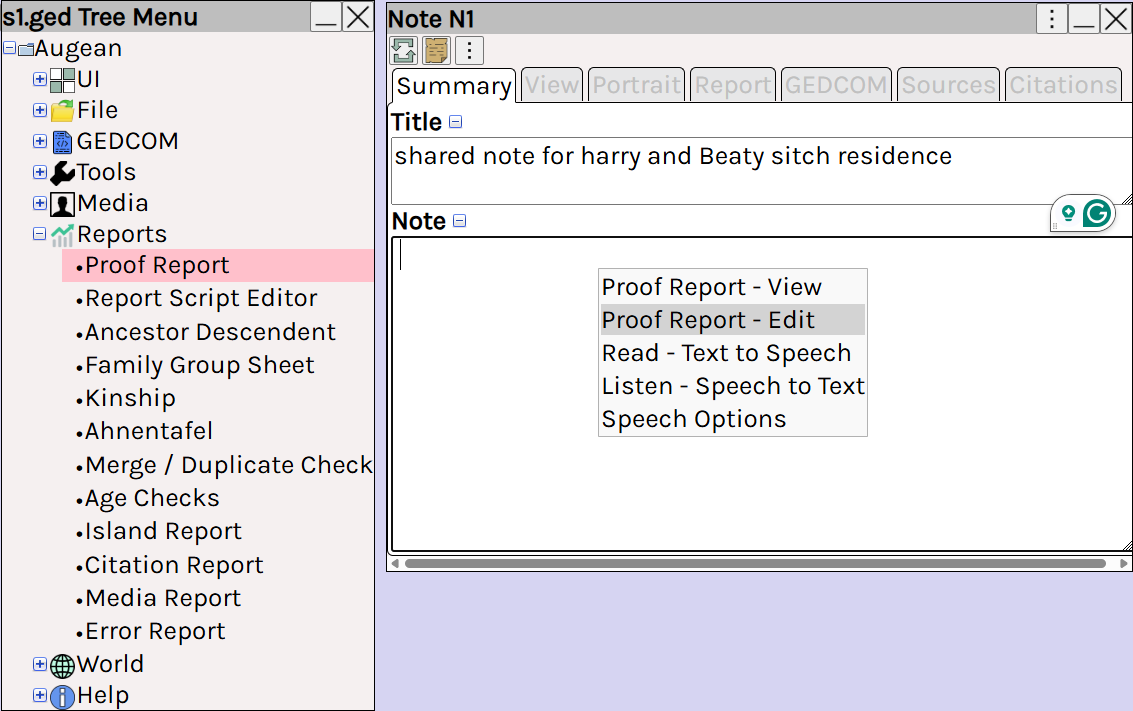
to add Persons / Families / Sources / Notes / Media to the report
to paste a link into the proof report.
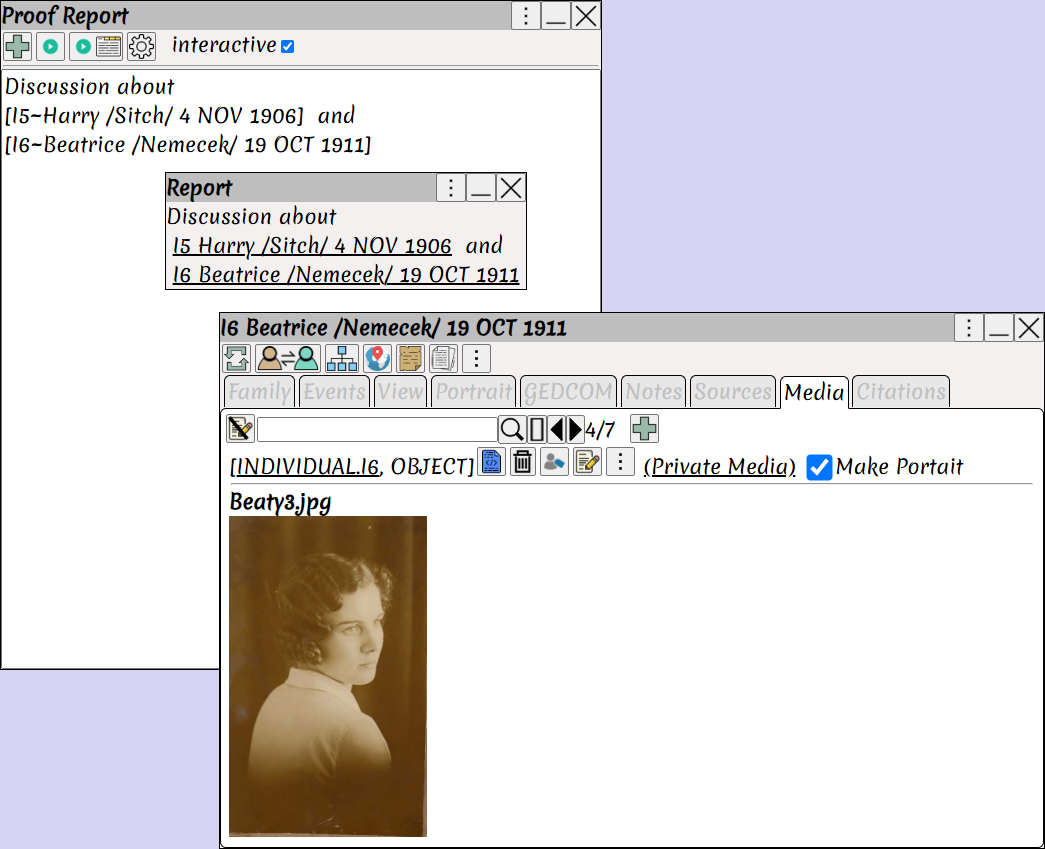
To generate an interactive report.
interactive ⟶
Generates an interactive report (with no index).
Click on the links in the report, to view the Persons.
To generate a non interactive report suitable for printing.
interactive ⟶
Generates an standalone HTML report with an index.
The index can be used to understand the persons in the report, (as it is not interactive, we include the index).
 For non interactive reports use to create them in a new browser tab, where they can be easily printed.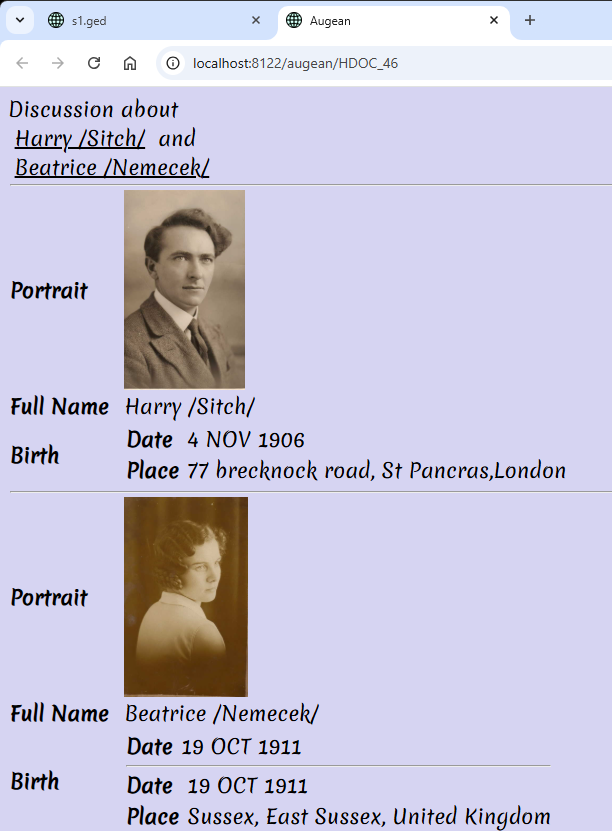
Formatting the Report
How is the index created ?
How is it formatted ?
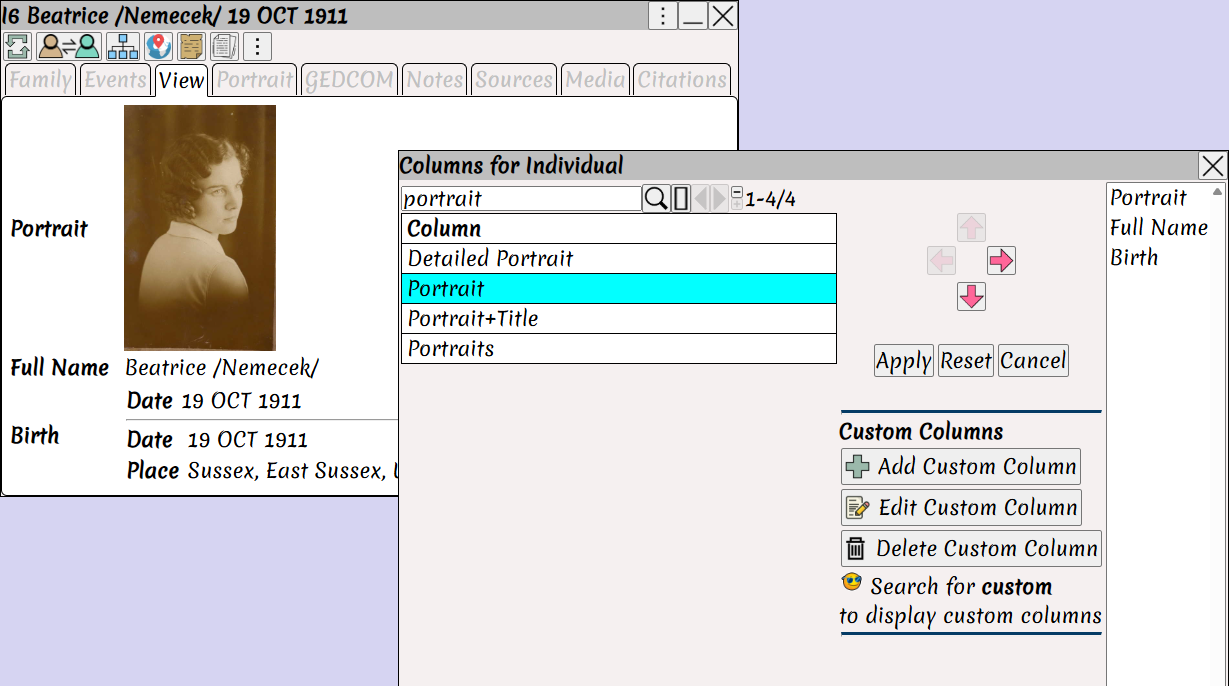
Every Person / Family / Note / Source or Media has a View
The View is used to generate the index.
Right Click ⟶ Change Displayed Values on the view to change the displayed Items
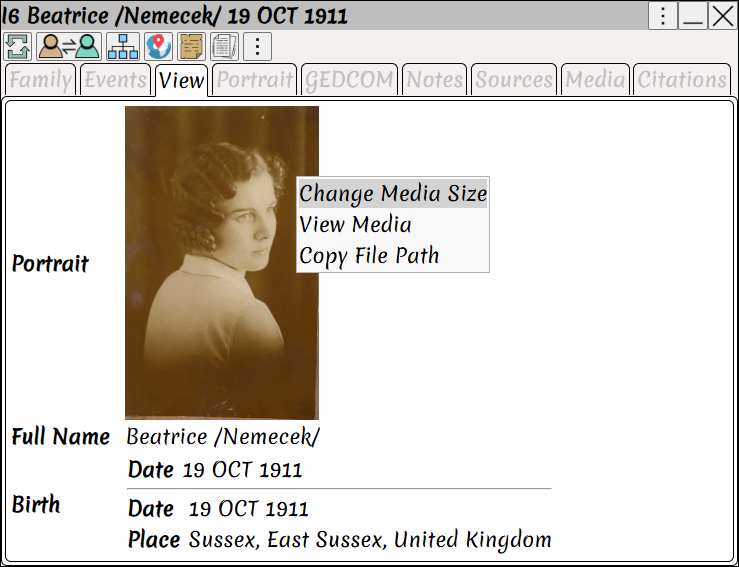
The size of the images in the report can be set from Right Click ⟶ Change Media Size
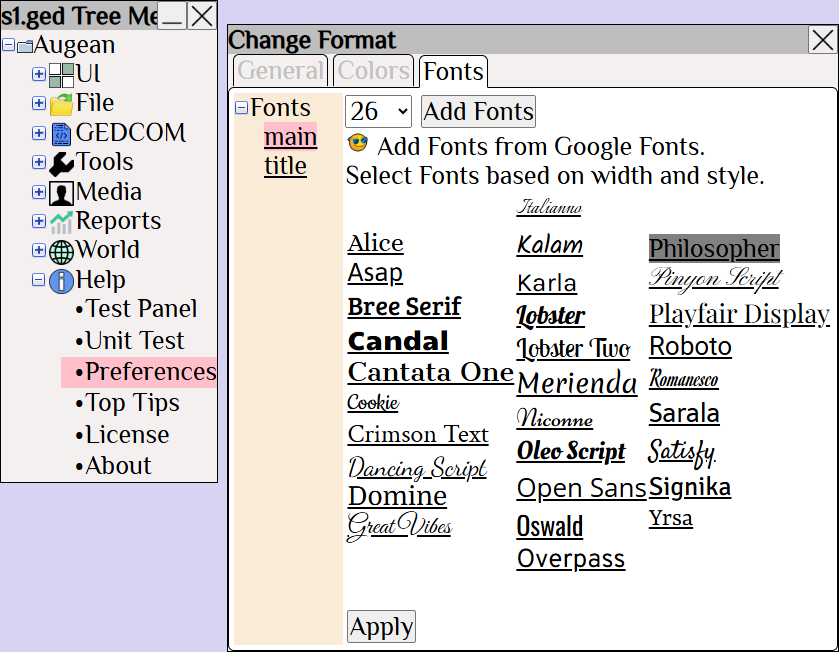
The colors and fonts come from the global preferences.
In this example, we created a very short proof report
But this is a very effective tool, for construction genealogy proof standards.
The links in the report help us understand the genealogy.