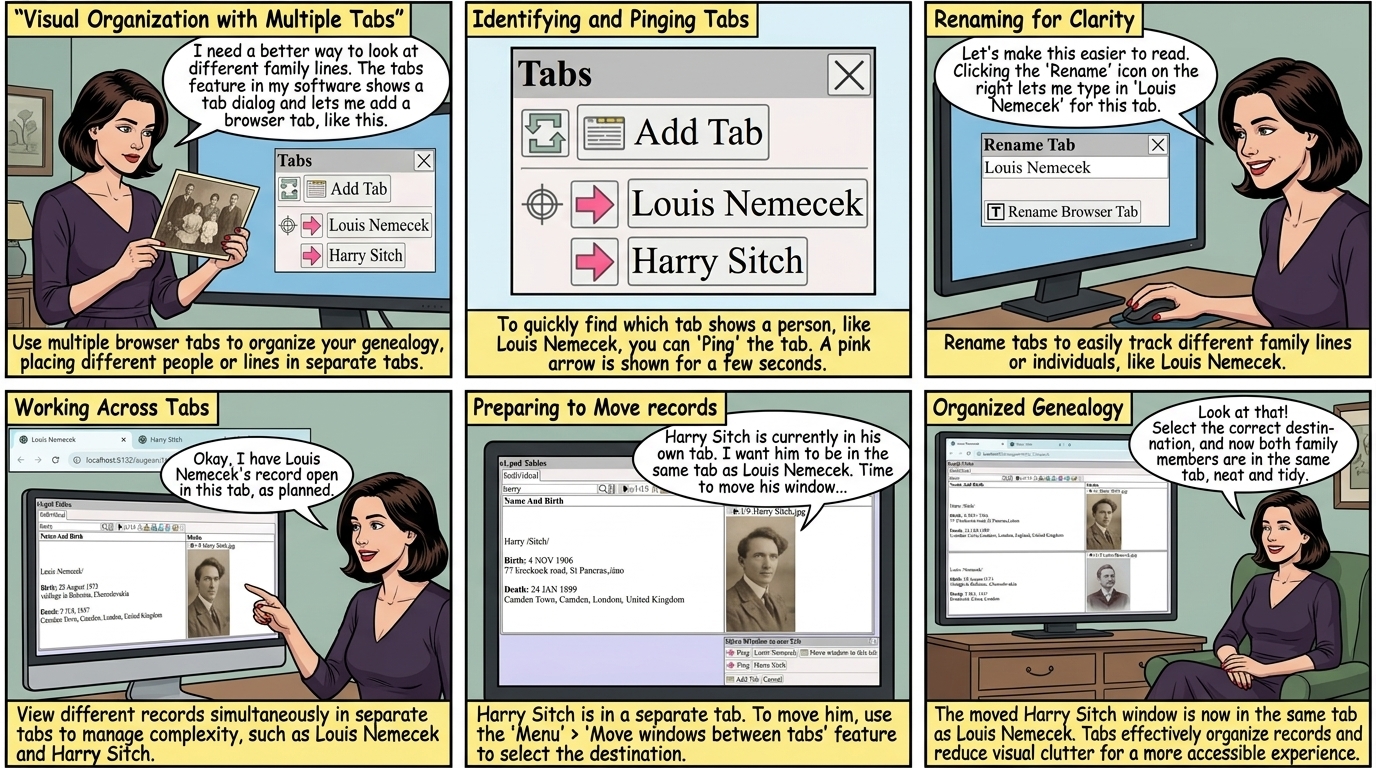
Use multiple browser tabs, to visually organize your genealogy.
Each person or line, can appear in a different browser tab.
Menu ⟶ Shows the tab dialog
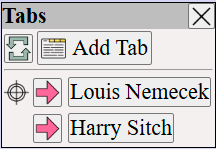
| Add a browser tab | |
| Shows the current tab | |
Ping the tab, the pink arrow is shown for a few seconds in the tab, for example  |
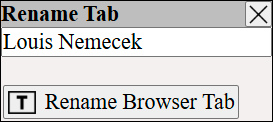
On the right of , click to rename the browser tab.
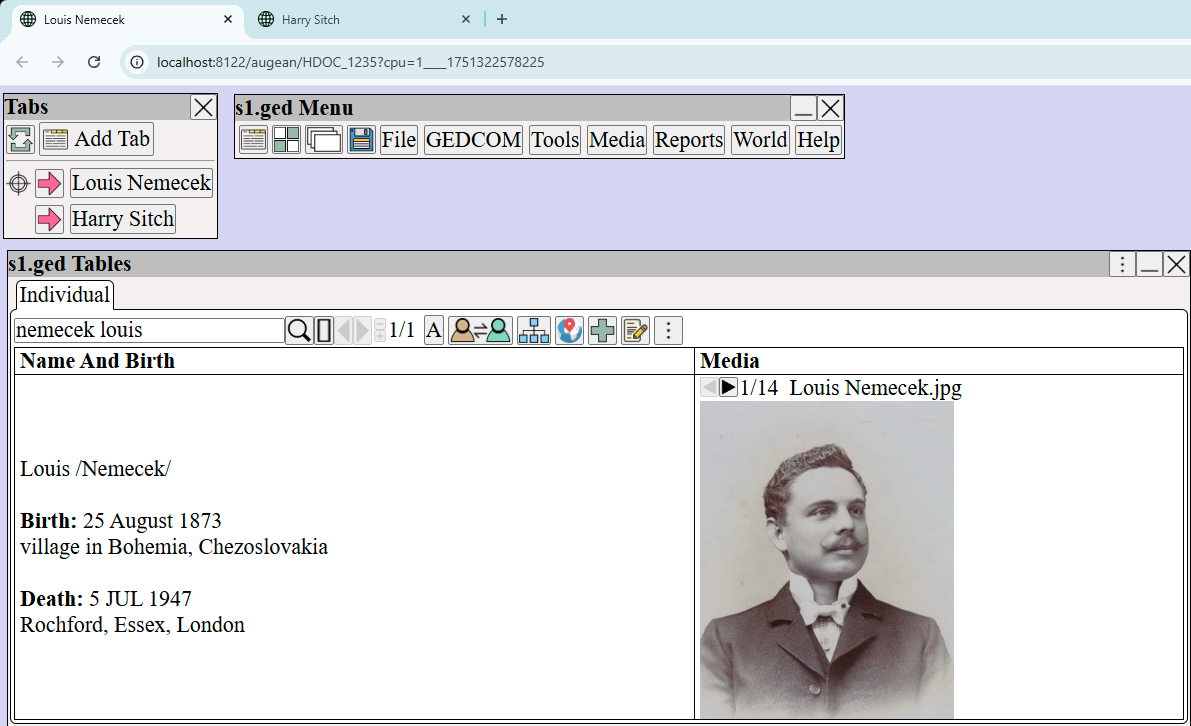
Each tab, can track a different line or person. For example:
Move Windows between Tabs
Harry Sitch is currently in his own tab.
We want to move him to be in the same tab as Louis Nemecek.
Move windows between tabs, use ⟶ (from the top right of window to be moved)
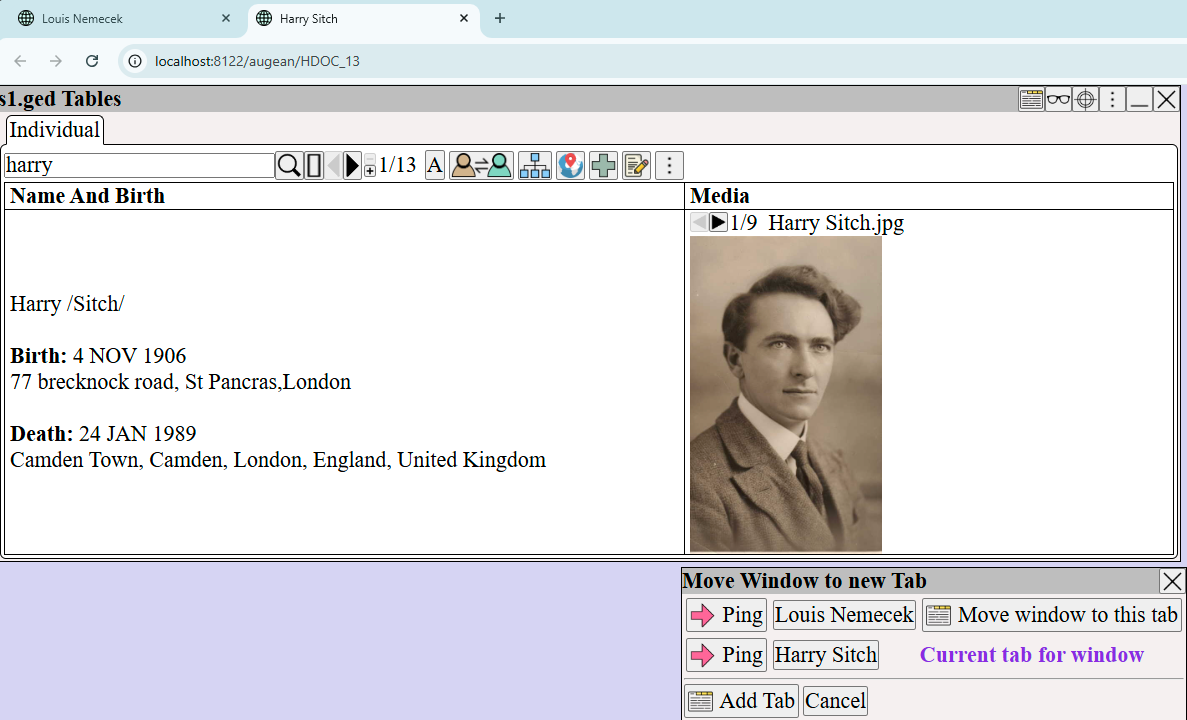
Select and the Harry Sitch will be moved to the same tab as Louis Nemecek,
as shown below.
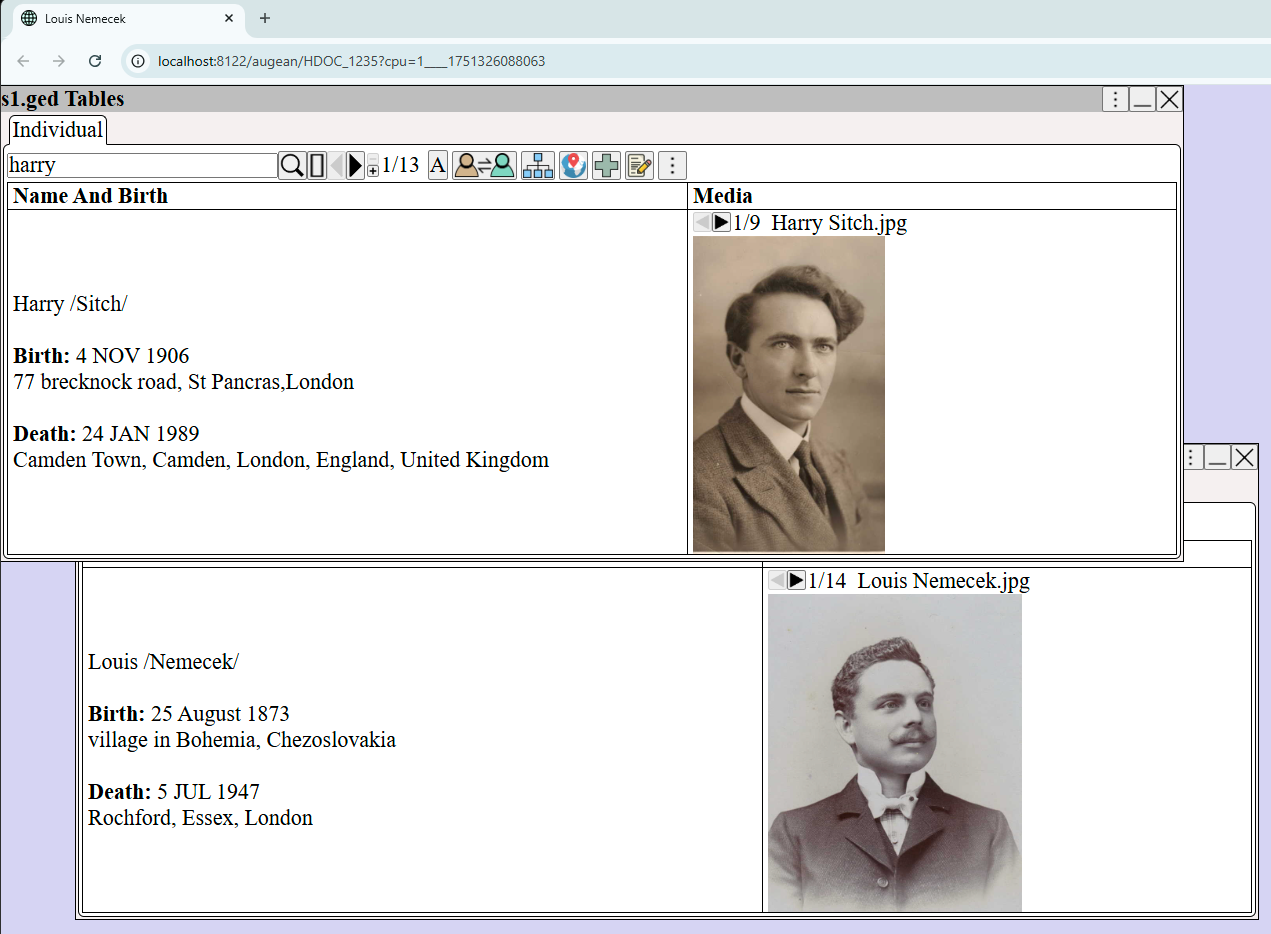
Tabs are an effective way to visually organize your genealogy.
Tabs reduce clutter on the screen, and make for a more visually accessible experience.
Dual Screens
Having multiple screens helps, especially when editing the preferences for a chart.
Augean can be used on multiple screens by opening new browser tabs using
Top right of window ⟶ ⟶
or
Menu ⟶