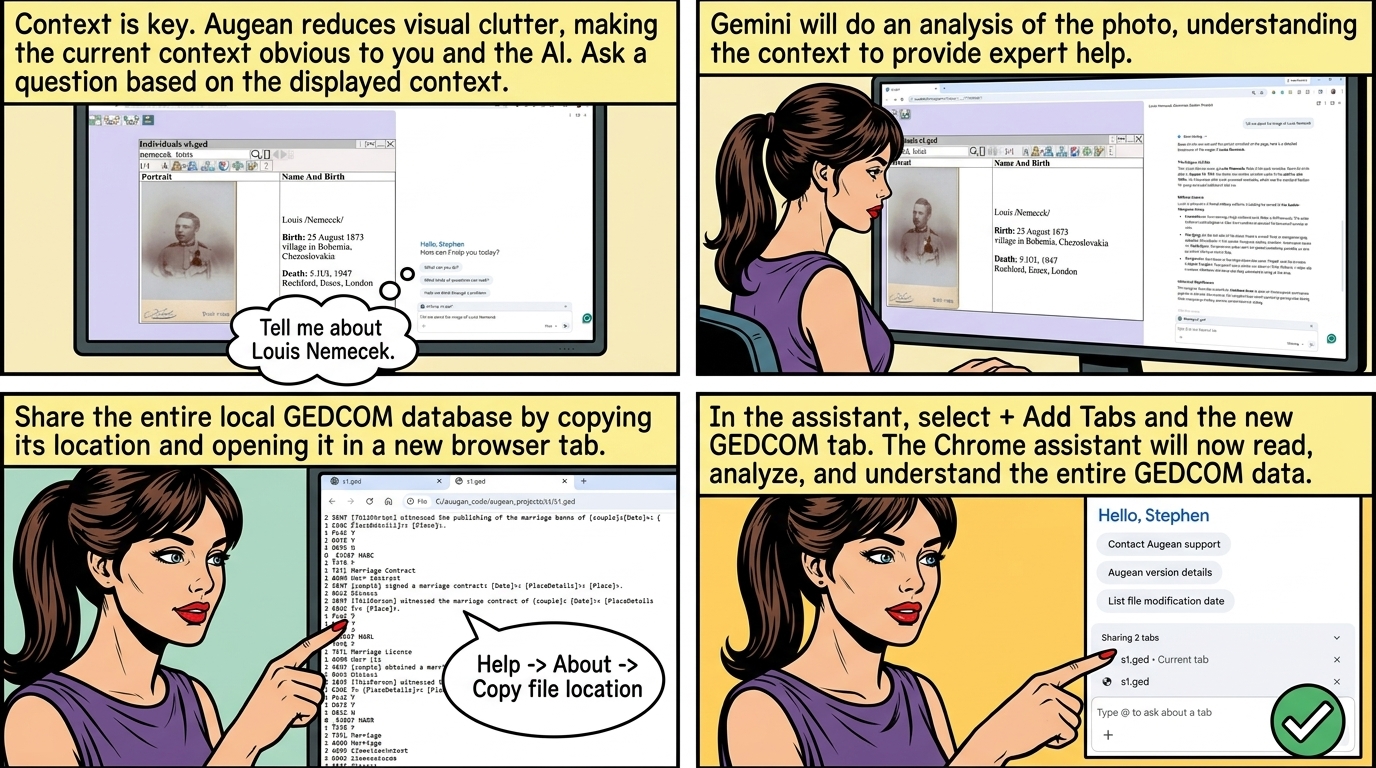
Augean helps both you, and the AI focus on the current context.
Augean helps reduce visual clutter on the screen, making it obvious both to yourself, and the AI the current context.
By reducing the information currently displayed, it helps both the AI and yourself to focus.
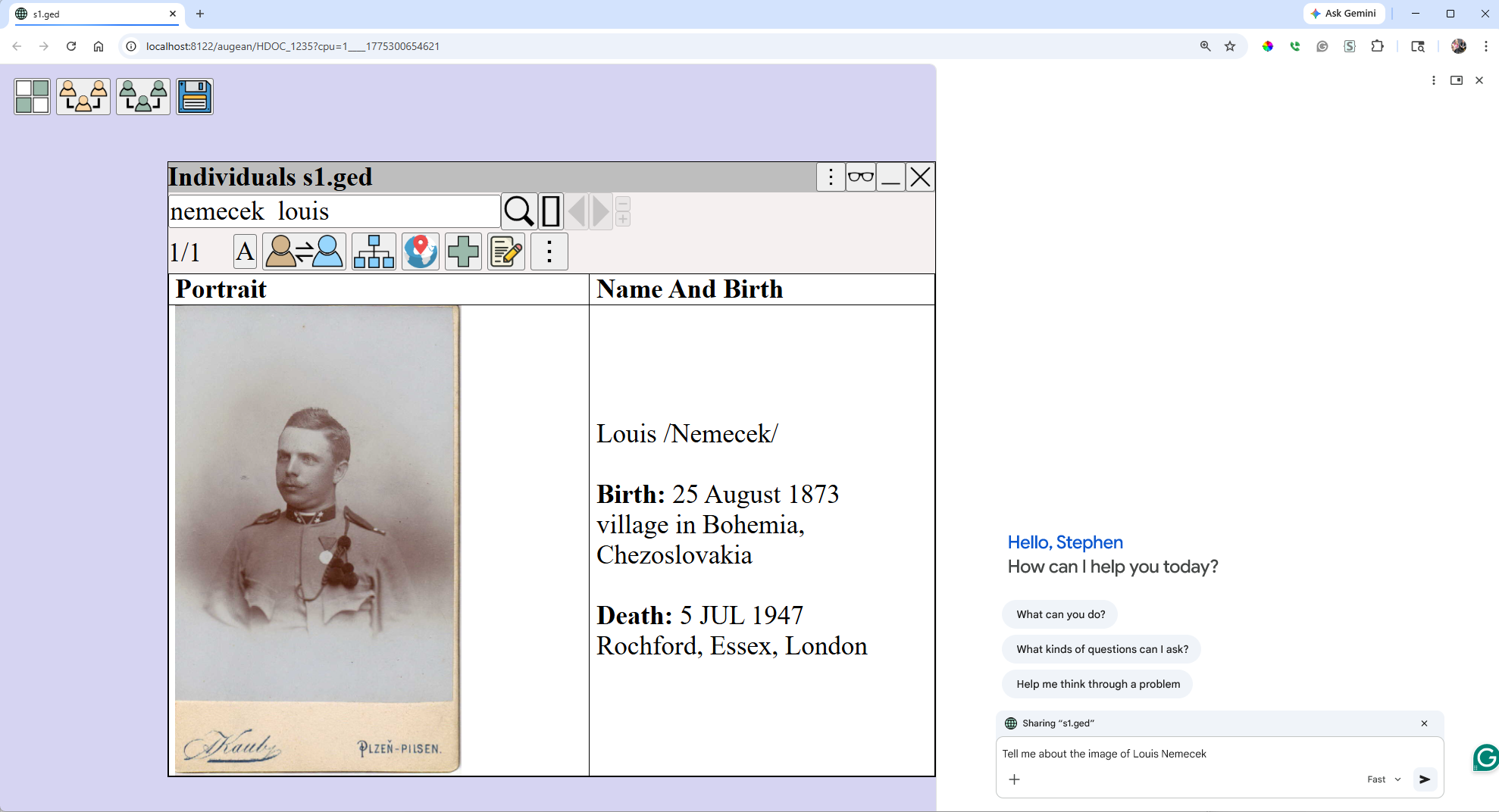
Use Augean User Interface ⟶ Searching to search for relevant person
Then ask Gemini a question based on the current displayed context
In this example, I used the prompt Tell me about the image of Louis Nemecek
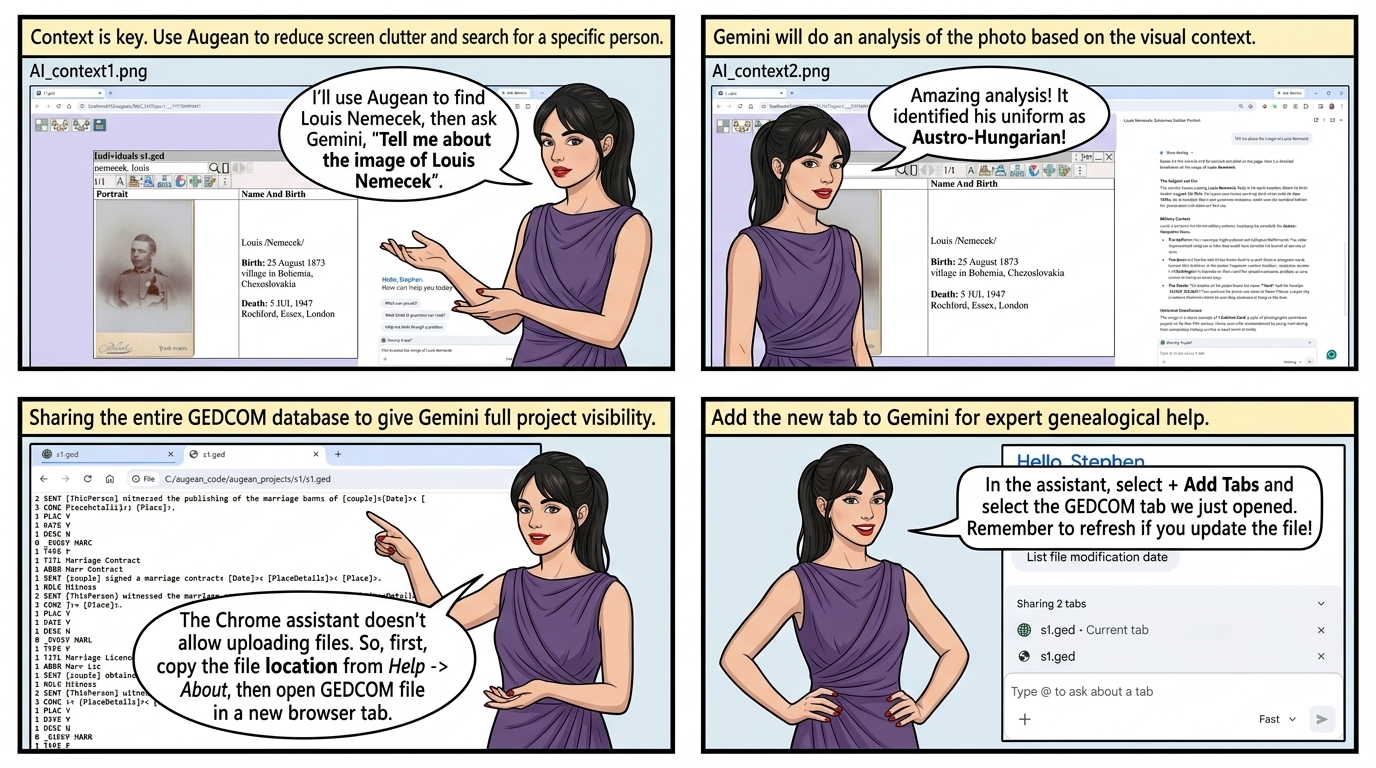
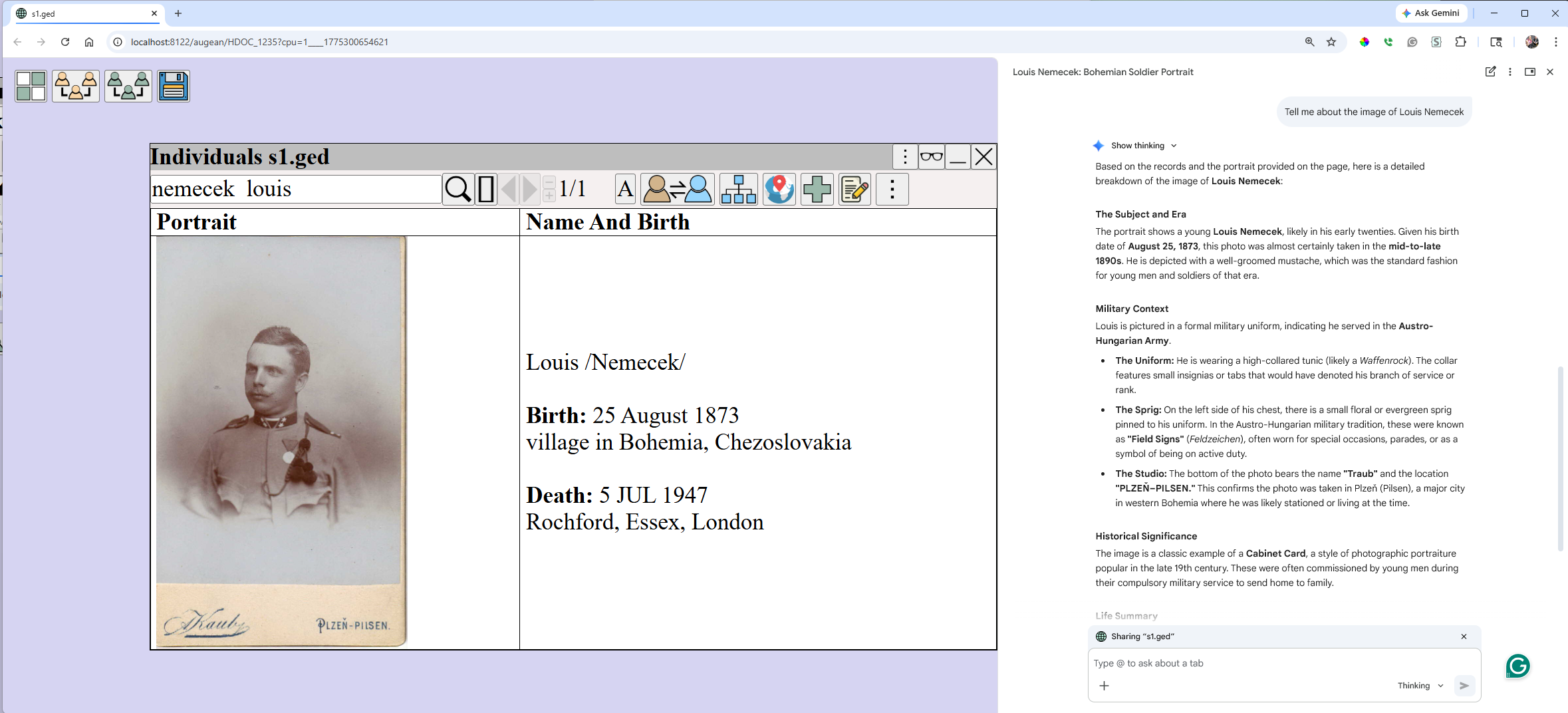
Gemini will do an analysis of the photo.
Sharing the entire GEDCOM database
We can share the entire local GEDCOM database for the current project with Gemini
Then Gemini will be able to read all the information in the current project.
| GEDCOM 5.5.1, the de facto standard is understand by AI. Its the building block for AI Native genealogy apps. When we share the GEDCOM with the AI, it understands it. To enable sharing: ⟶ Help ⟶ About ⟶ to copy the GEDCOM file location, then open this file in a new browser tab. 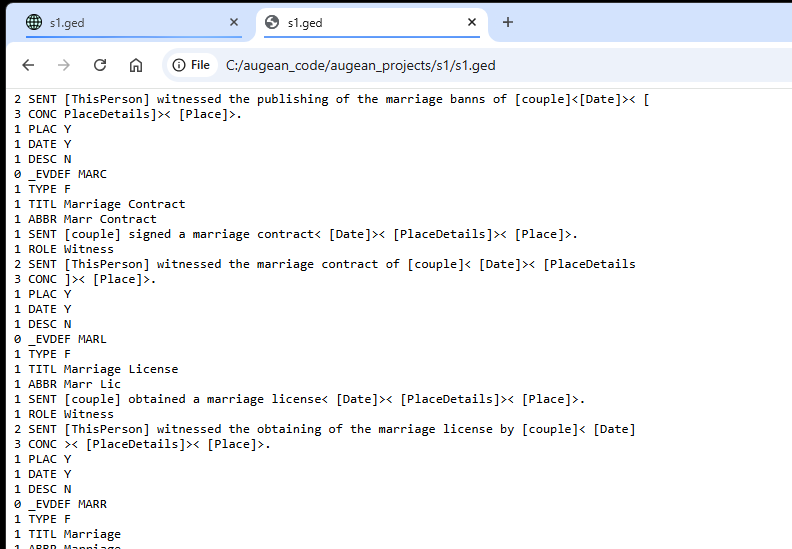 In the Gemini assistant, select + Add Tabs ⟶ Select the GEDCOM file, just opened in the browser tab The GEDCOM source file will be read and analyzed by Gemini. 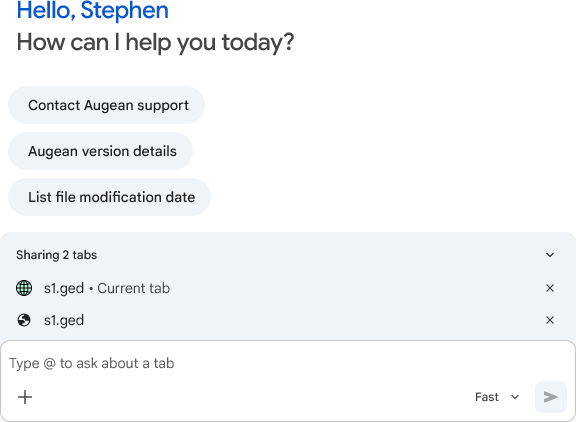 The Gemini Chrome assistant will then understand the context, and provide expert help. The chrome assistant doesnt allow uploading files, so open the GEDCOM file in a new browser tab which we share with Gemini. If you save an updated version of this GEDCOM file, just refresh the browser tab so the AI has the latest information. |