Why did we design and write Augean? Let's discuss the genealogy problems we were trying to solve.
Twenty five gaps we found with some existing genealogy software, that we tried to fix with Augean.
Please review all 25 points.
1. Source-Centric Research
All genealogy facts originally come from source documents.
It's the media and source documents that make the genealogy fascinating.
Augean supports the viewing of more types of media than any other desktop genealogy program.
With the ability to zoom in and tag documents.
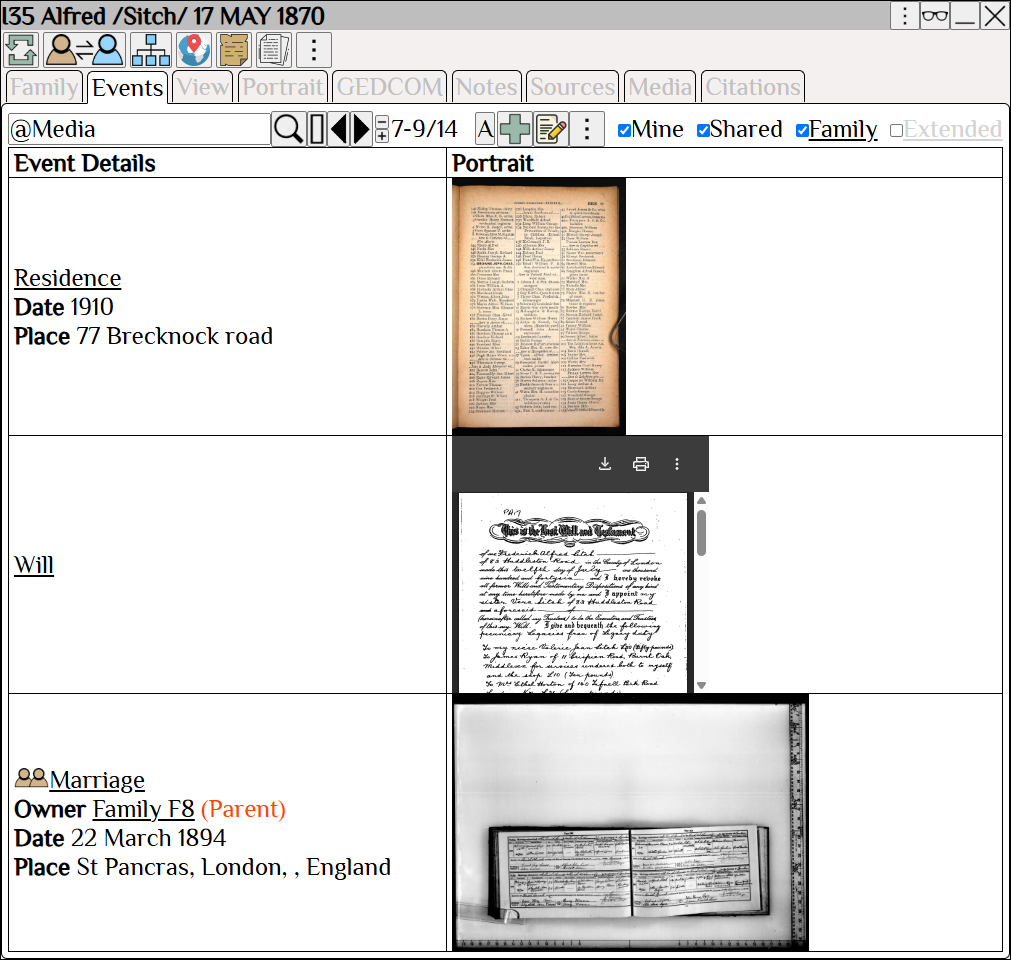
Relevant Media is displayed in the Event Stream for each person.
2. Cognitive Accessibility
Avoid context switching—that is, switching back and forth between screens.
Context switching, or switching screens, can cause a loss of focus.
Augean is designed to prevent context switching.
See all the information on one screen.
Augean uses a large screen and a scrapbook layout to display the needed information.
Place the windows where you want them to be.
• Avoid context switching.
• No switching back and forth between screens.
• No need to rely on memory.
Visually align everything so it is all on one screen.
The UI puts you in control; the layout can be changed to suit your preferences.
The UI adapts to your needs, rather than requiring you to train your brain to adapt to the UI.
 Less eye strain and less brain strain when using Augean.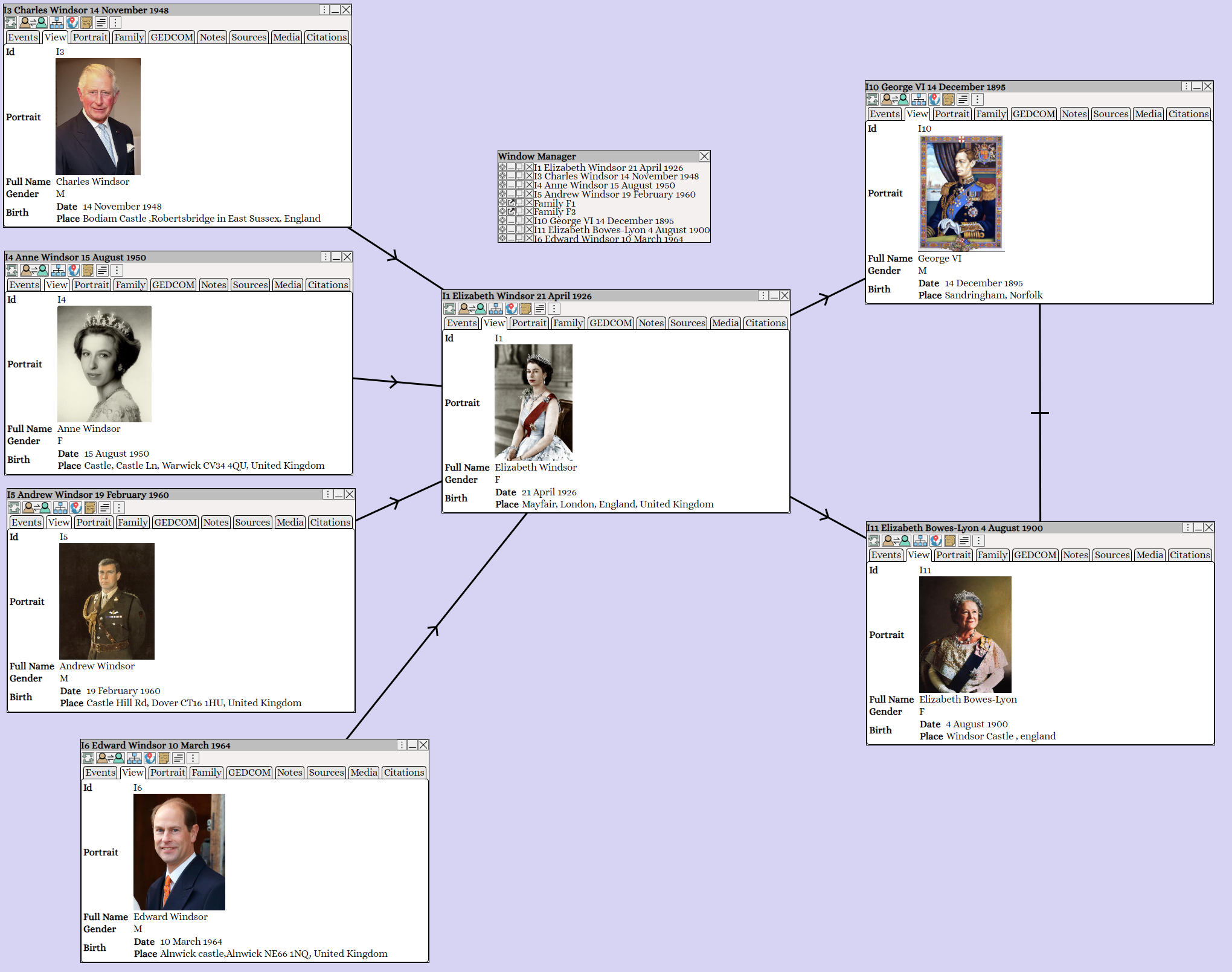
Augean works best on large screens and uses a scrapbook approach.
Display all required information at once, in your preferred format.
Avoid switching back and forth between screens.
3. Visual Accessibility
Existing genealogy tools often gave me eye strain.
Genealogy programs often try to cram all the information into a small space.
Augean works with large monitors, and it is much easier on the eyes.
Augean is a visually accessible application - 1926 different fonts available in any size.
Everything is driven by vectors—vector graphics and vector text.
No eye strain - Augean presents the information in the most visually accessible way possible.
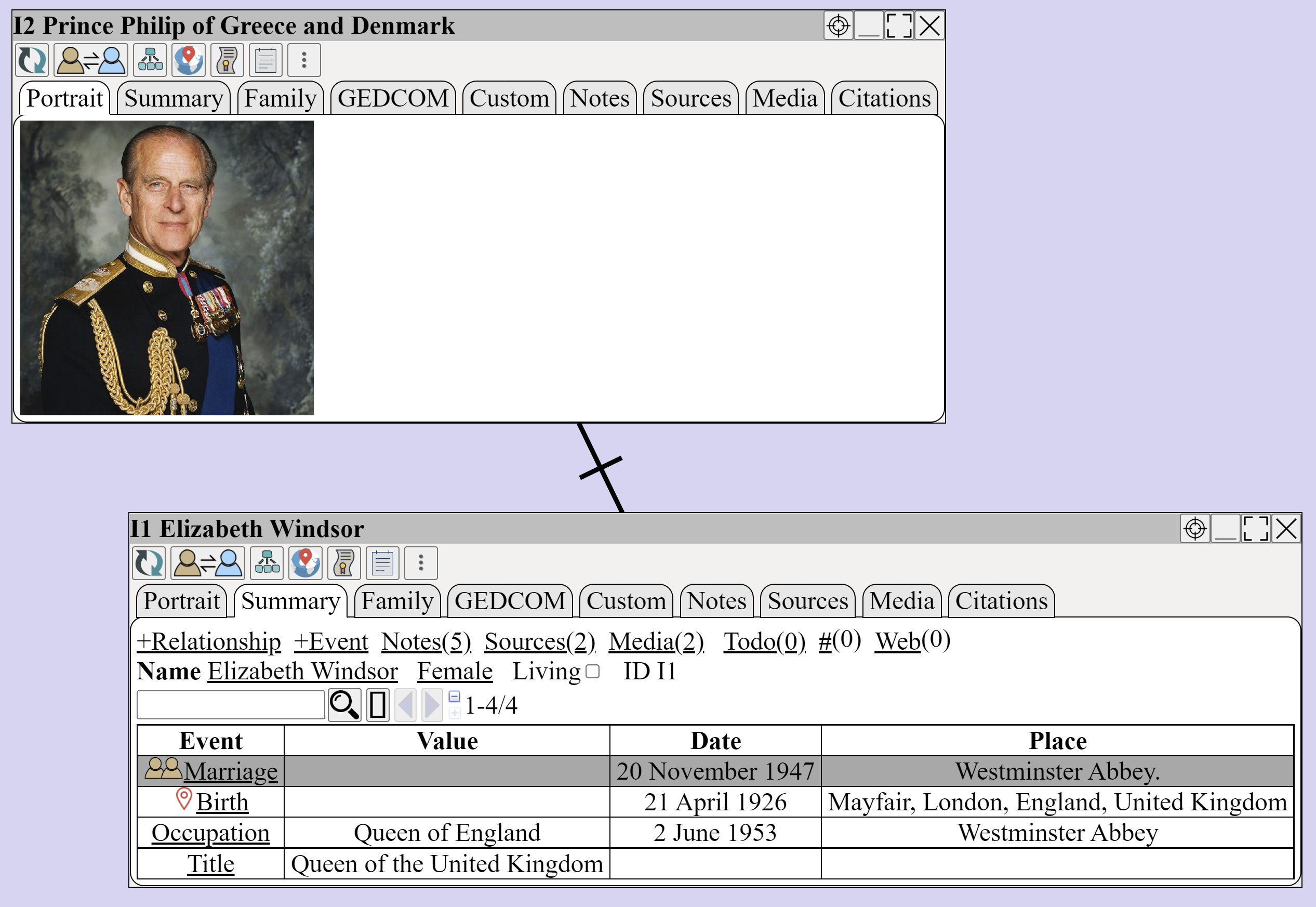
Zoom in, change the fonts to any size.
4. Spelling, Grammar, and Generative AI writing
Integration with spell checks like Grammarly is helpful for genealogy note-taking and is often lacking in existing genealogy applications.
Grammarly is also a generative AI tool that assists with writing notes, summaries, and genealogical proofs.
We integrated Augean with Grammarly
Check the spelling, grammar, and use generative AI in every text field.
5. 3D Charts
Lack of 3D charting in the existing genealogy application.
Augean has several 3D charts, which help visualize relationships.
6. Mac, Windows and Linux Support
Linux and Chromebooks were often not supported in existing genealogy apps.
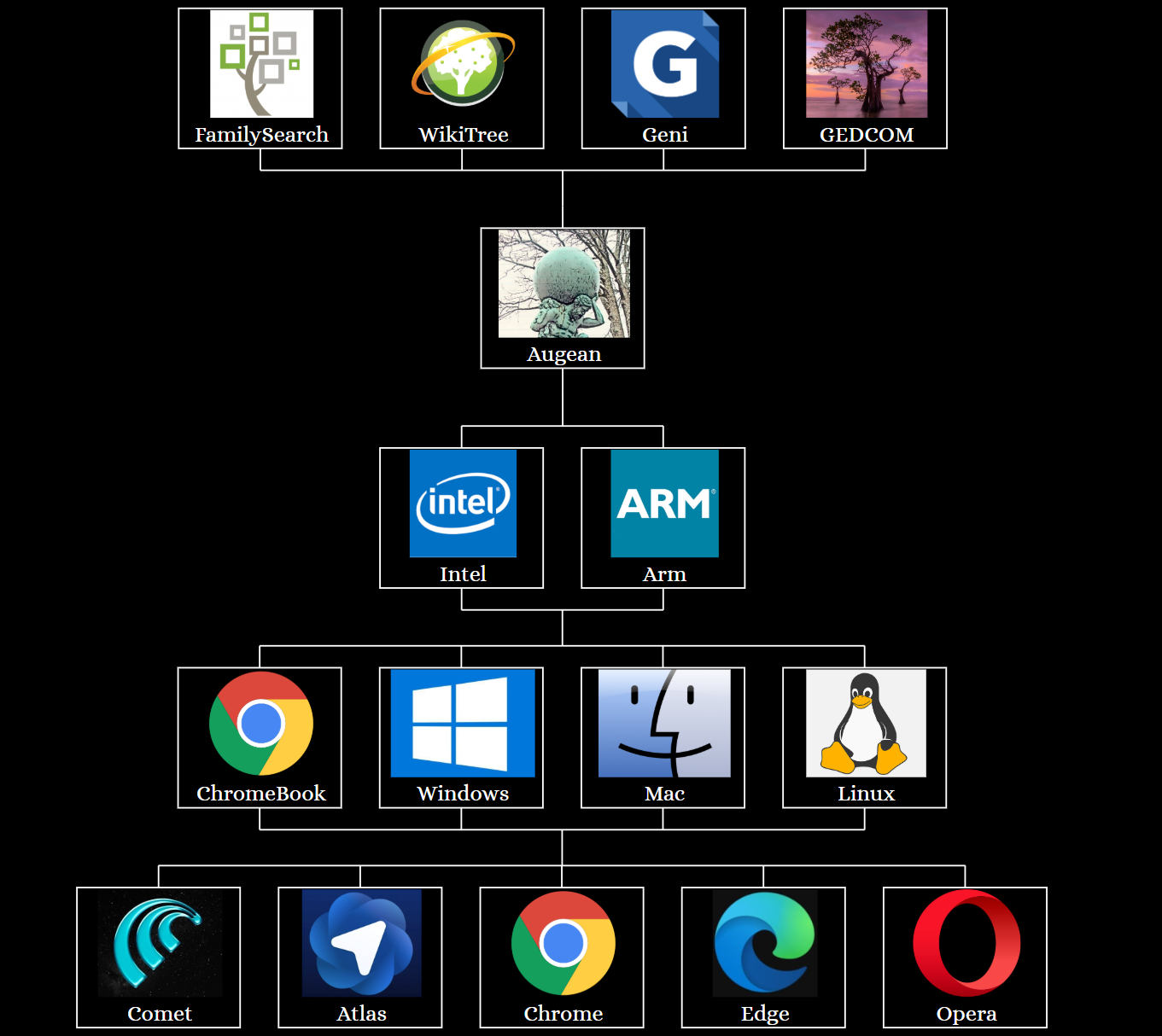
Augean runs on (Mac, Windows, Linux, Chromebooks)⨯(Intel, Arm)
7. Read / Write integration with FamilySearch
FamilySearch offers a free platform for sharing genealogy - anyone can create a free account, with no subscription fees.
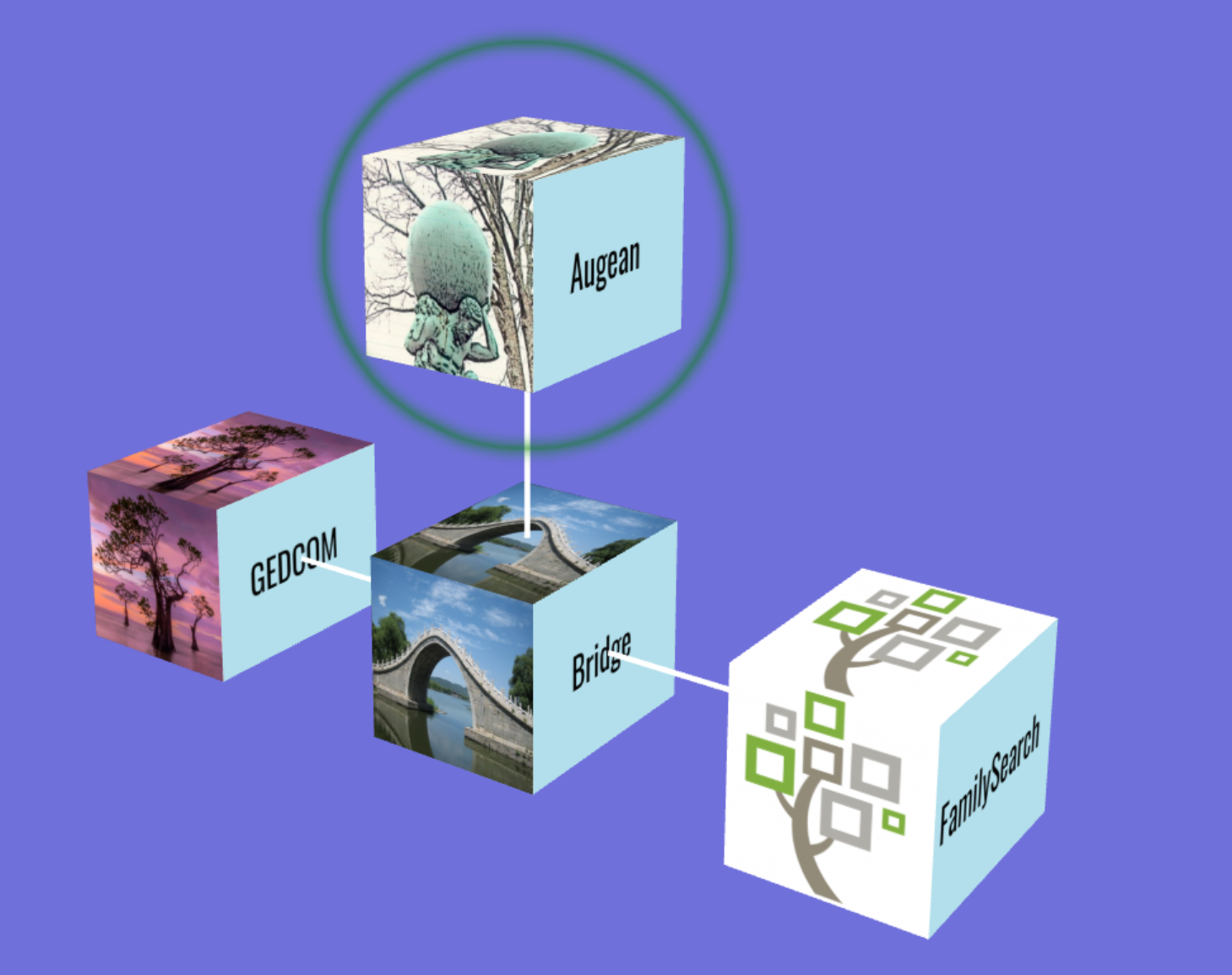
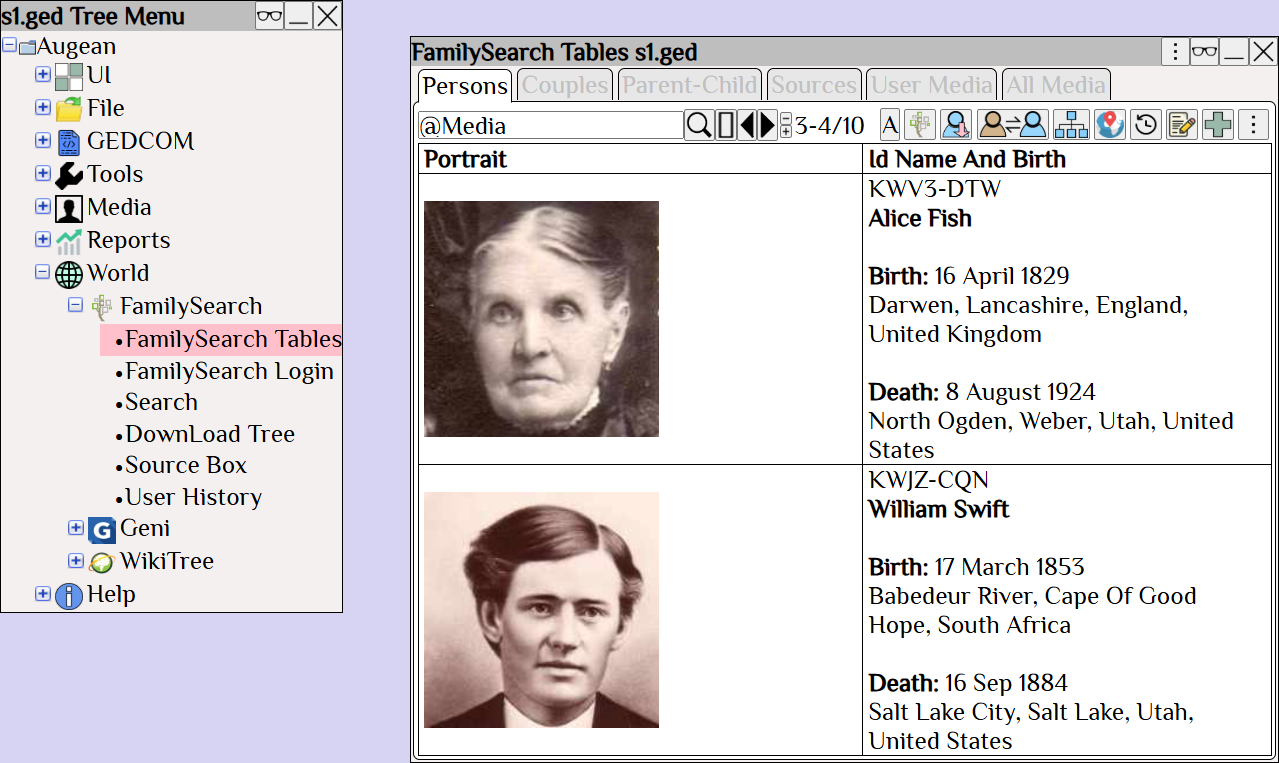
Augean integrates with FamilySearch for Persons, Relationships, Events, Sources, Notes, Discussions, and Media.
8. Read Integration with Geni
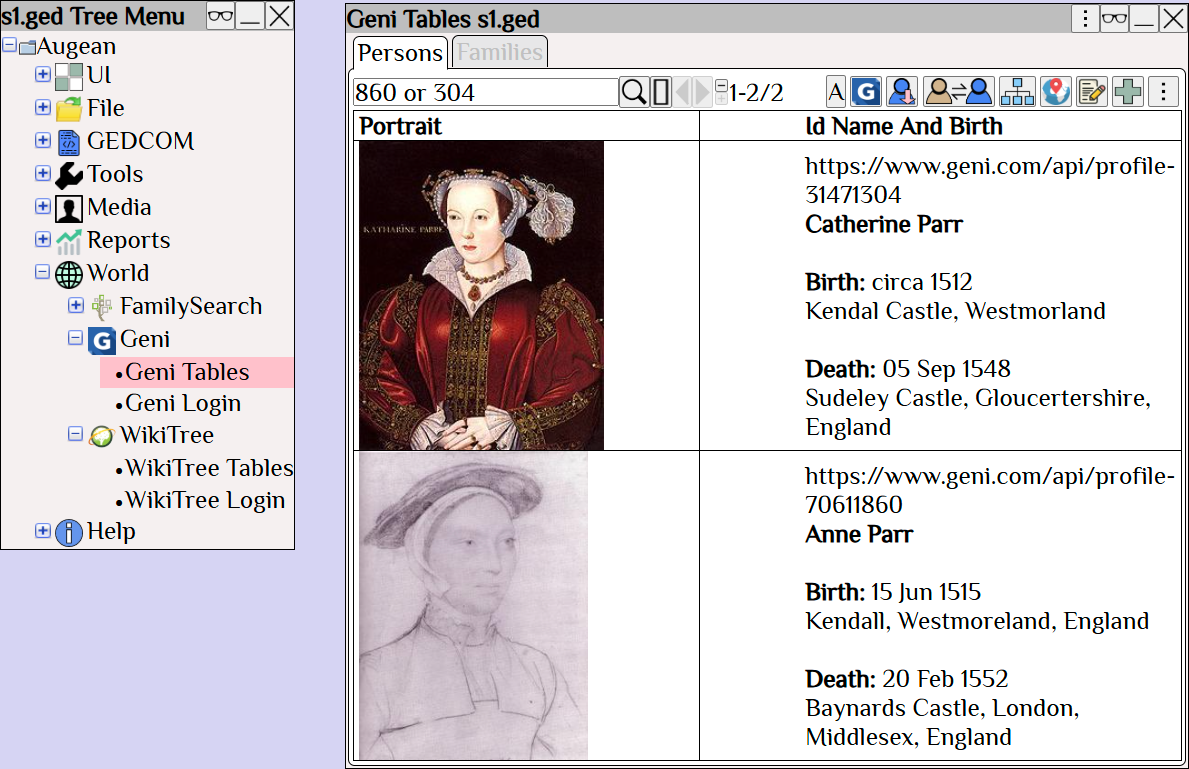
Read persons from Geni, and generate vector graphics charts.
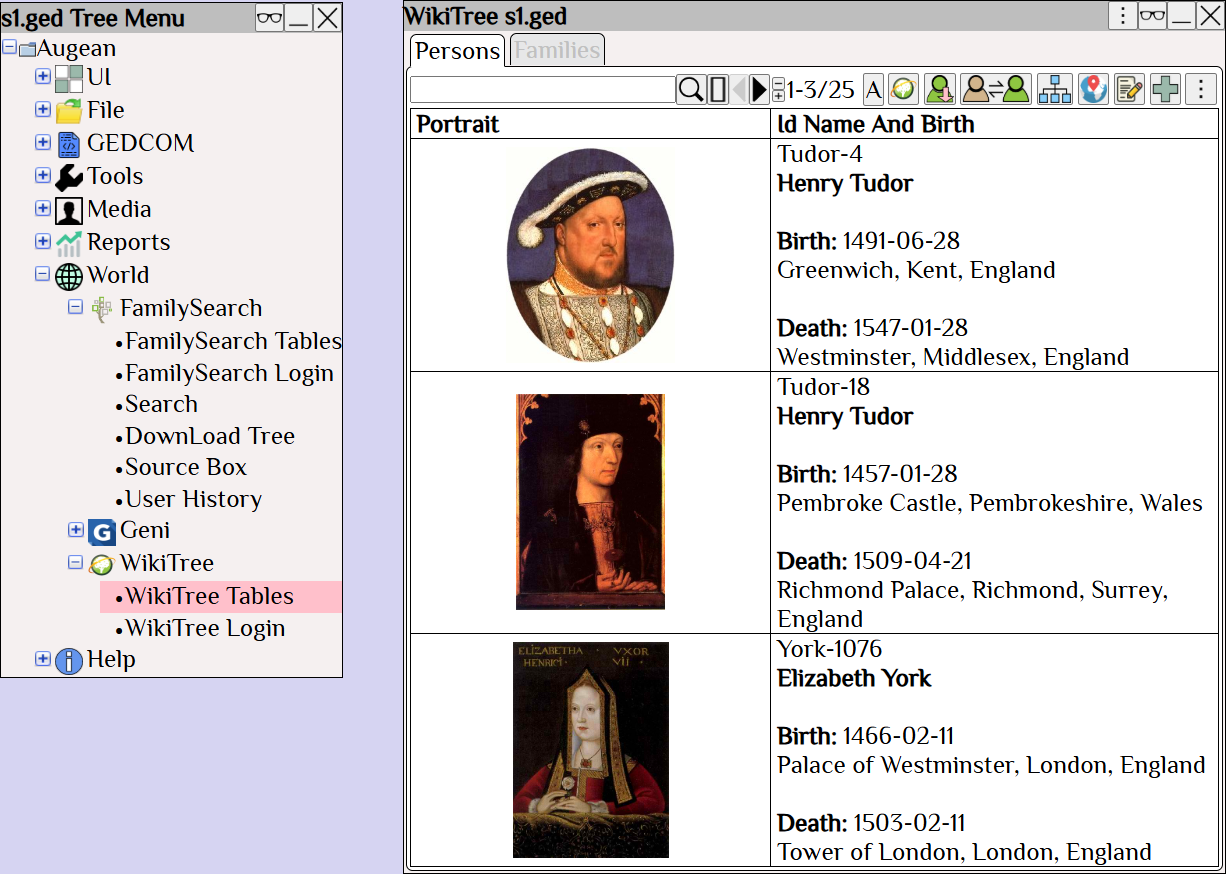
9. Read Integration with WikiTree
Read persons from WikiTree, and generate vector graphics charts.
10. Vector Graphics
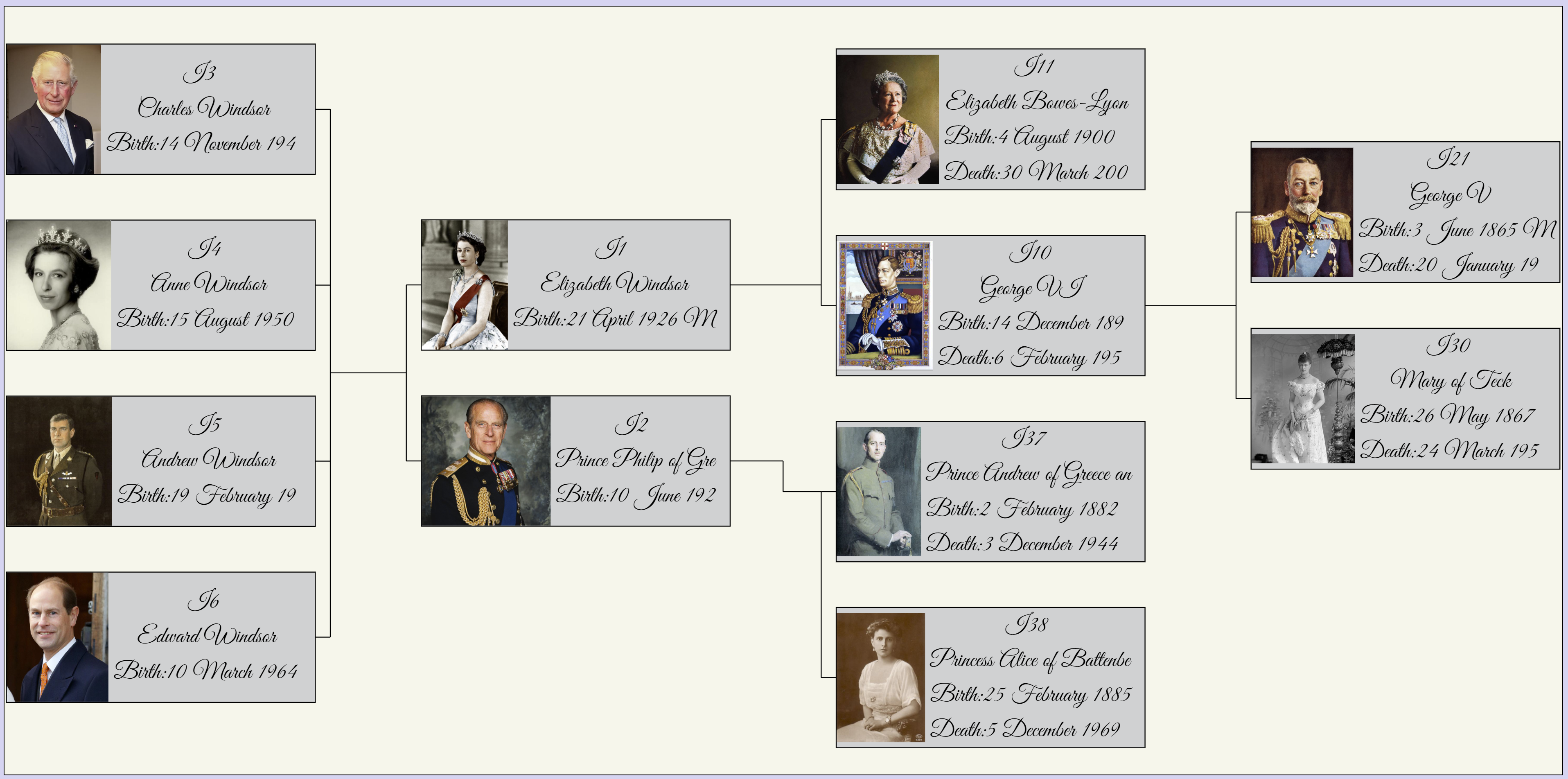
Vector graphics are ideal for creating wall charts, but they are generally not supported in existing genealogy tools.
Augean has several charts based on vector graphics - ideal for creating wall charts.
Add overlays to enhance the decoration of these wall charts. 1926 different fonts available in any size.
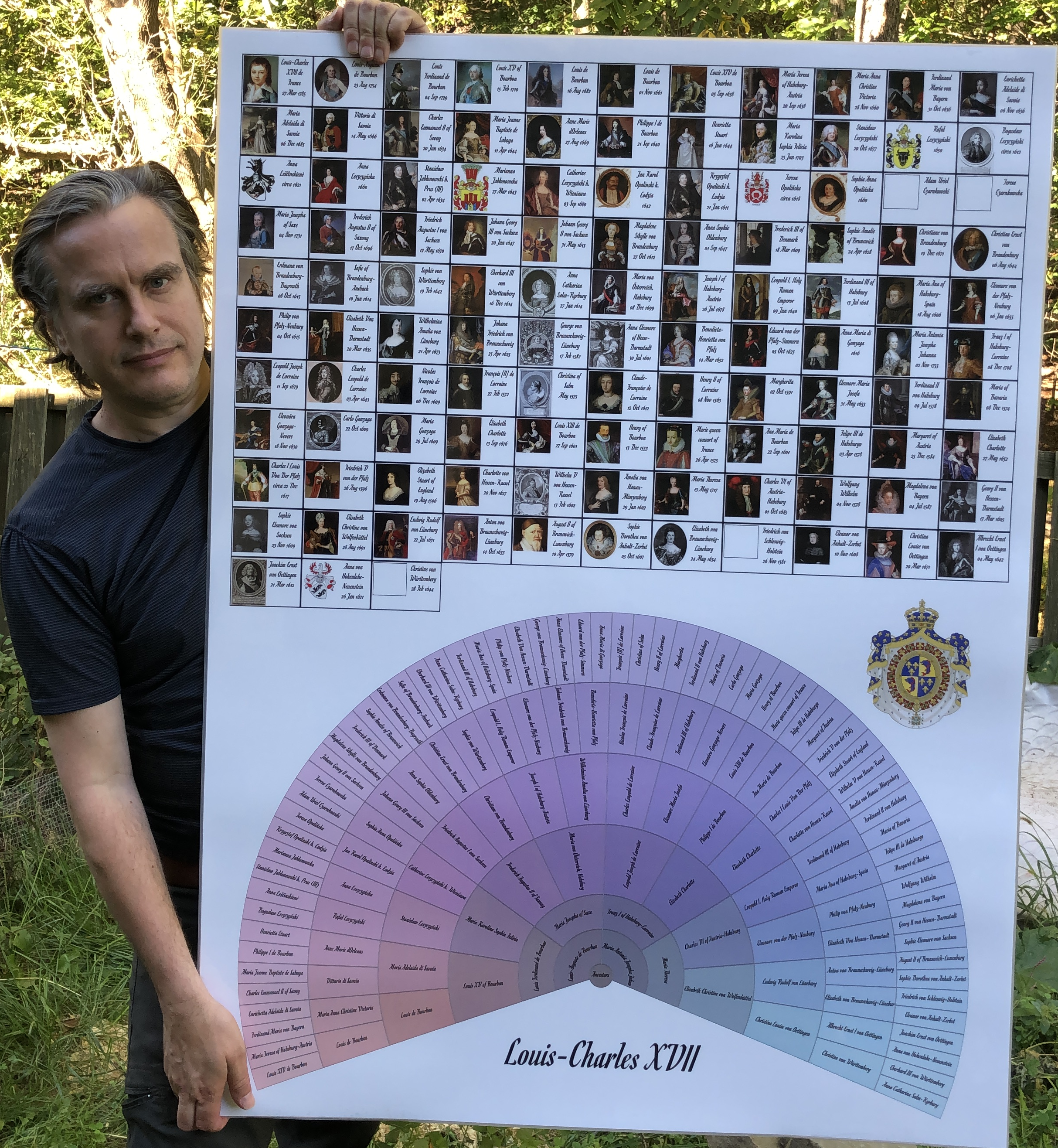
Print vector graphics wall charts
Augean, which displays in Chrome, will print the vector graphics charts to a PDF file.
The PDF file is composed of vector graphics, which can be enlarged without loss of detail.
We sent the PDF file to MegaPrint and they created wall charts from it.
11. Google Maps
Advances in mapping should be reflected in Genealogy tools.
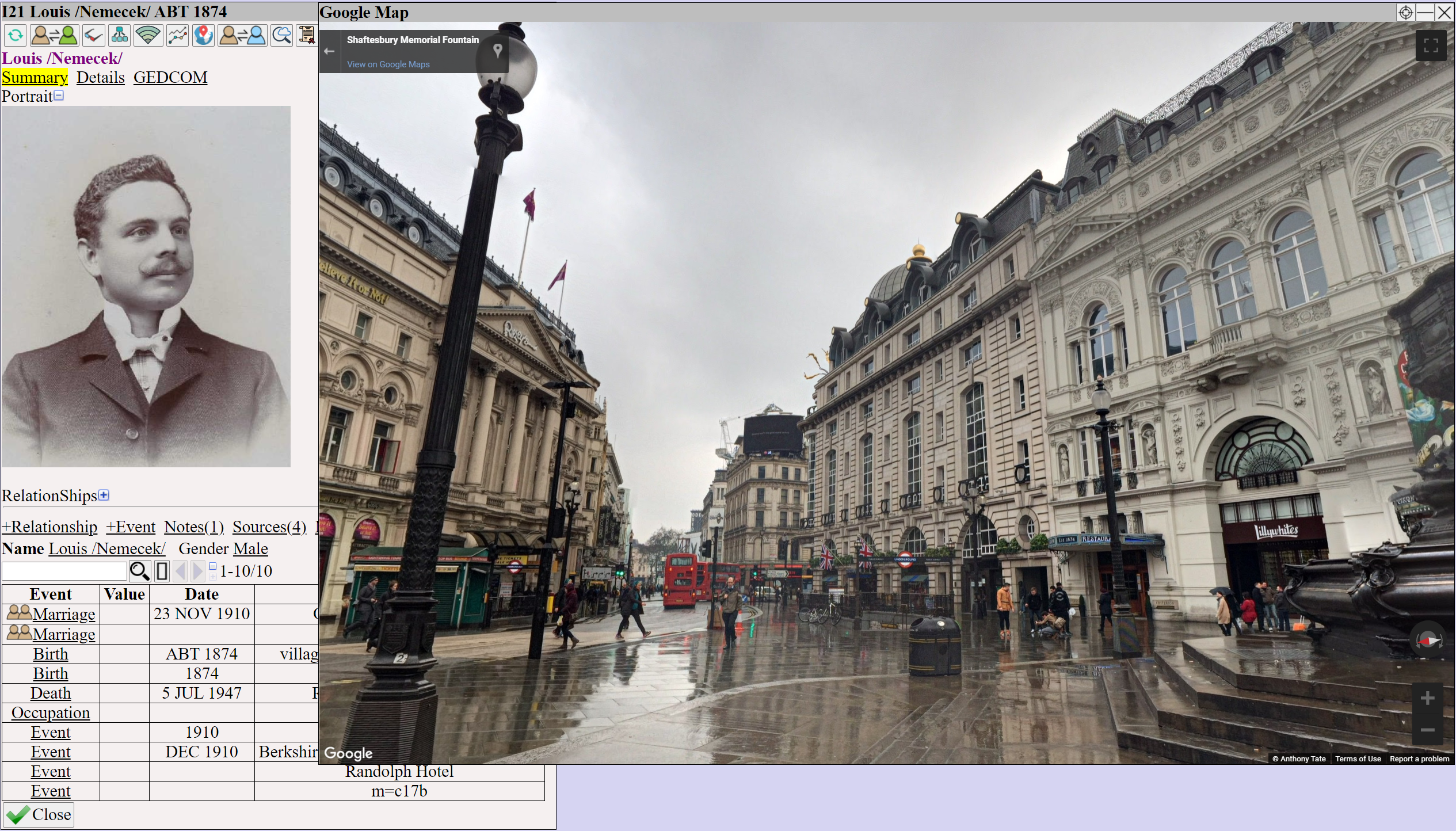
Google Street View is phenomenal; it allows you to see the streets where your ancestors lived, helping you gain a deeper understanding of the area.
Augean has support for Google Maps and Street View
12. GEDCOM Database
Database formats used by genealogy tools were often proprietary and non-standard.
GEDCOM is the industry standard.
Augean runs on GEDCOM preventing Vendor Lockin
Import from any GEDCOM program without losing information.
Export to other genealogy programs as GEDCOM.
Augean preserves your genealogy in an industry-wide accepted format.
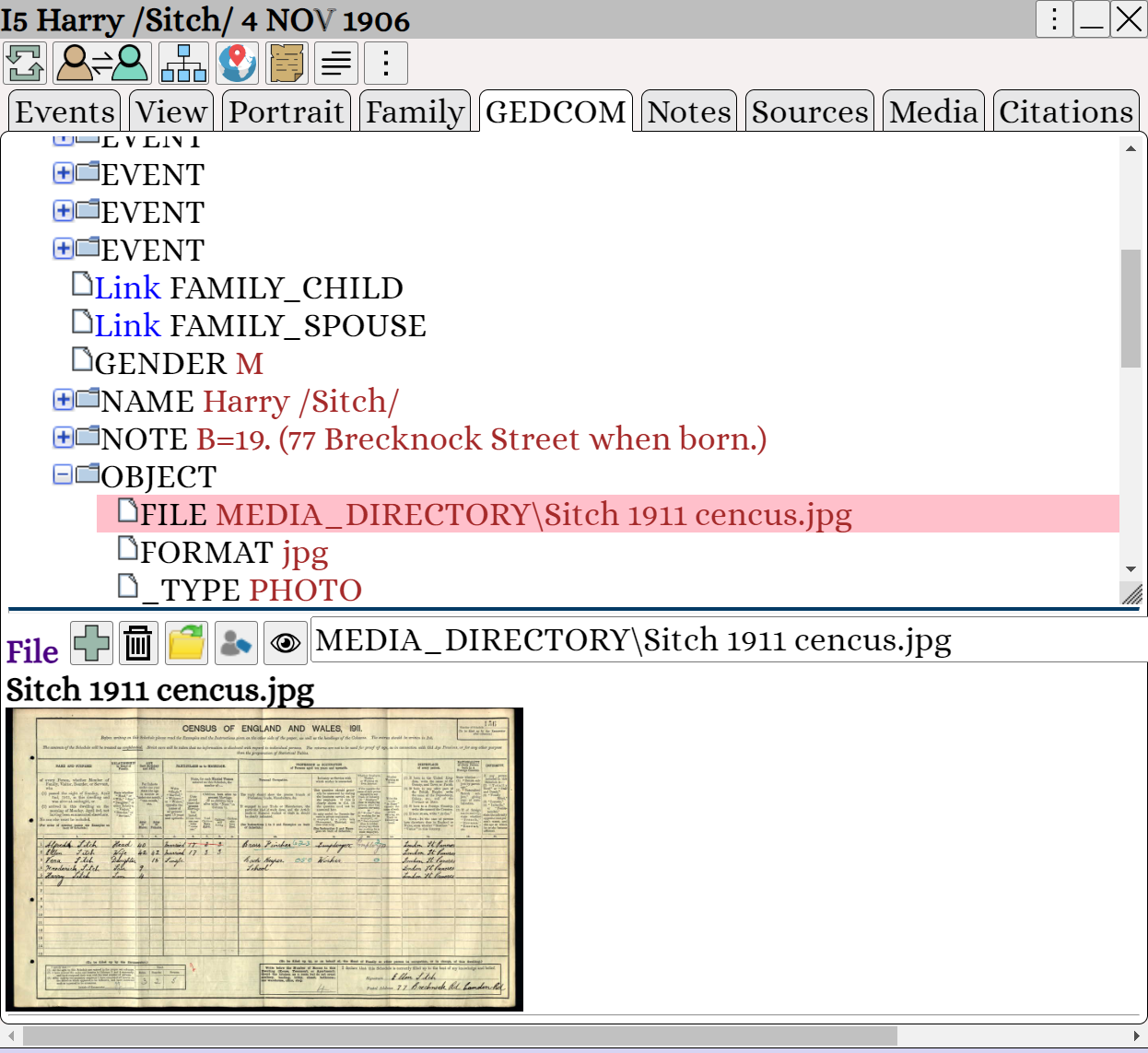
The GEDCOM database in Augean runs on Microsoft OpenJDK and handles large datasets.
| File | Size | Persons | Families | Memory used | Augean load time | |
| ITIS Species Database | ITIS.ged | 95 MB | 472,676 | 65,799 | 624 MB | 11 seconds |
| Mennonite Ancestry | GM2107MB.GED | 430 MB | 1.48 million | 473,992 | 2874 MB | 51 Seconds |
| 2010 Catalog of Life | CoL2010.ged | 666 MB | 2.4 million | 249,867 | 3698 MB | 59 Seconds |
13. Interactive Custom Reports
Adding interactive custom reports was a feature that was often missing in existing genealogy software.
In Augean, we designed two modules to provide interactive custom reports.
• The Proof report prepares genealogy proofs.
• The Scripting report based on JavaScript provides full access to the internal GEDCOM database.
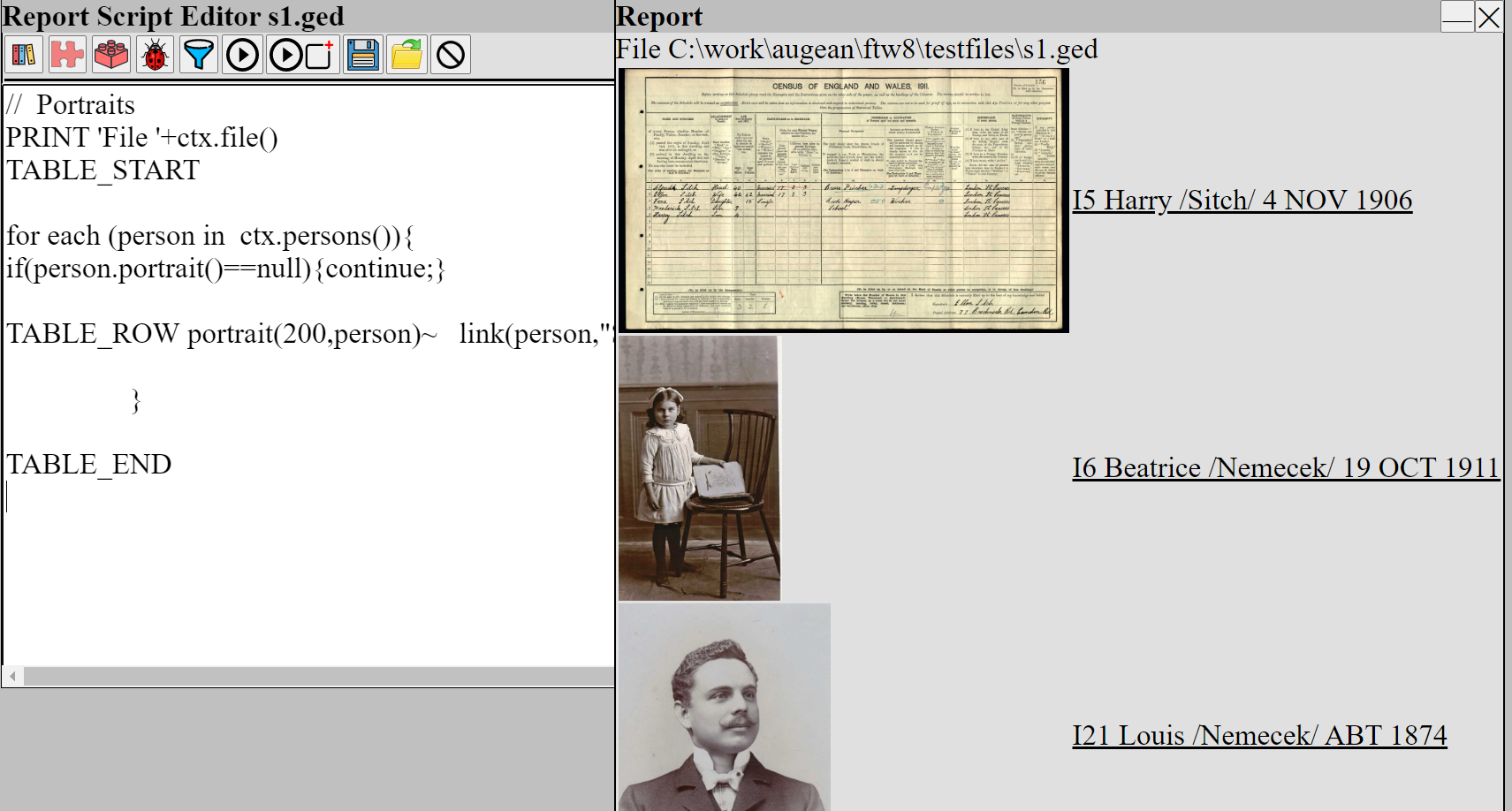
Augean has reports that are not available in other programs.
The Augean Island report, unique to Augean, shows how your genealogy is structured.
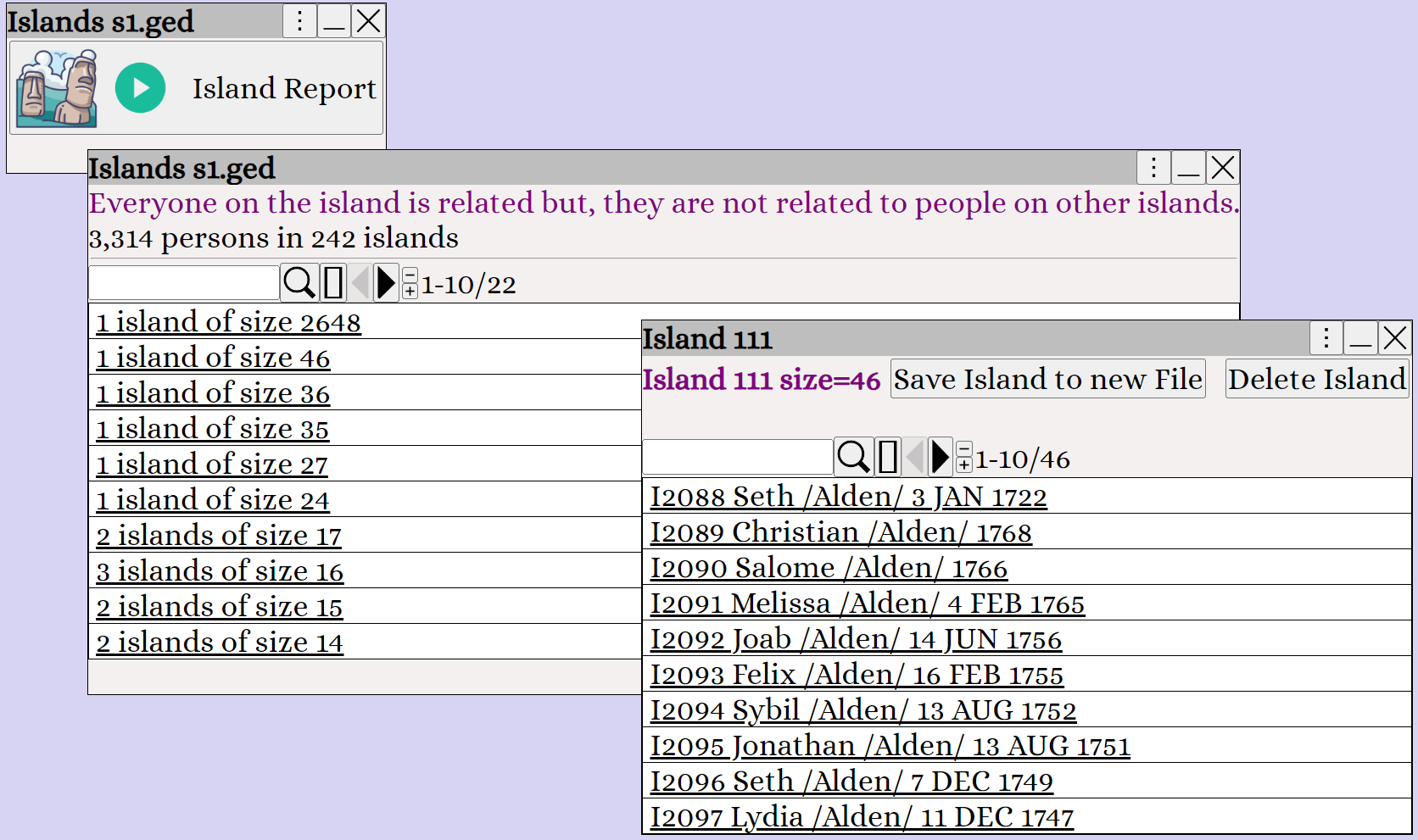
In Augean, all reports are interactive. Click on any Person or Family in the report to view them.
14. PDF Support
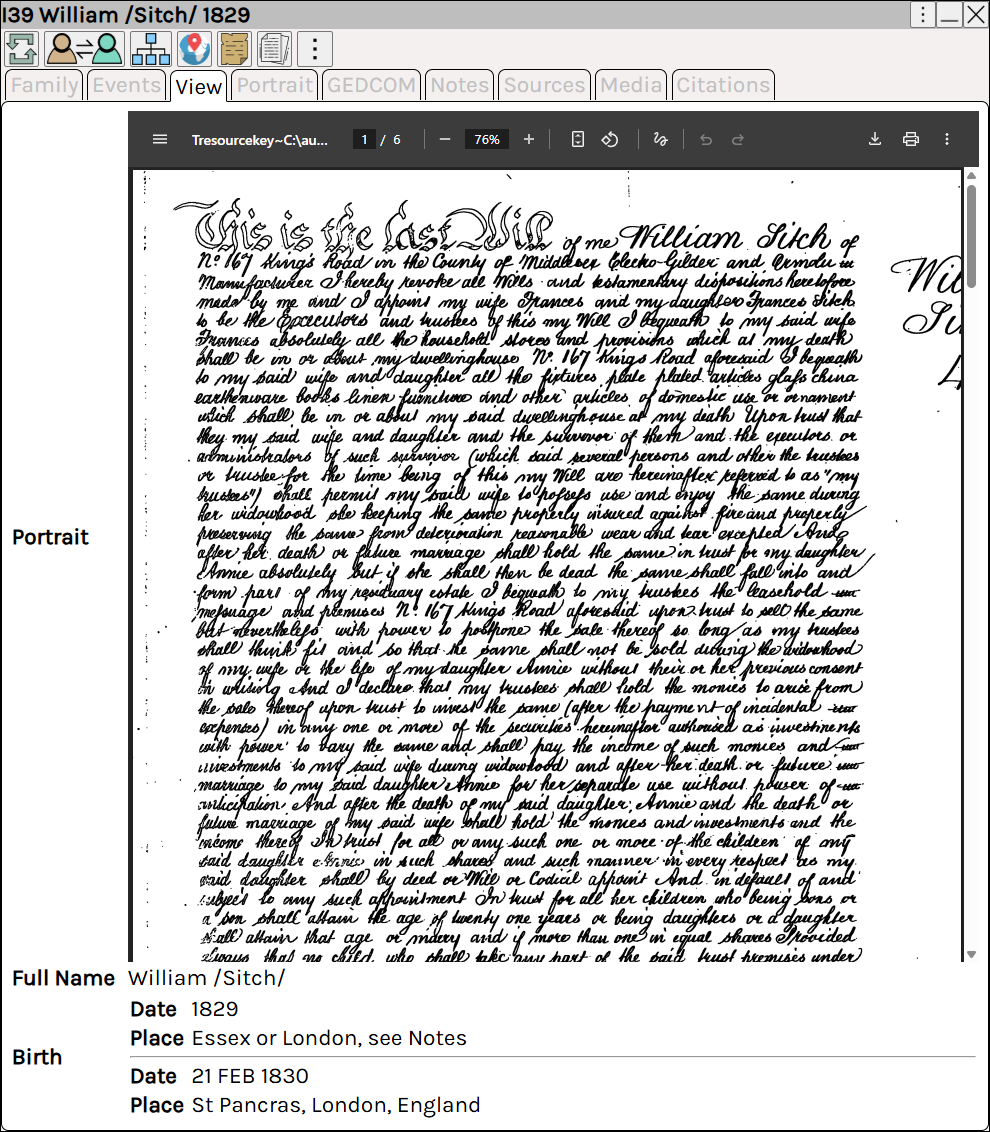
Existing genealogy apps often didn't support PDFs.
Many of my documents are in PDF format, and now I can view them using Augean.
15. Word Documents
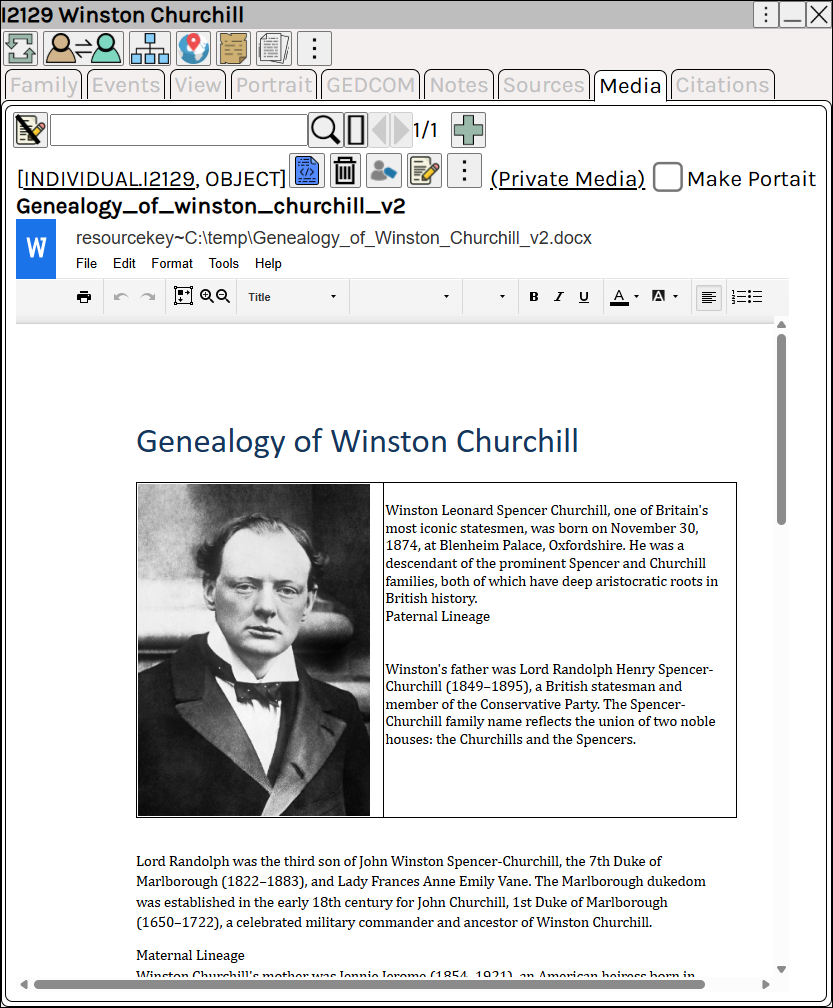
Many of my documents are in Word format - I can also view them using Augean.
(See Media ⟶ Word Documents )
16. Video Support
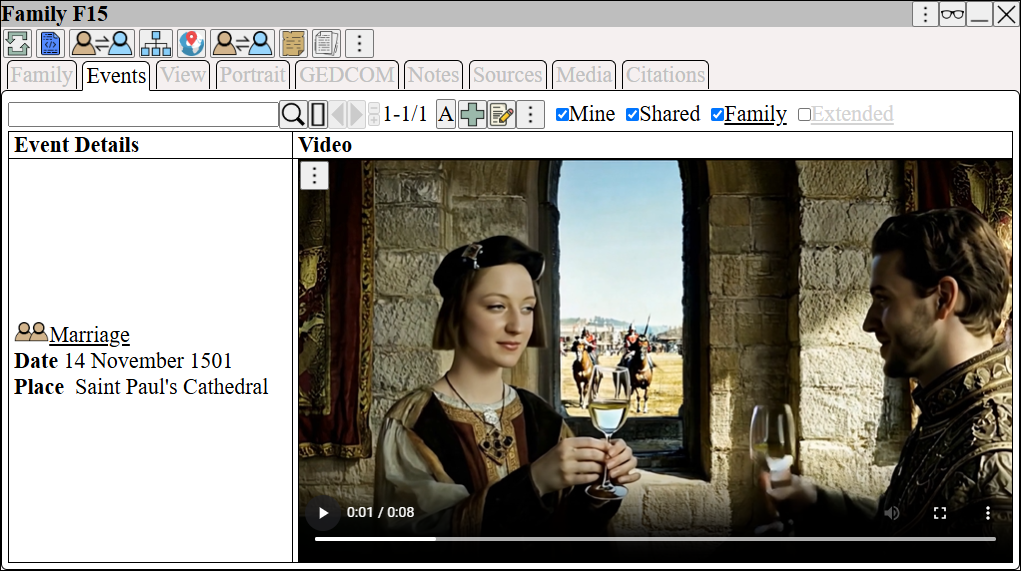
Augean has support for adding videos.
Play video to see a demonstration.
17. Media Support for Events
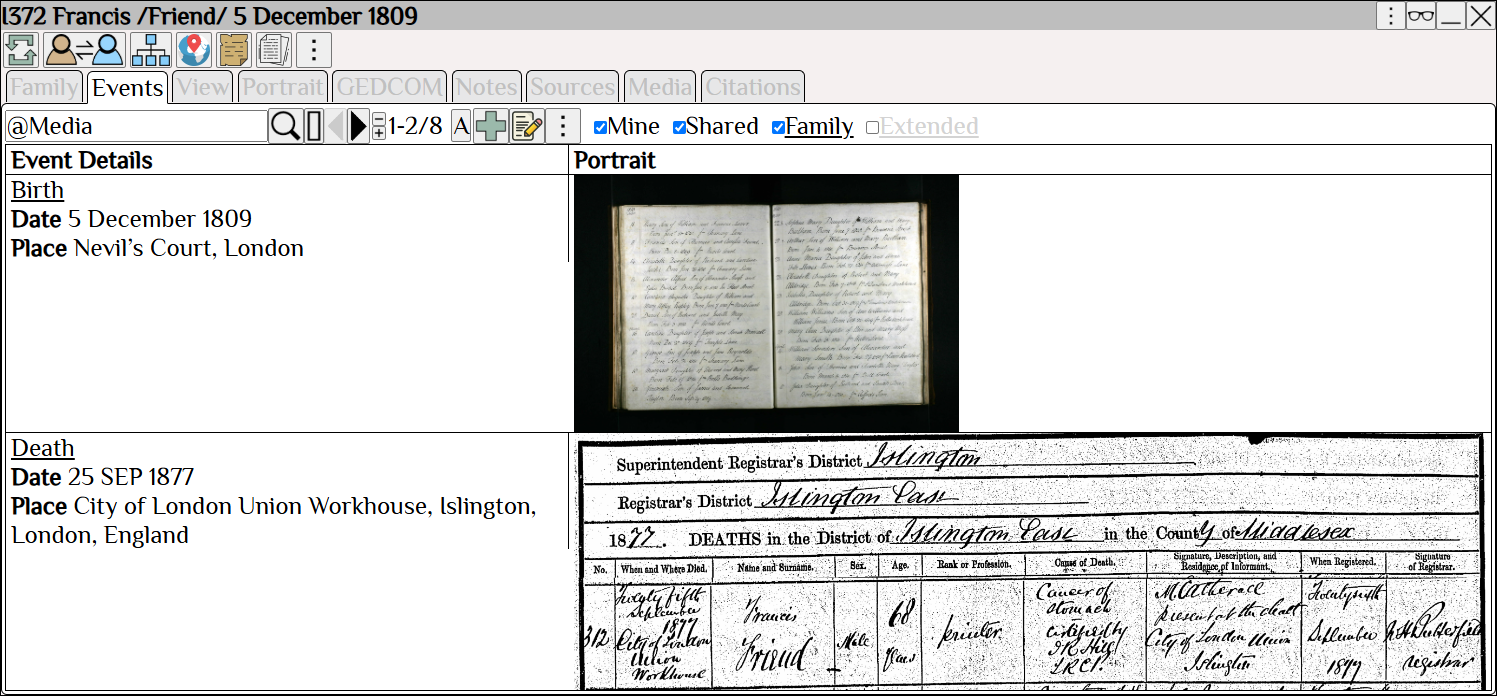
The media support in Augean is first-class.
Media for each event can be displayed next to the event. (a feature lacking in many existing genealogy programs)
18. Event Streaming
Augean supports event sharing for Persons and Families.
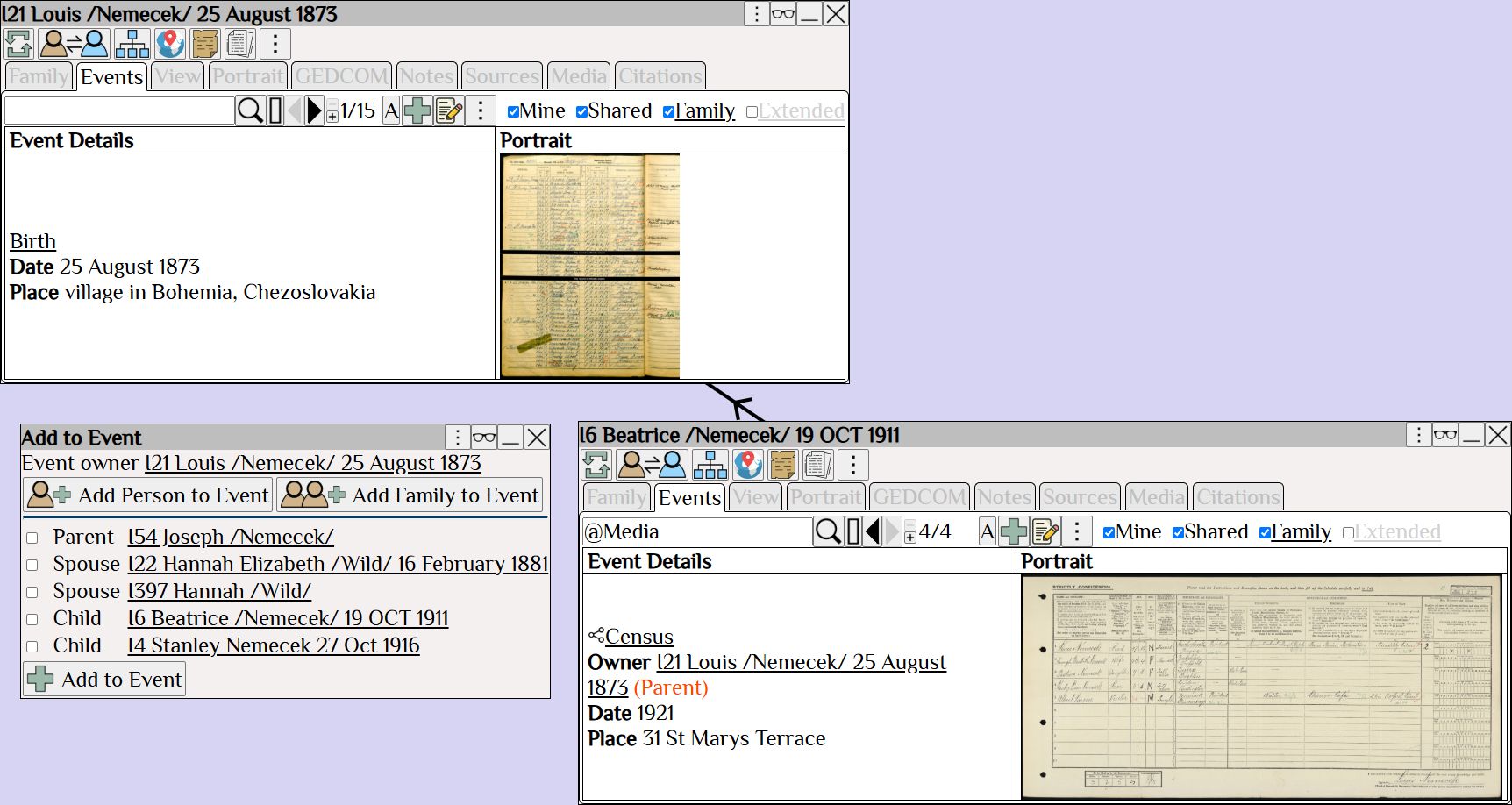
Each person and family has an Event Stream ; adjust the radius of events to include in the event stream.
The Extended Event Stream captures events from other family members - even if the event was not shared.
This avoids having to manually share events with other family members.
For example, a census event originally saved under the Dad, will show up automatically in the extended event stream of the children.
19. Custom Views of Tables
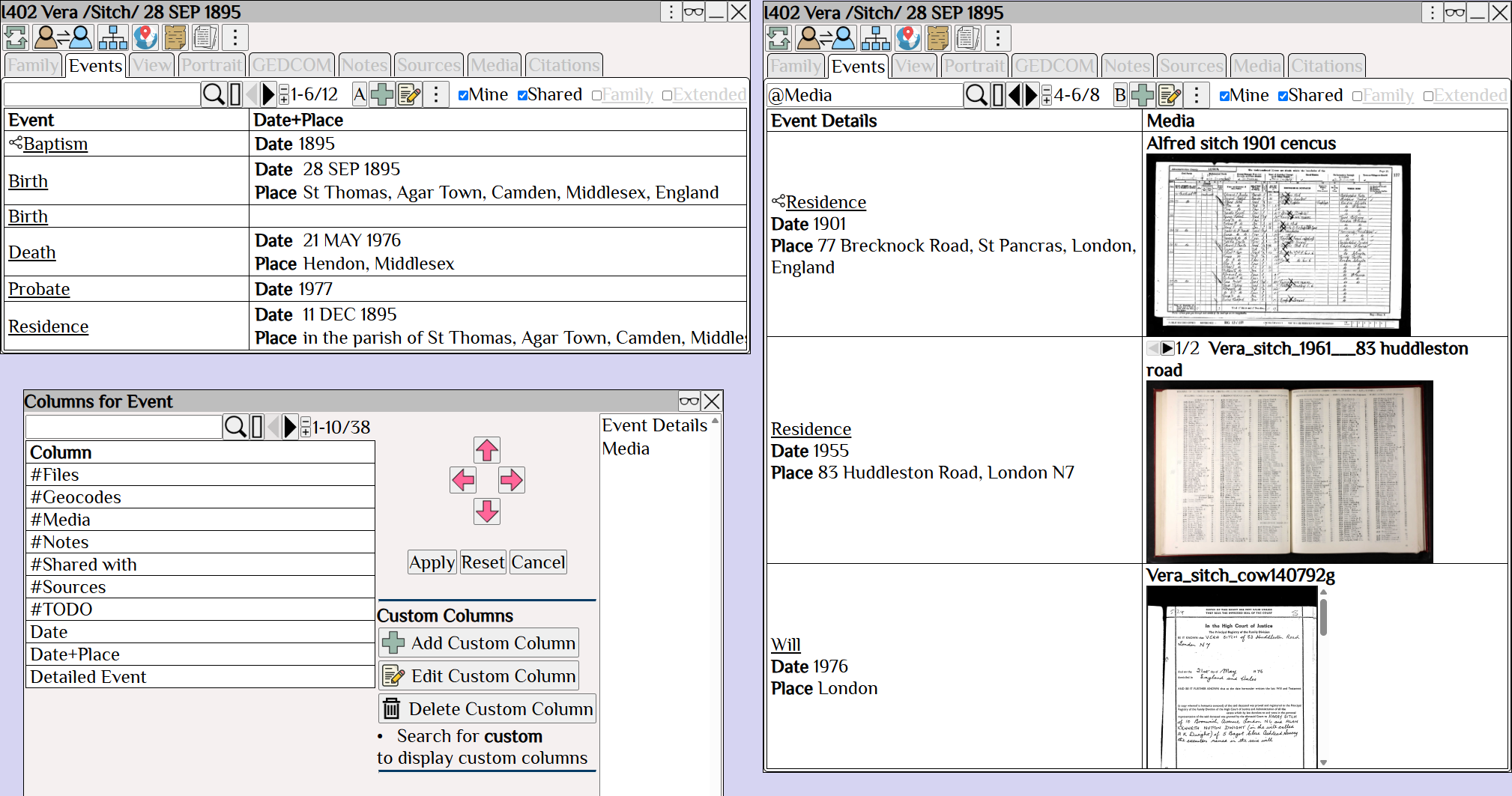
Augean provides Custom views of tables.
Tables are searchable, pageable, and customizable.
Use to select the table view.
Each view can be customized using Right Click ⟶ Change Displayed Columns
In this example, the event table displays the events associated with a person.
View A has columns Event , Date+Place
View B has columns Event Details , Media
20. Custom Views of Persons
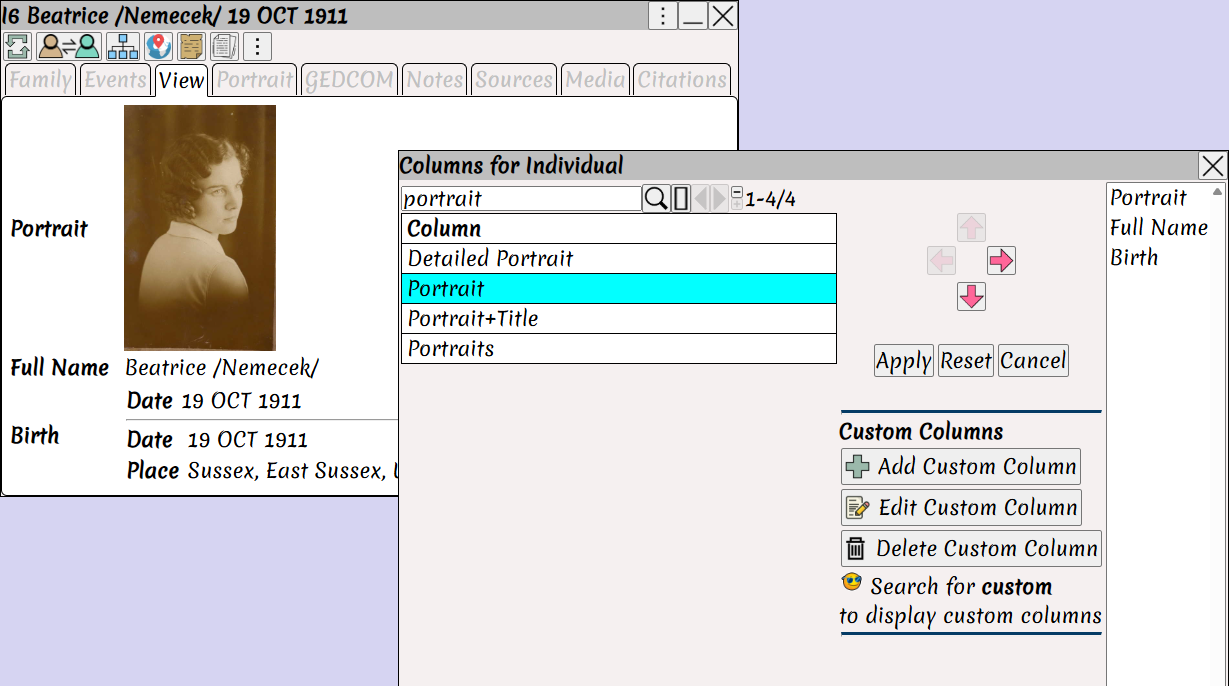
A feature missing in some existing apps but fully supported in Augean.
Create customized views of both Tables and Persons.
The facts and media that you need are always displayed.
21. Search Language
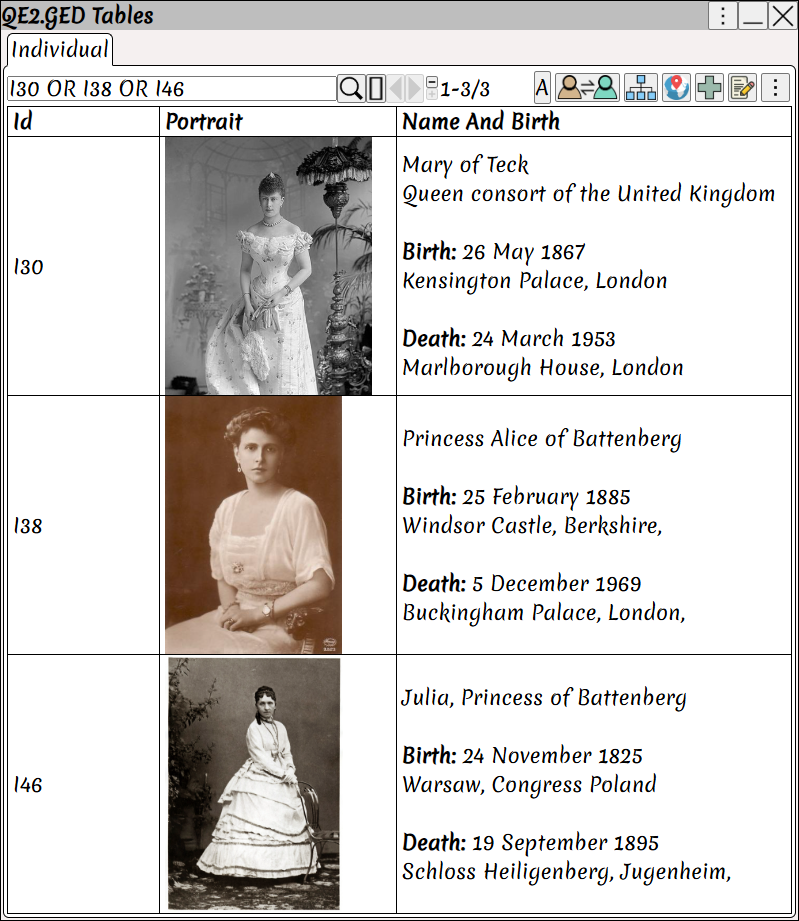
Augean features a Search Language for more accurate searching.
The search query in this example is I30 OR I38 OR I46 which searches for persons by Id.
22. Language translation
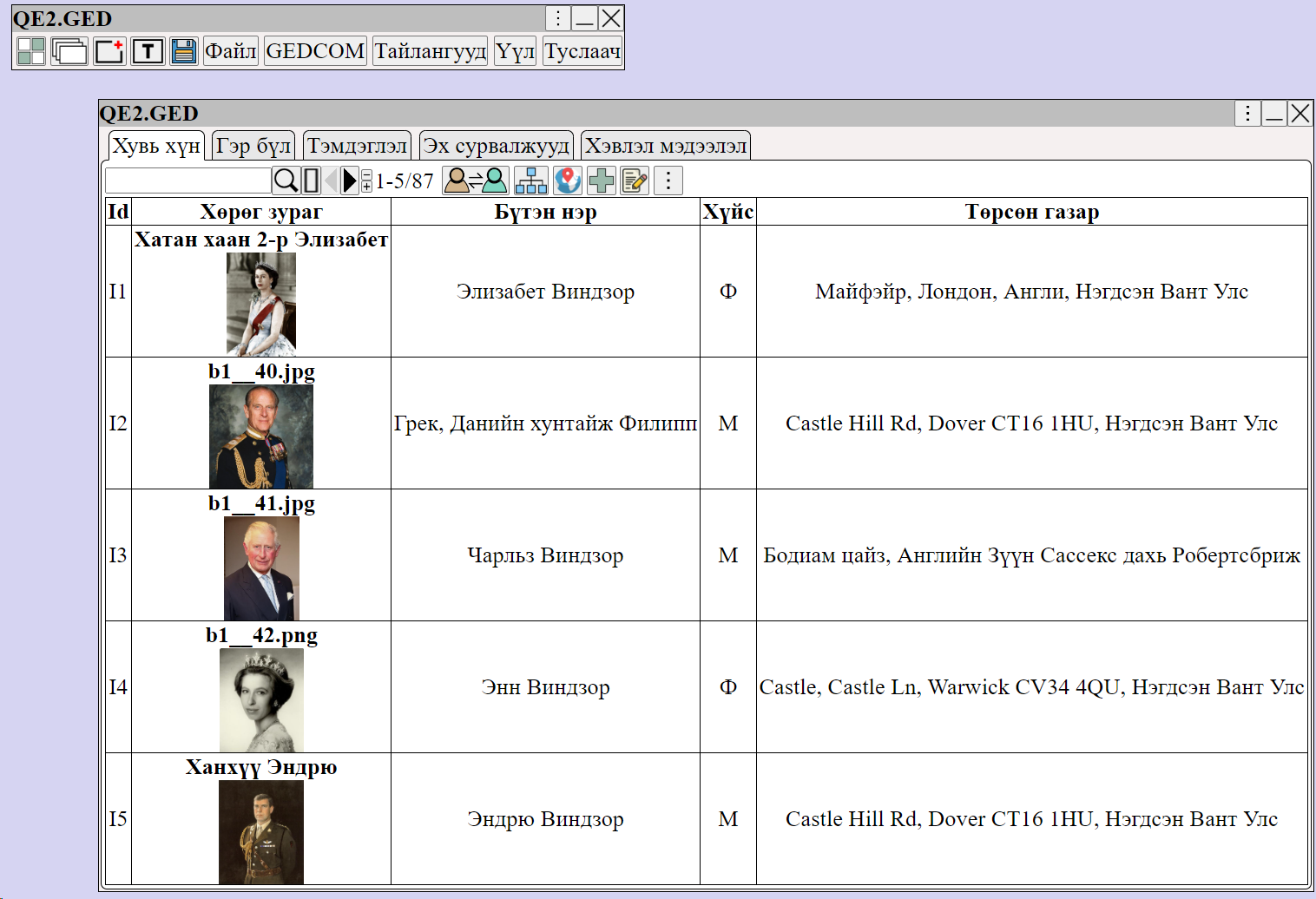
Augean displays in Chrome, which supports language translation.
• Translates to 243 different languages.
• Full support for international character sets.
23. Tag Persons in Documents and Photos
Tagging photos and documents is critical for analysis.
For example, my ancestor was experiencing some financial difficulties; I found a record of this in an old paper.
I can enlarge the newspaper and tag the exact place in the newspaper for this record.
The record is highlighted in yellow in the 3rd column of the newspaper (as shown below).
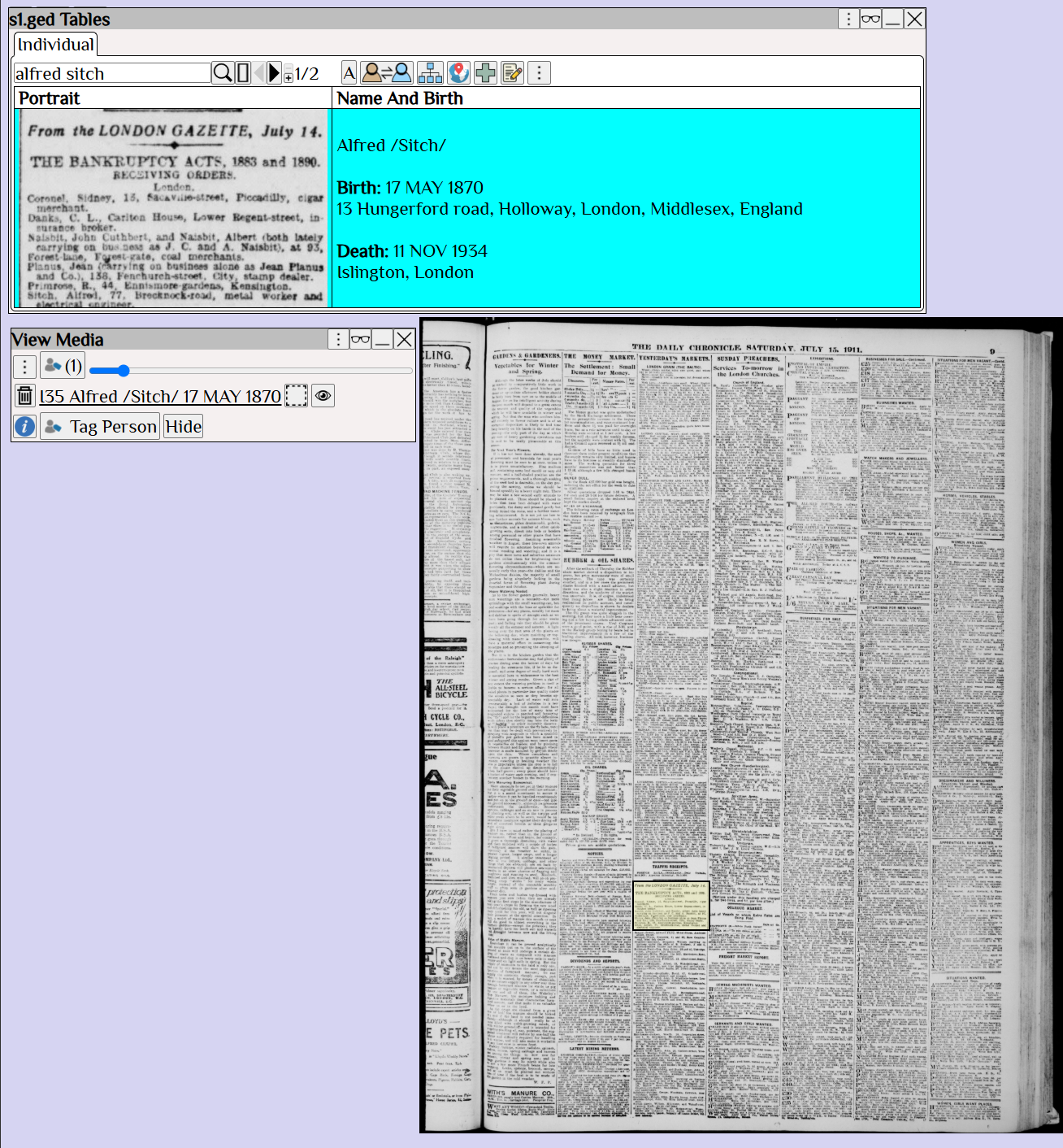 The ability to zoom in on a document, and tag the exact location is essential for document analysis.
24. Backup Genealogy and Media using GitHub
Having a one-click backup of your genealogy and media is essential.
GitHub is a free and secure way to back up your genealogy.
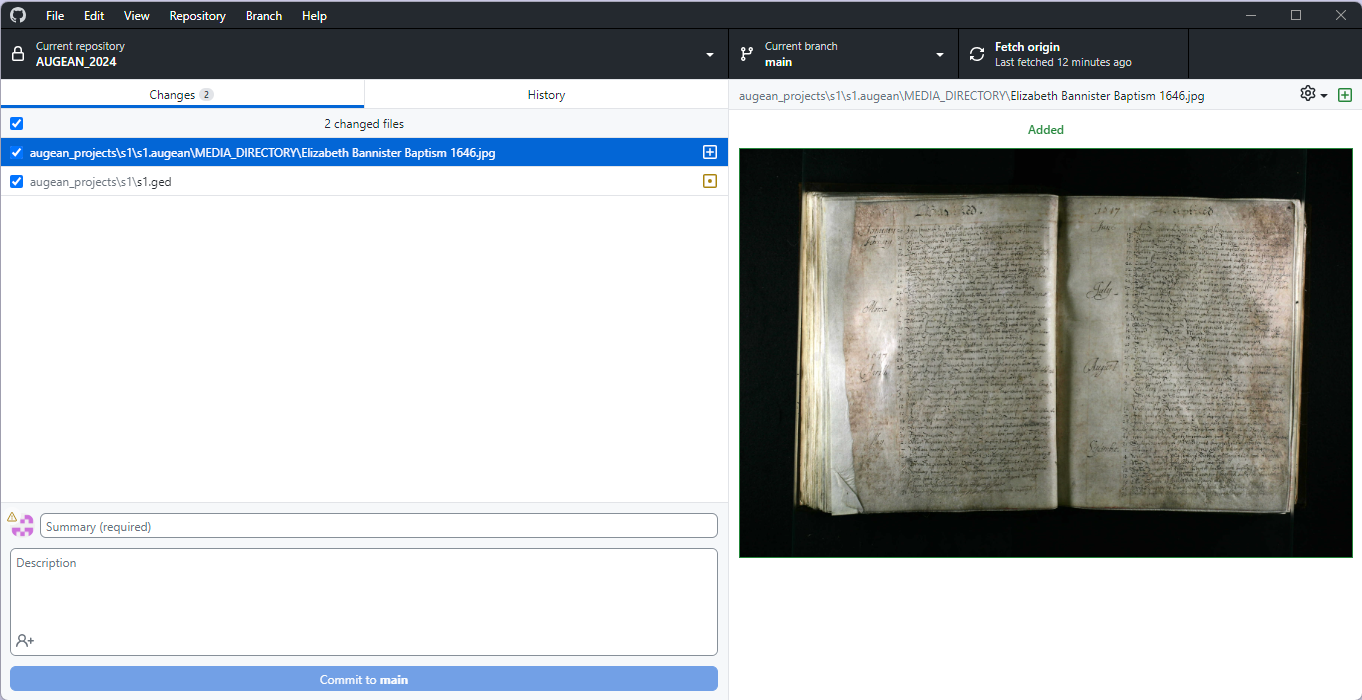
Augean is designed to work with GitHub, to backup both genealogy and media.
We recommend using a private repository in GitHub to backup your genealogy and media.
• Copy media files to the Media Directory to ensure that media is also backed up.
• When you save the Augean project, the GitHub Desktop Client stores a version in GitHub with one click.
25. AI Native
Augean is an AI Native app.
• Works with Gemini
• Works with Grammarly
• Create Generative AI Prompts
• Chart generation uses Stochastic Gradient Descent to optimize the layout.