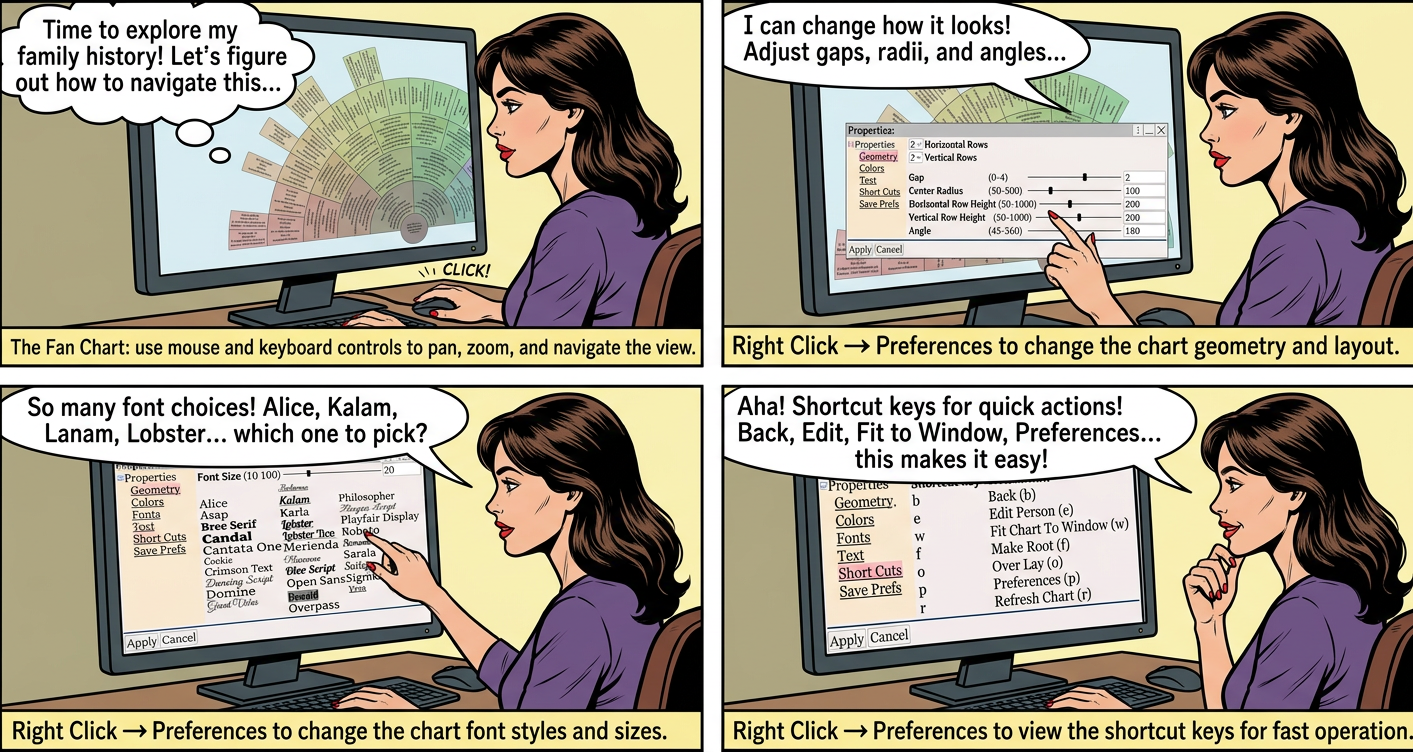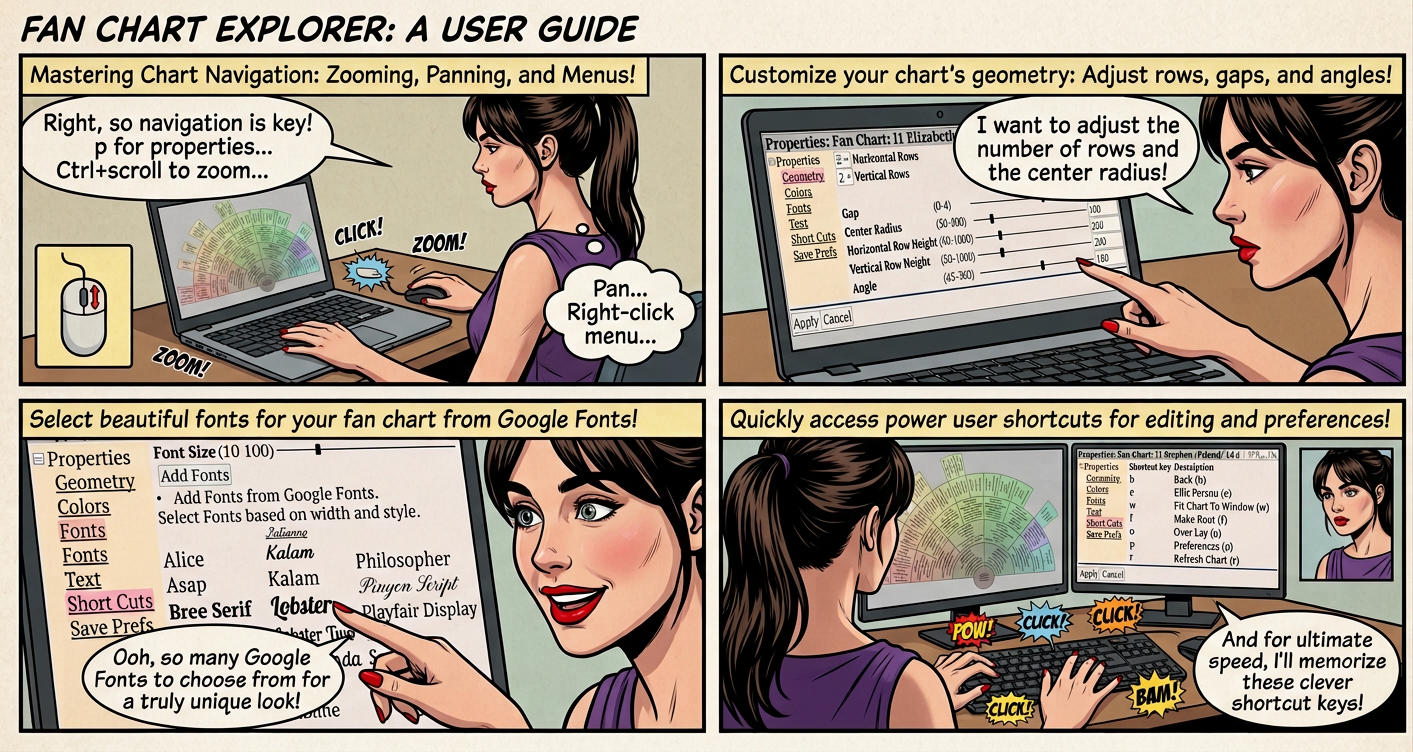
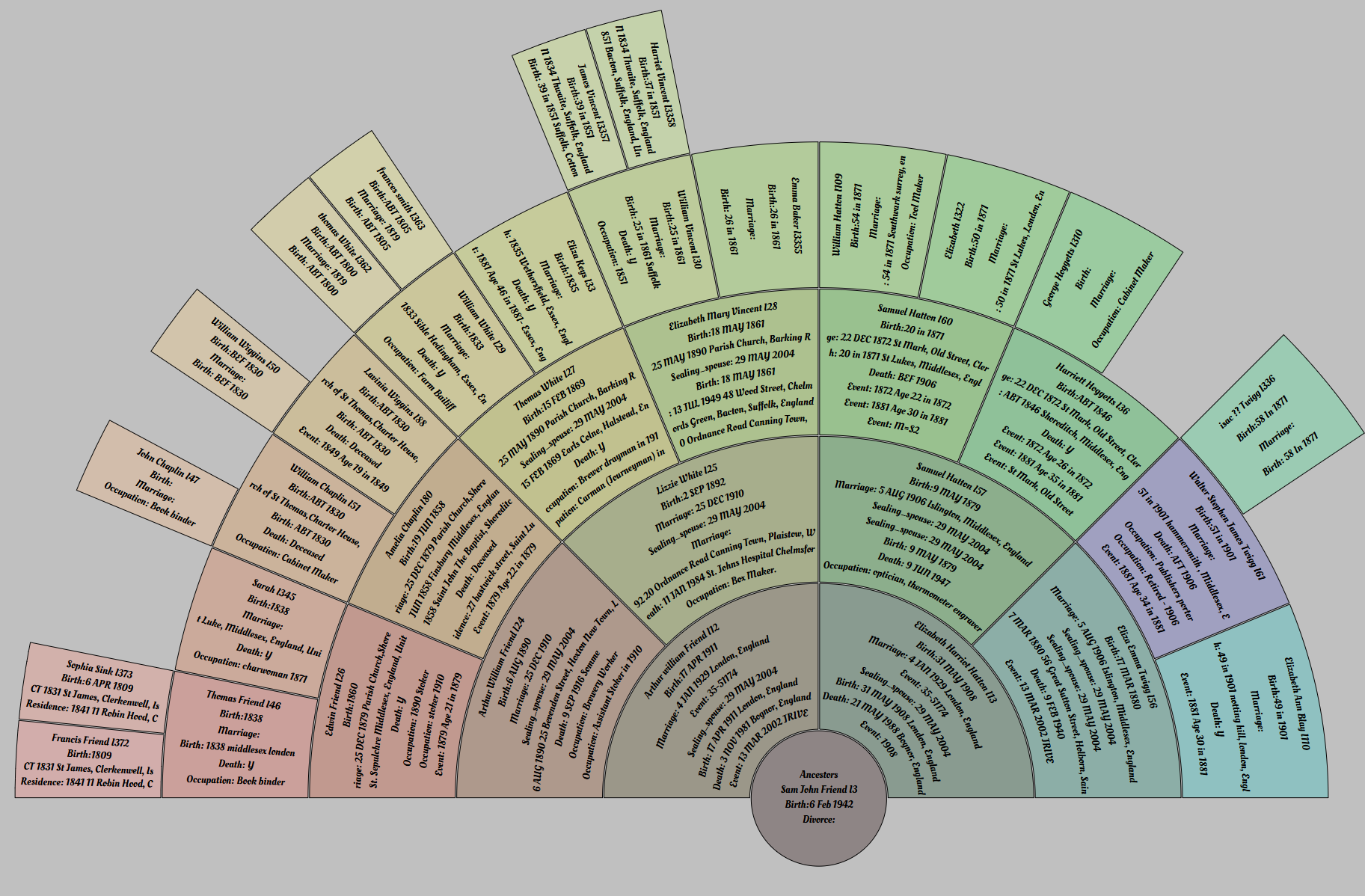
Create the FanChart using ⟶
Chart navigation
• p to view the chart properties - change fonts / geometry
• w to fit the chart to the window
• Ctrl key + mouse scroll wheel to zoom in / out
• Right Click to display the context menu
• Resize the chart window by placing your mouse on the edge/corner of the window
- until the resize cursor appears ↔ ↕
↔
↕
- then hold the left mouse button down and drag
• Panning moves people within the chart. To pan hold down the left mouse button and move the mouse, the cursor changes to

| Left mouse + mouse move | Pan |
| Shift + mouse scroll wheel | Pan left / right |
| Mouse scroll wheel | Pan up / down |
| ← → | Pan left / right |
| ↑ ↓ | Pan up / down |
| ⇞ ⇟ | Page Up / Page Down |
| Ctrl + mouse scroll wheel | Zoom in / out |
• Select a person before zooming to keep them in focus while zooming
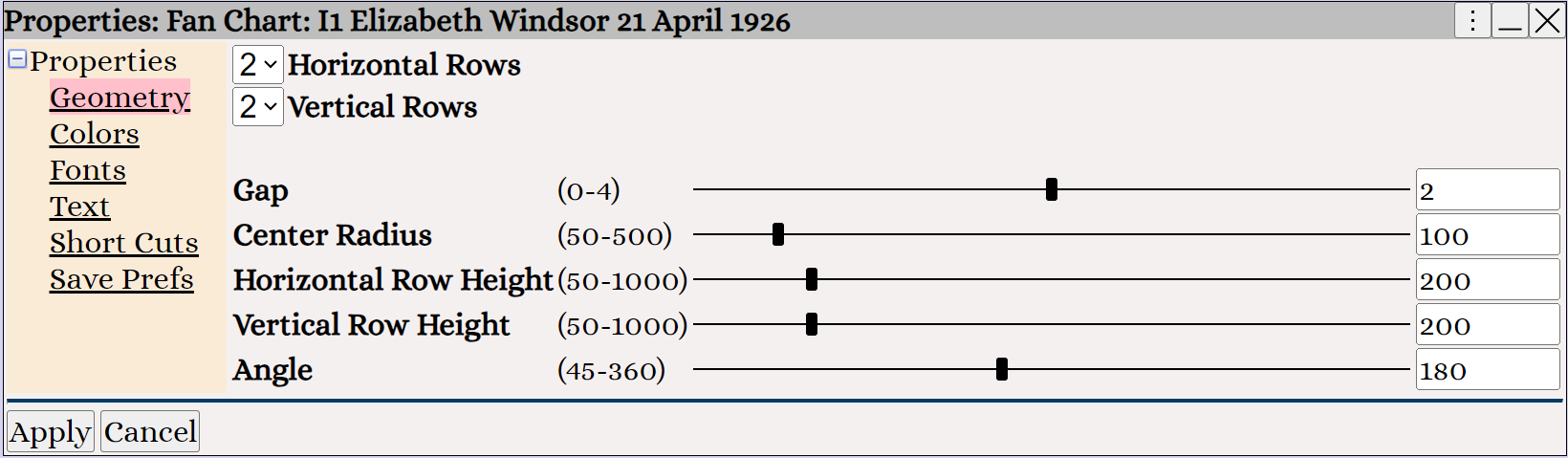
Right Click ⟶ Preferences to change the chart geometry
Right Click ⟶ Preferences to change the chart font
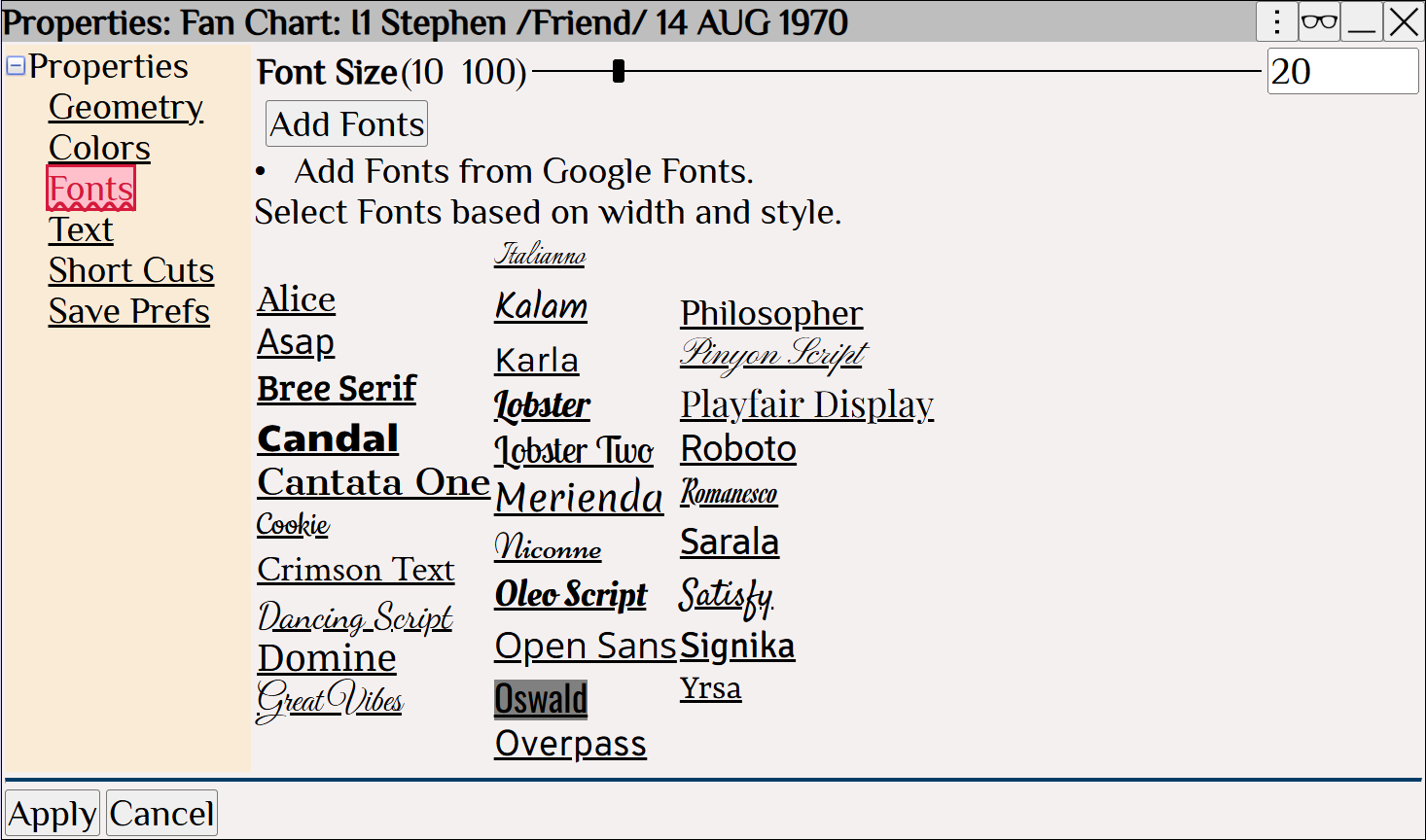
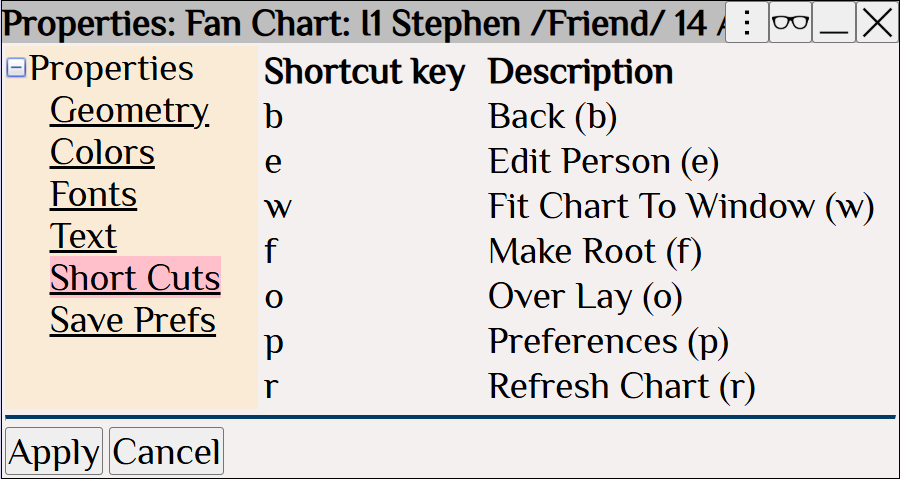
Right Click ⟶ Preferences to view the shortcut keys
• Change to a descendant view using Right Click > Change to Descendants
• Click on a person to select. Double Click on a person to select and edit
• To print the chart, please review Charts 2D ⟶ Printing Charts