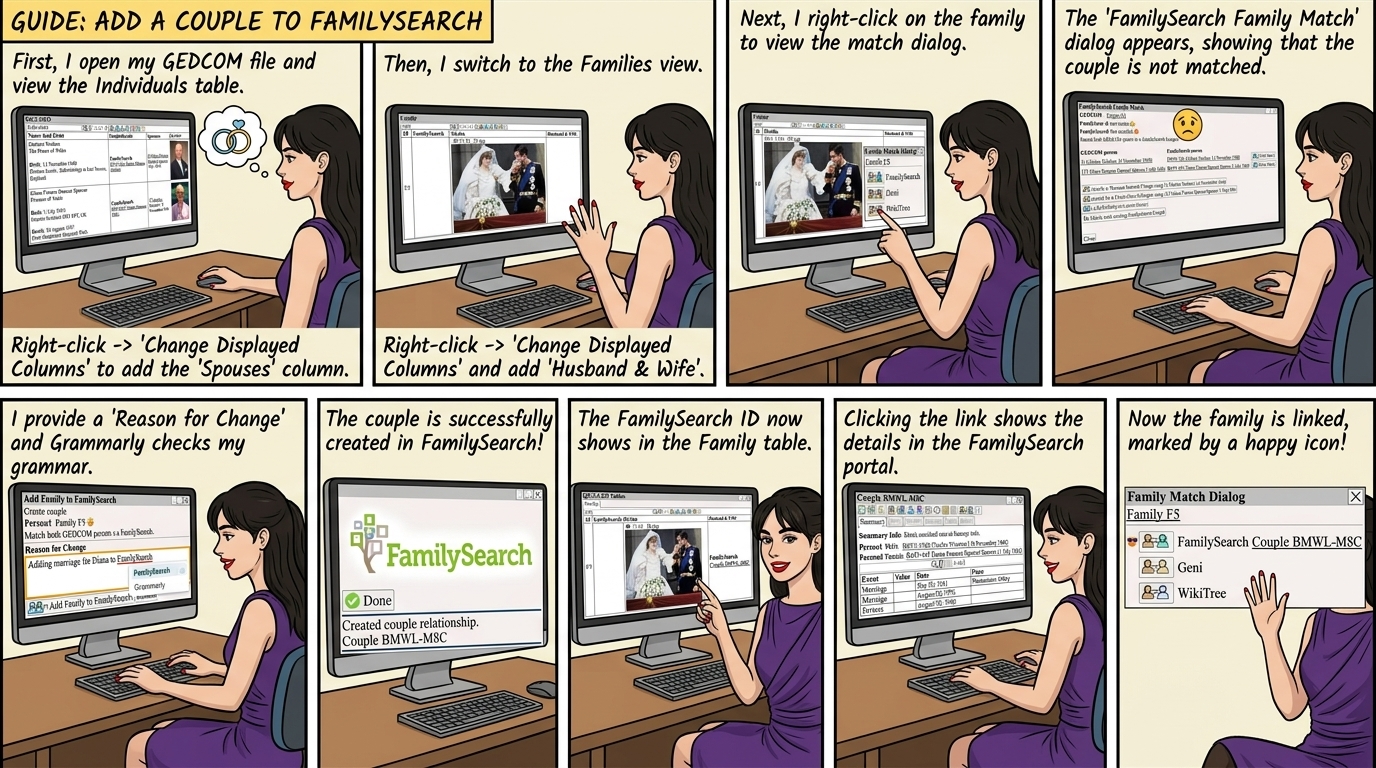
Check that both persons are married, and have an entry in FamilySearch, see FamilySearch ⟶ Add Person
From ⟶ GEDCOM ⟶ Individuals
Right Click ⟶ Change Displayed Columns add the Spouses column
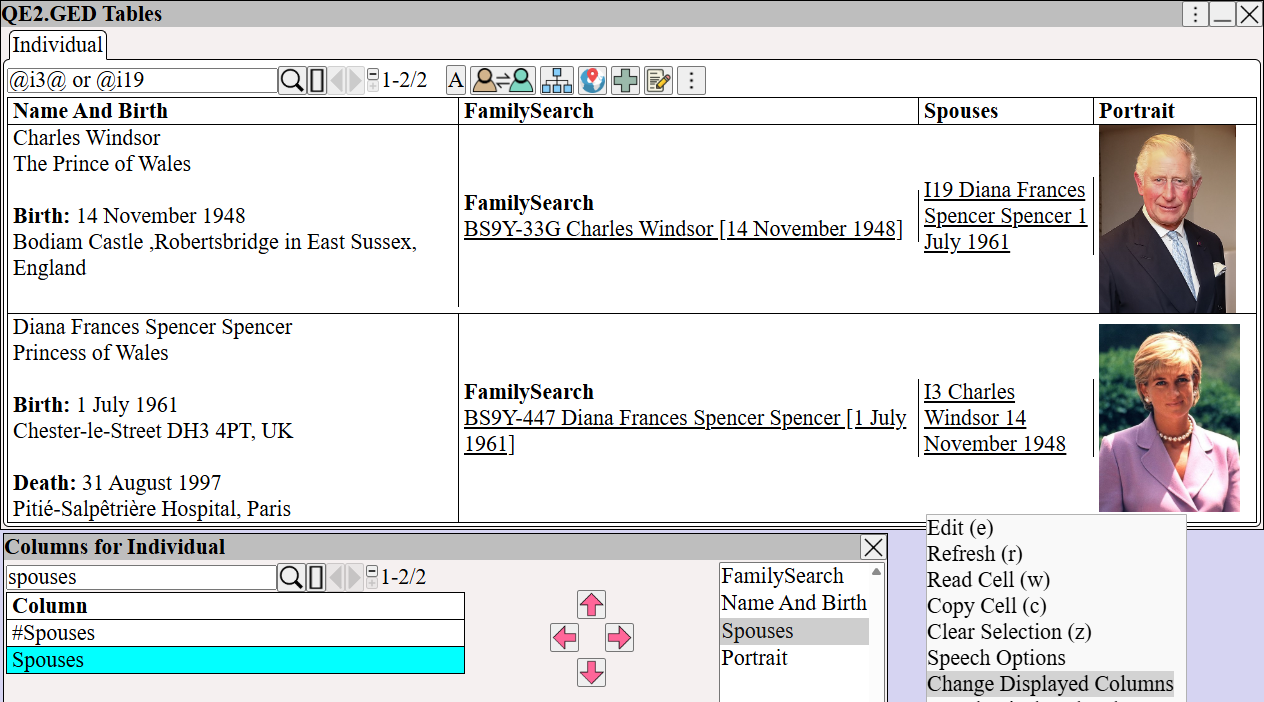
From ⟶ GEDCOM ⟶ Families
Right Click ⟶ Change Displayed Columns add the Husband & Wife column
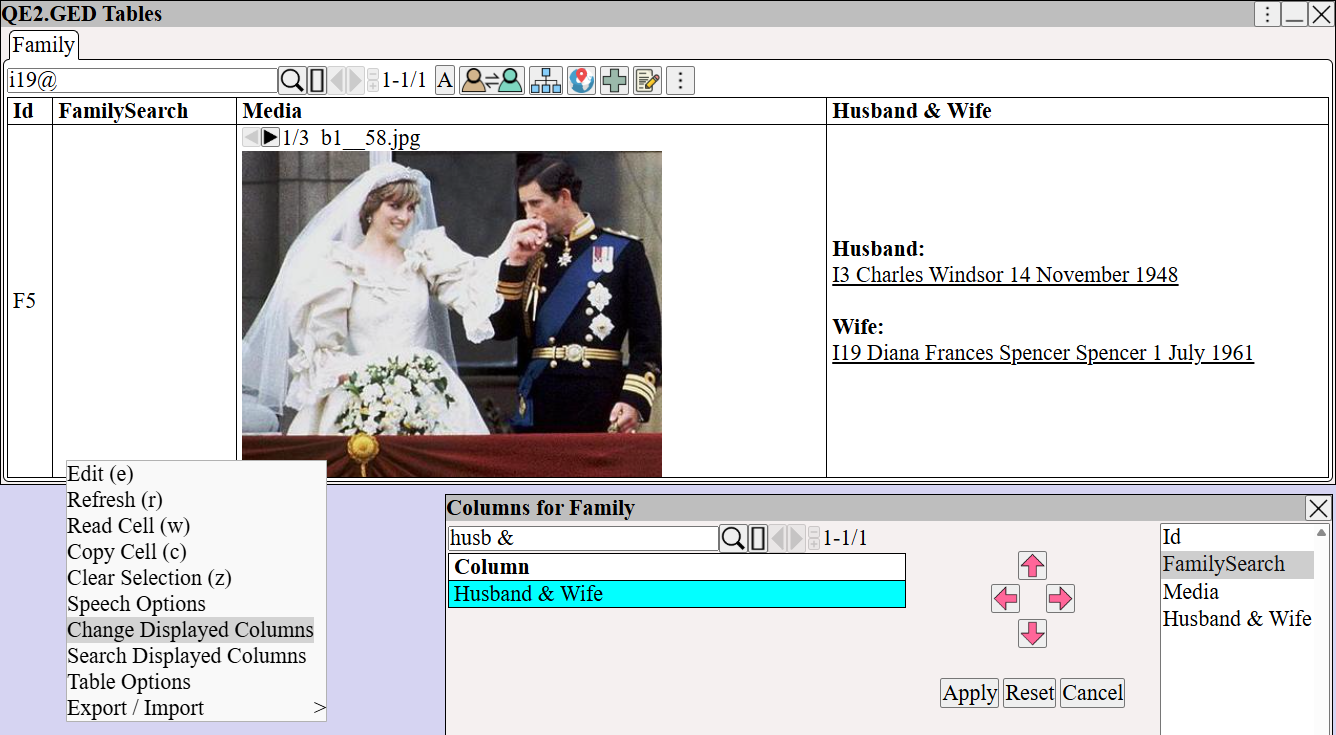
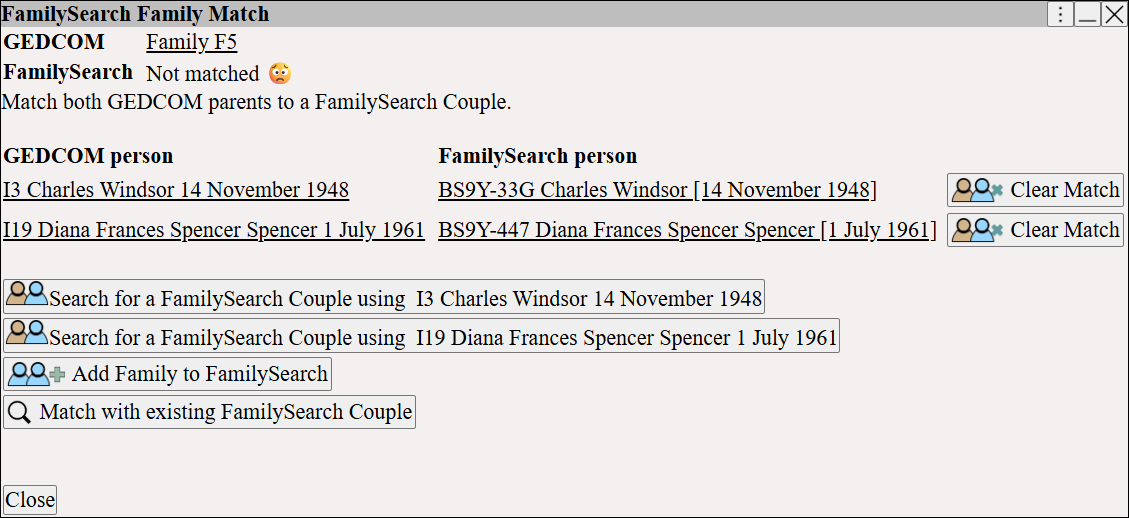
View the match dialog
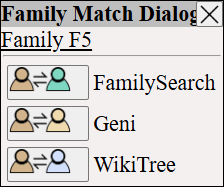
View the FamilySearch match dialog
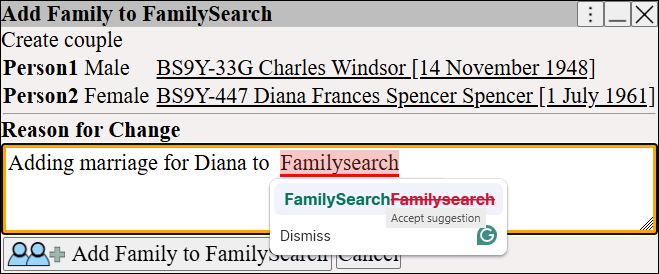
Select , and reason text.
Notice how Grammarly can fix the spelling and grammar.
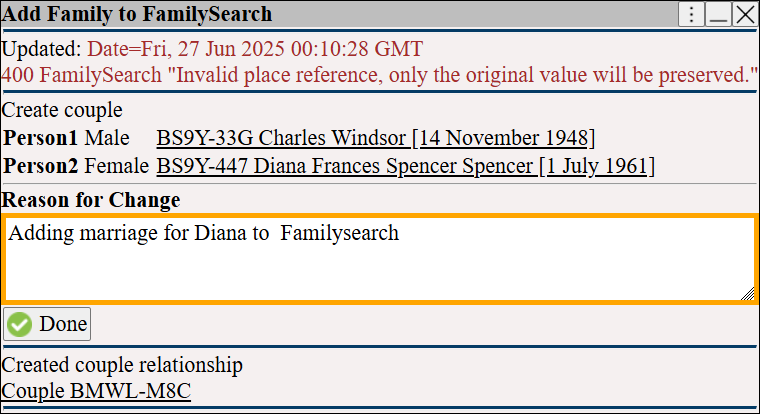
The couple are created in FamilySearch.
The FamilySearch ID for the couple now shows in the Family table.
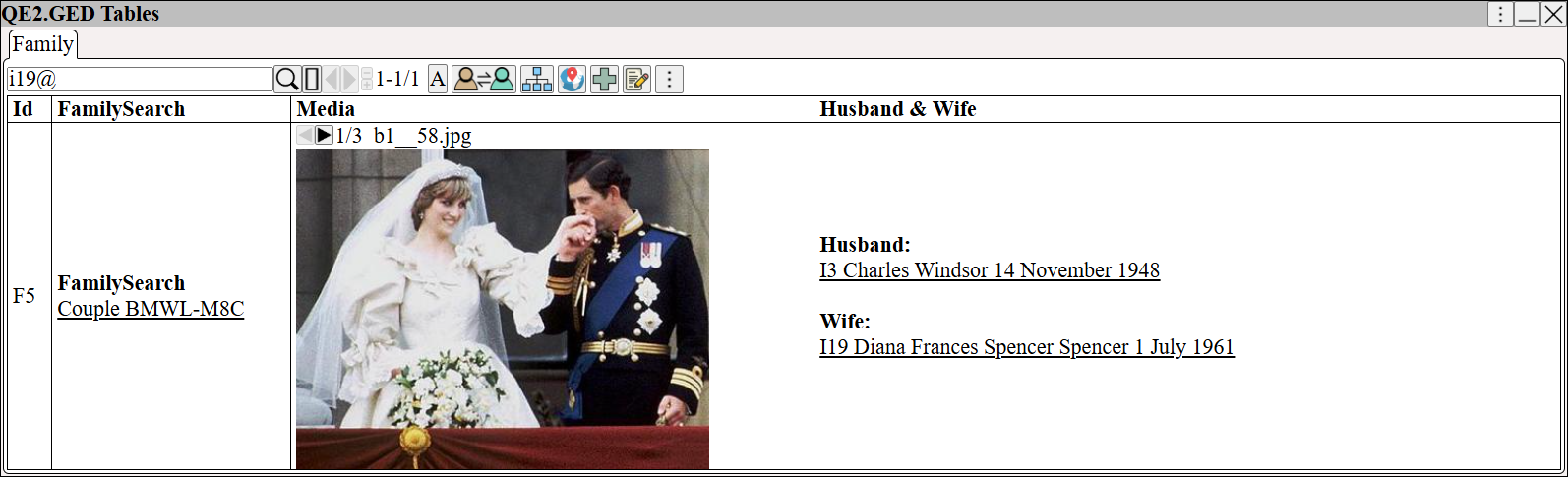
Click on the link to view the FamilySearch couple
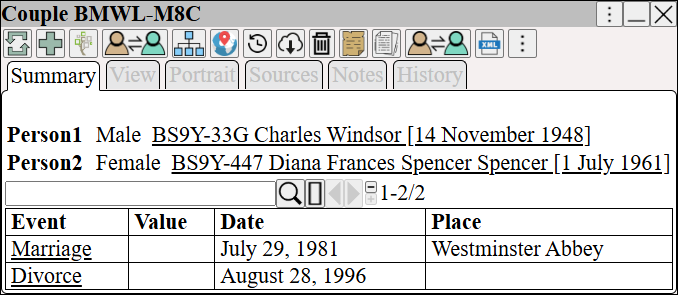
Click to view the couple in the FamilySearch portal
Once the FamilySearch couple is linked to the GEDCOM Family
can be used to transfer additional facts
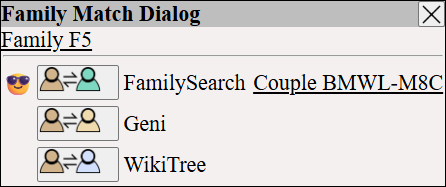
See also FamilySearch Transfer ⟶ Match Families
which explains how GEDCOM Families are matched to FamilySearch couples