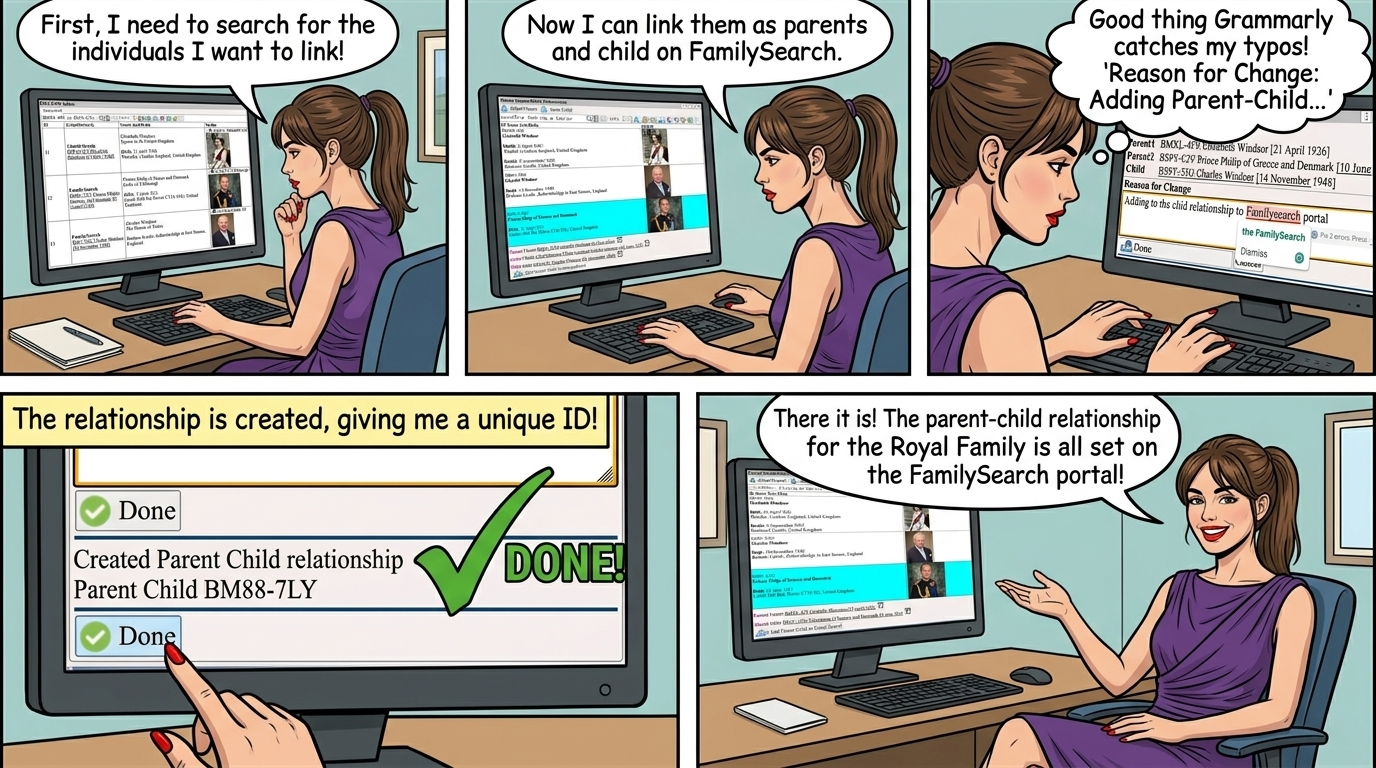
please see FamilySearch ⟶ Add Person
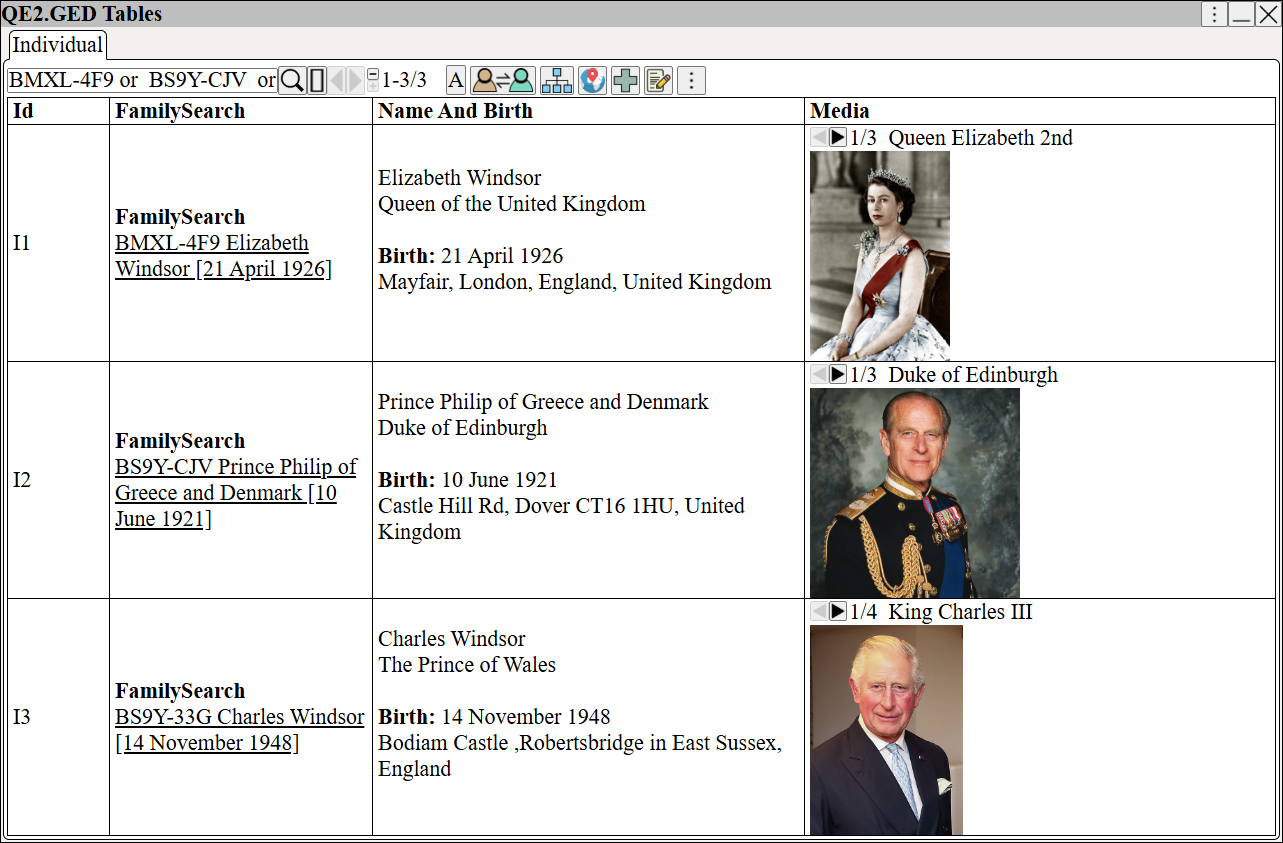
From ⟶ GEDCOM ⟶ Individuals view the persons, along with their FamilySearch links
Search for the Id's (Use the Or operator to join the Id's together), see User Interface ⟶ Searching
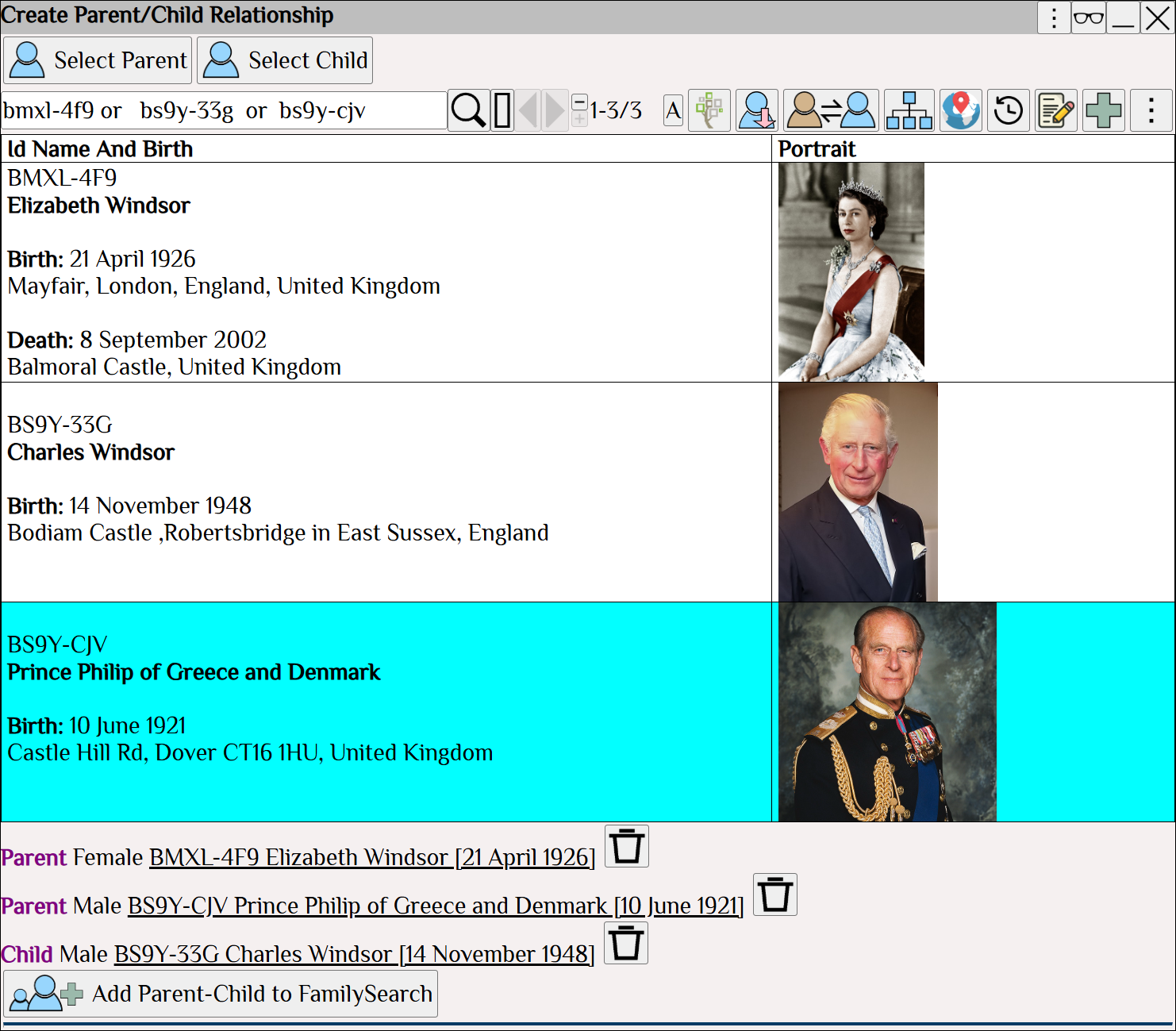
From ⟶ World ⟶ FamilySearch ⟶ FamilySearch Tables ⟶ Parent-Child
Click
Search for the Id's (Use the Or operator to join the Id's together), see User Interface ⟶ Searching
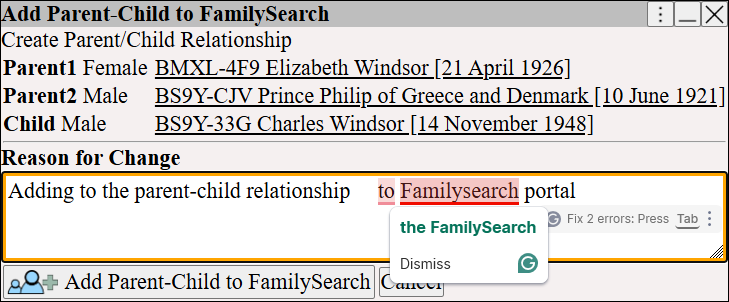
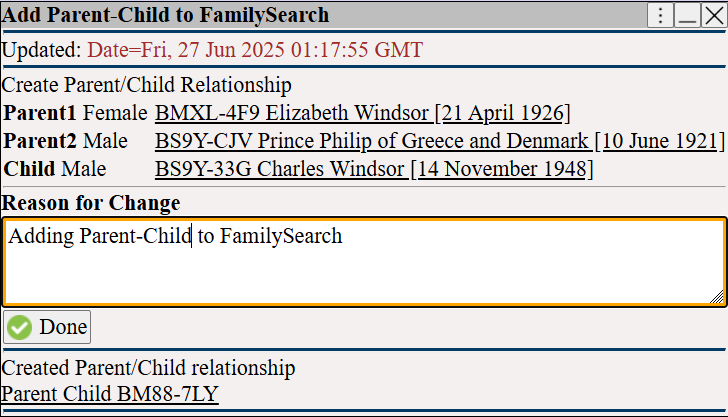
Click and enter reason for change
Notice how Grammarly can help fix our spelling and grammar errors
The FamilySearch Parent-Child Relationship is created.
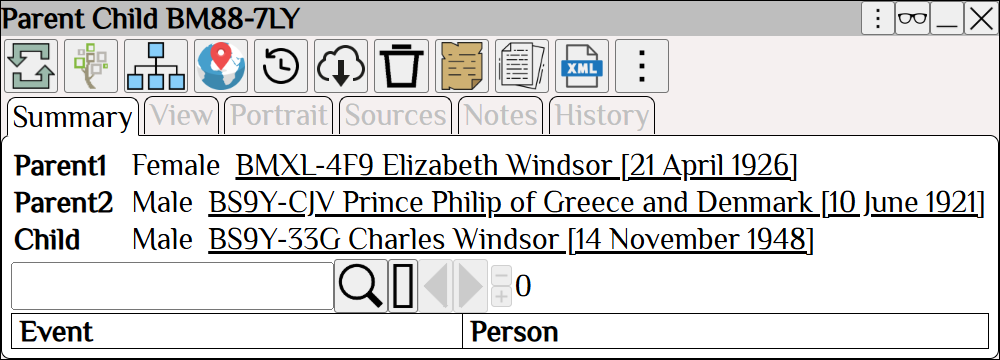
Click to view the relationship on the FamilySearch portal.