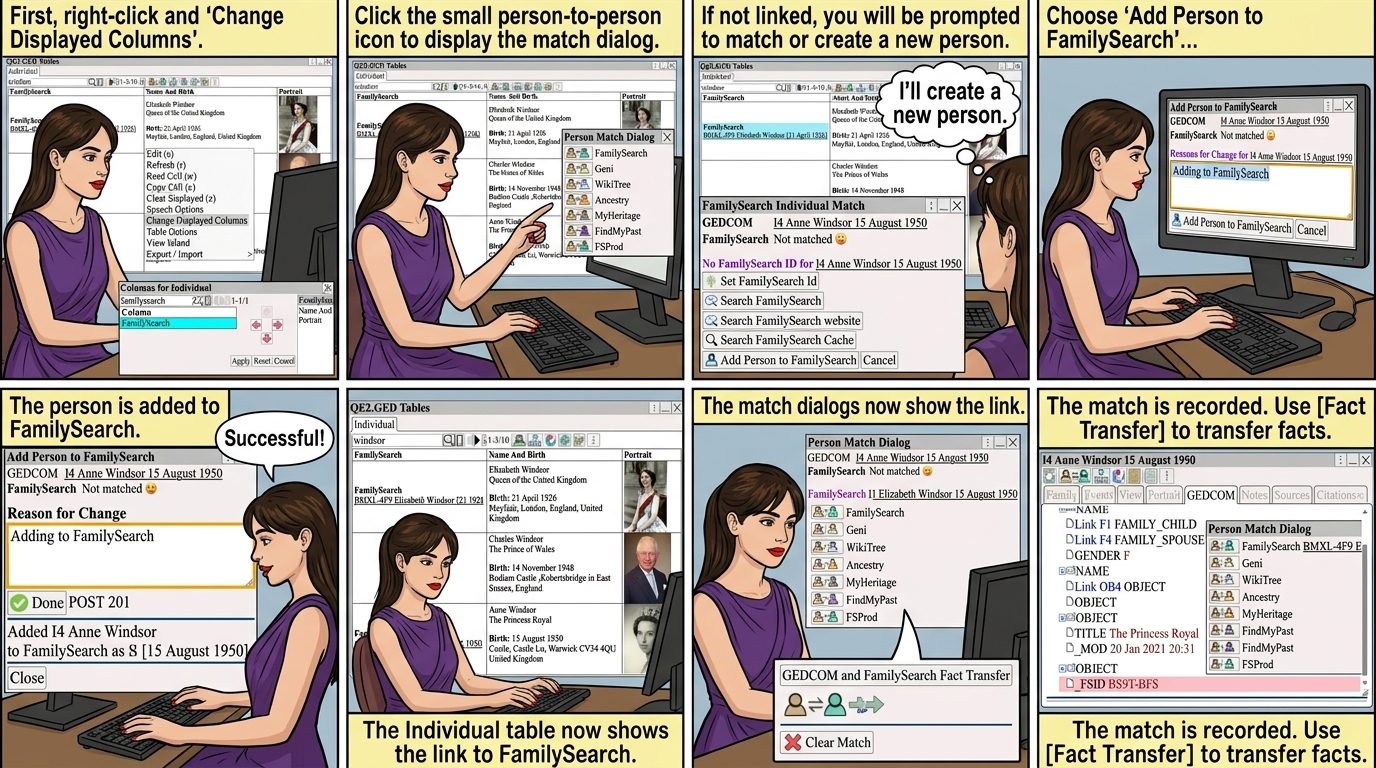
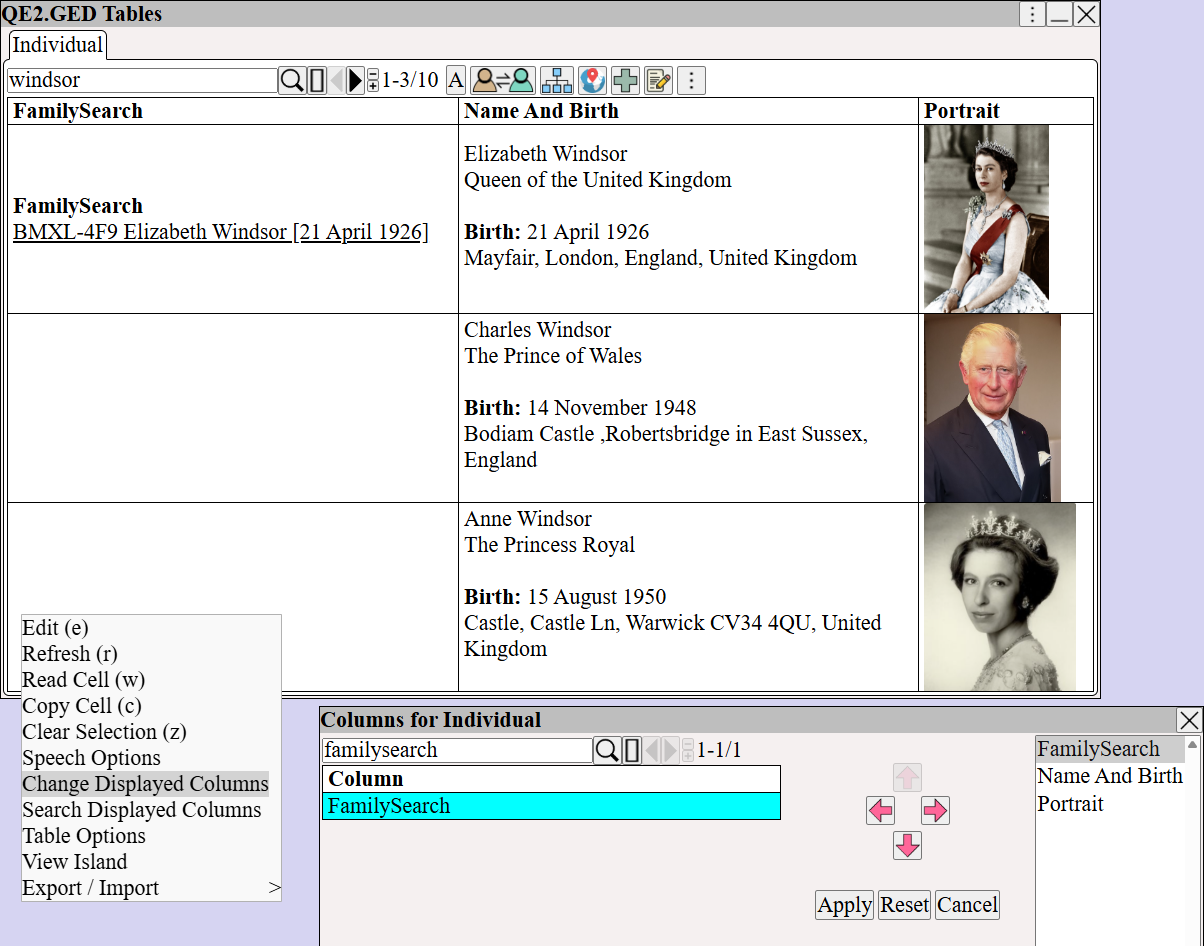
Right Click ⟶ Change Displayed Columns Add the FamilySearch column
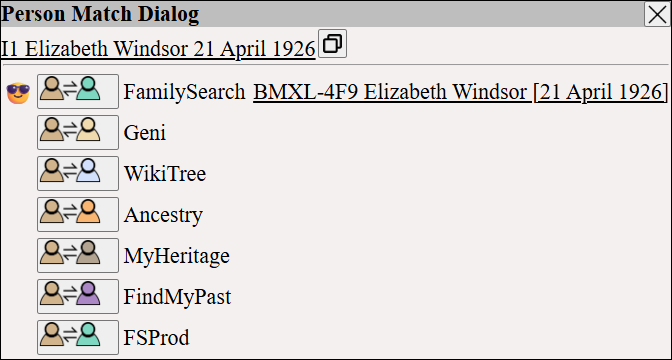
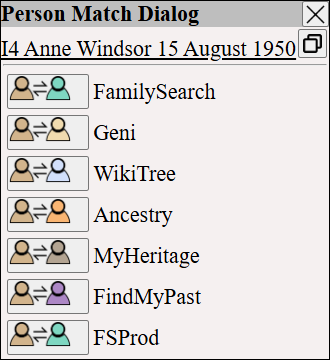
to display the match dialog.
'
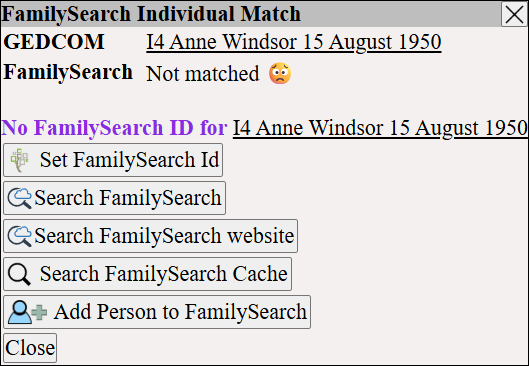
If a person is not currently linked to FamilySearch, you will be prompted to match the person to an existing FamilySearch person.
Or create a new FamilySearch person from the GEDCOM person.
Display the FamilySearch match dialog.
'
If you know the Id of the existing FamilySearch person, use (this can be found from the FamilySearch website)
otherwise,
add the person to FamilySearch using
and enter a reason for the change.
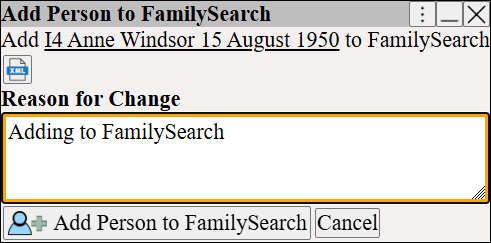
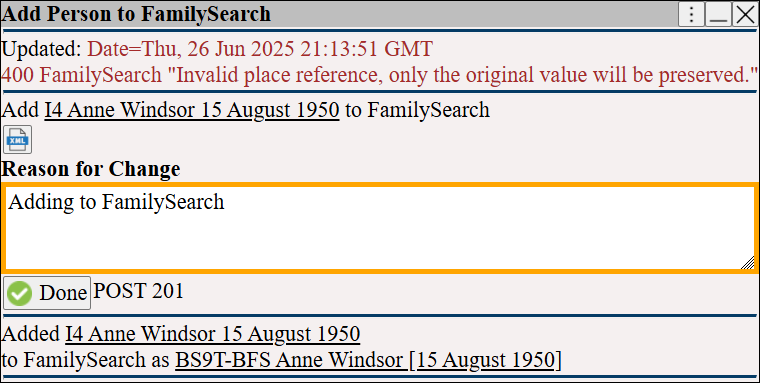
The person is added to FamilySearch
The Individual table, shows the link to FamilySearch
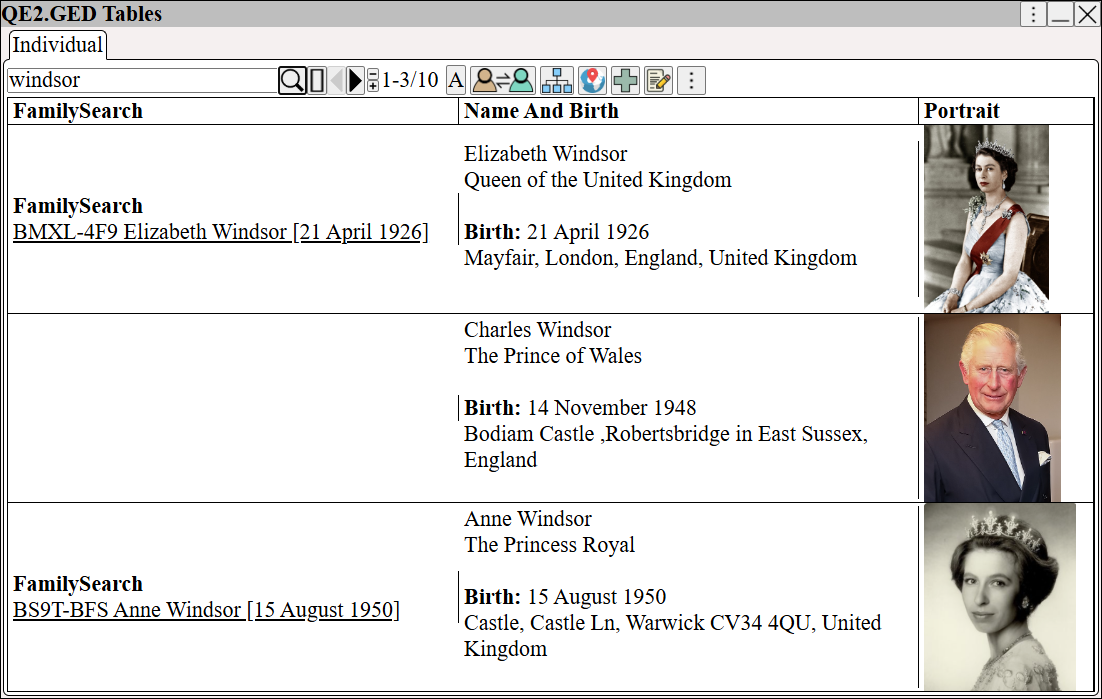
The match dialog, and FamilySearch match dialog now show the link.
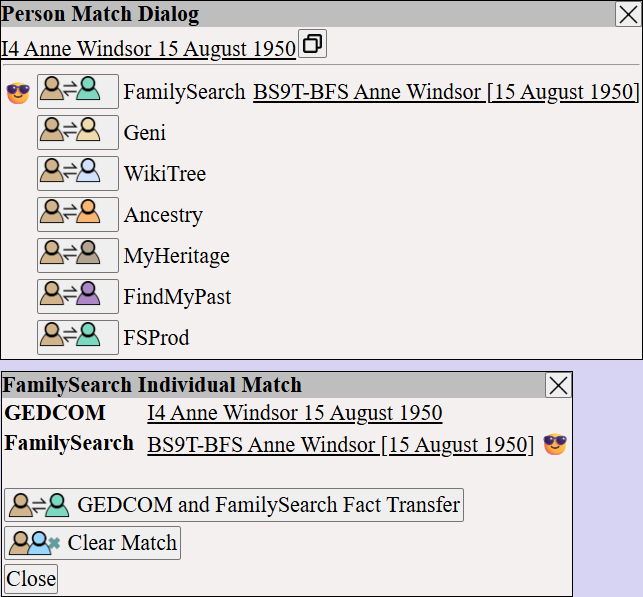
Transfer additional facts between Augean and FamilySearch using
see FamilySearch Transfer ⟶ Transfer Person Info
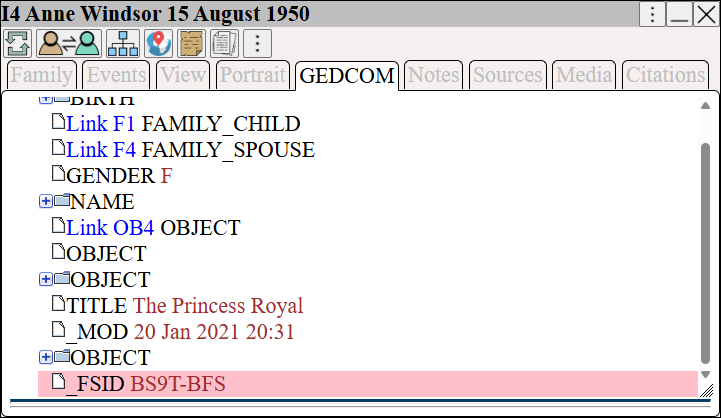
The match is recorded in the GEDCOM database using the _FSID tag.
Click to view the person in the FamilySearch portal
Once the FamilySearch person is linked to the GEDCOM person
can be used to transfer additional facts
see FamilySearch Transfer ⟶ Match Persons