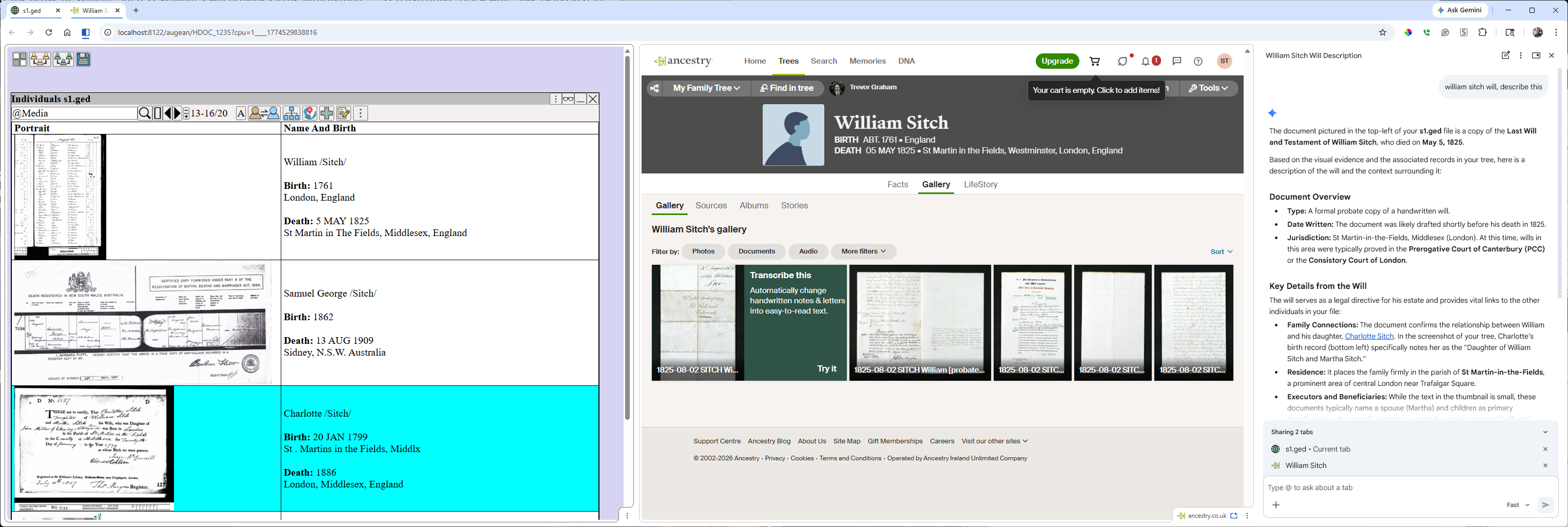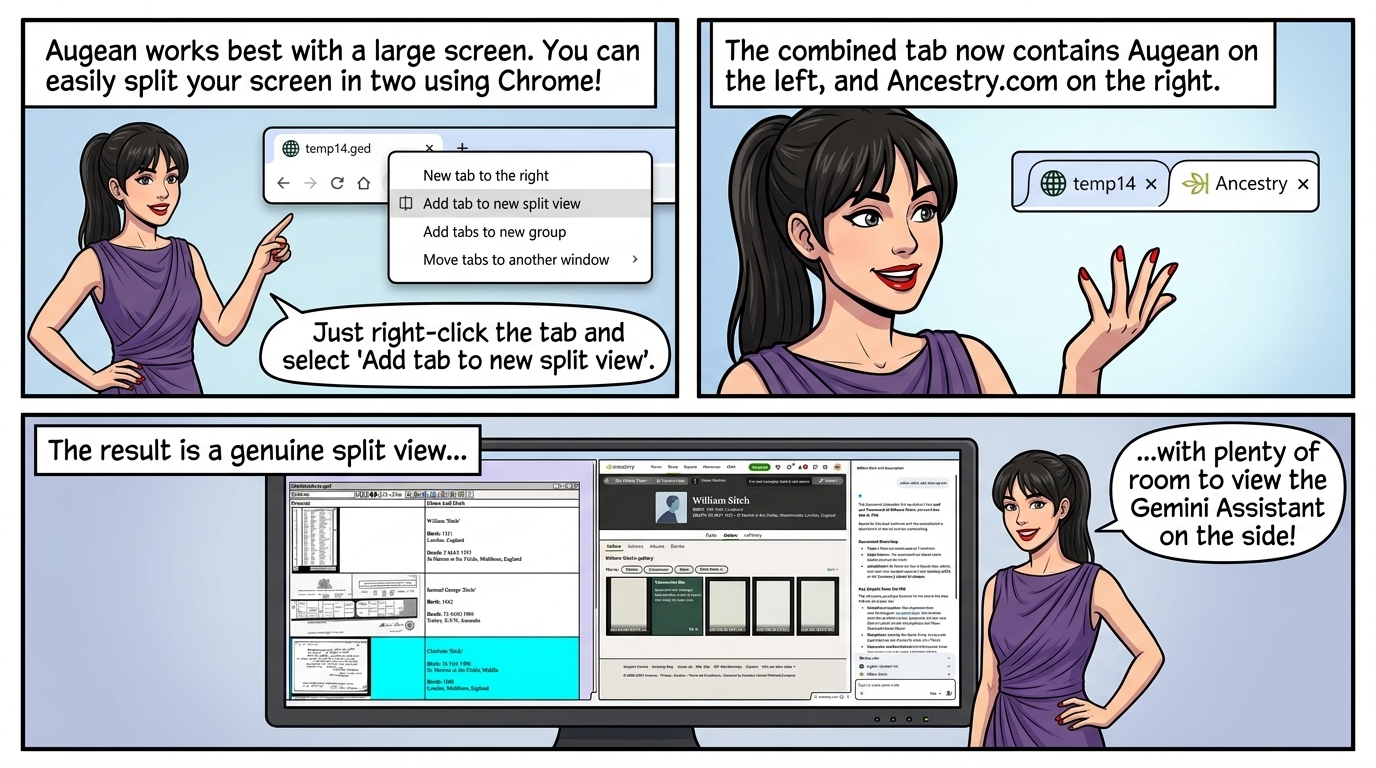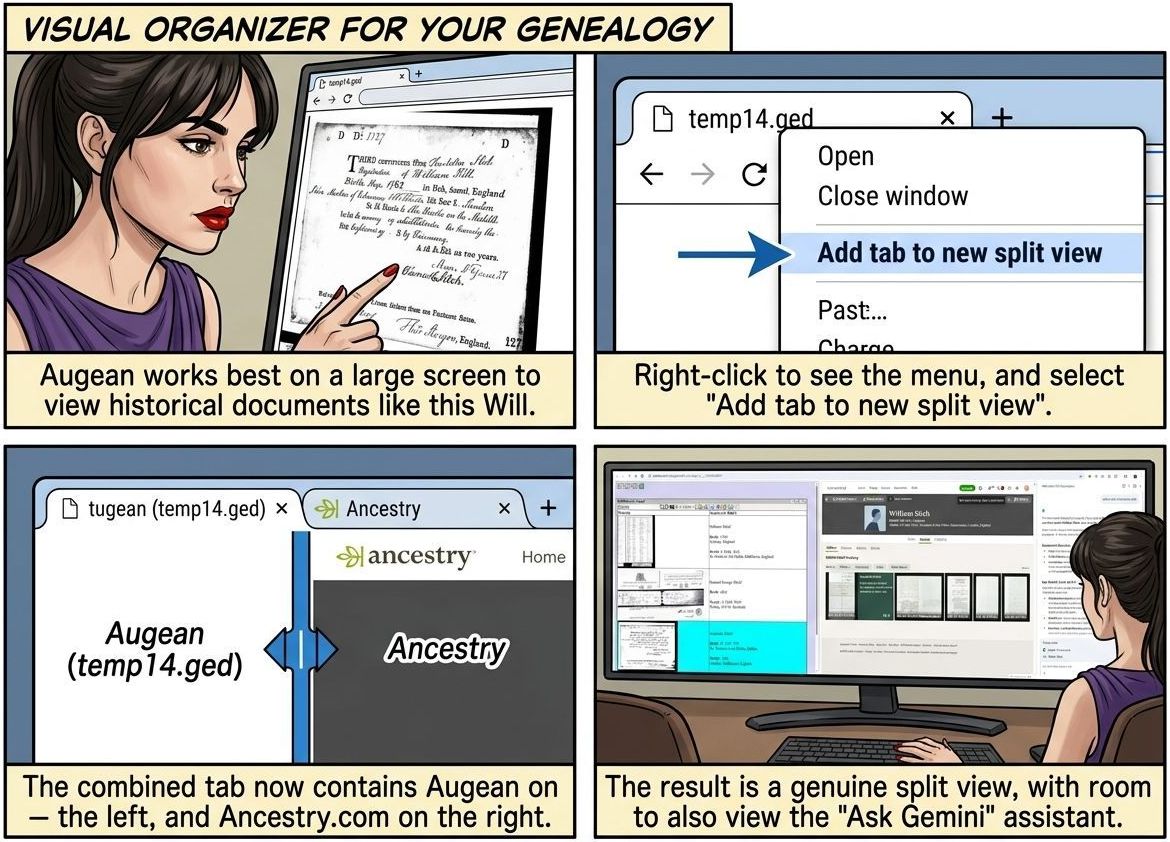
Augean works best with a large screen
You can split the screen in two in Chrome
• View Augean on the left - to organize the information.
• View the research tool (FamilySearch / Ancestry.com) on the right.
• View 'Ask Gemini' assistant also on the right.
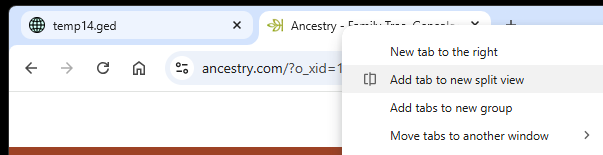
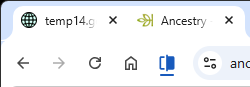
In Chrome, select the two tabs to split.
Right click to see the menu, and select Add tab to new split view
The combined tab now contains Augean on the left, And Ancestry.com on the right.
The result, is a genuine split view, with room to also view the Gemini Assistant.